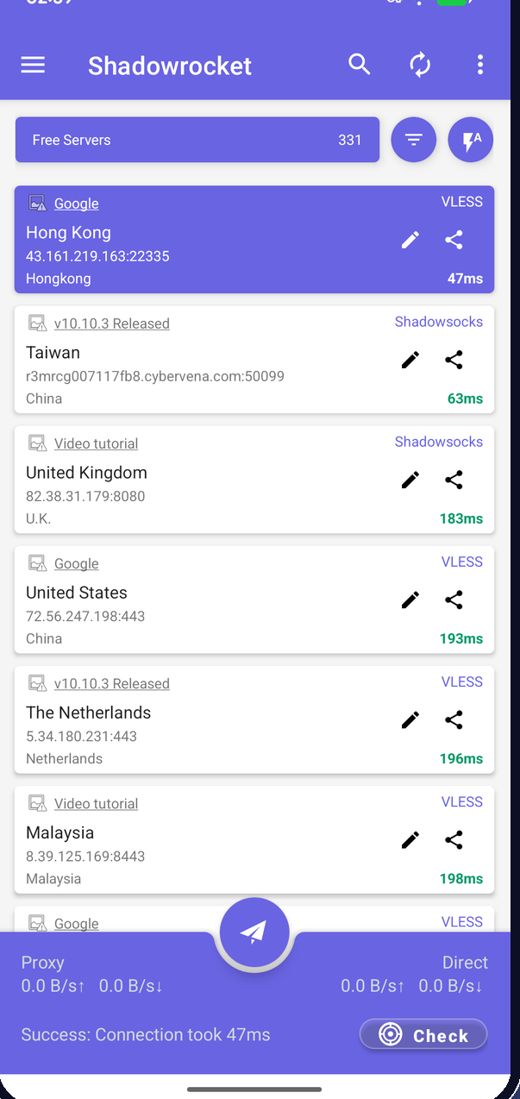
Integrierte Liste kostenloser Knoten
Die App lädt beim Start die neuesten kostenlosen Knoten, Sie müssen nie nach Servern suchen.
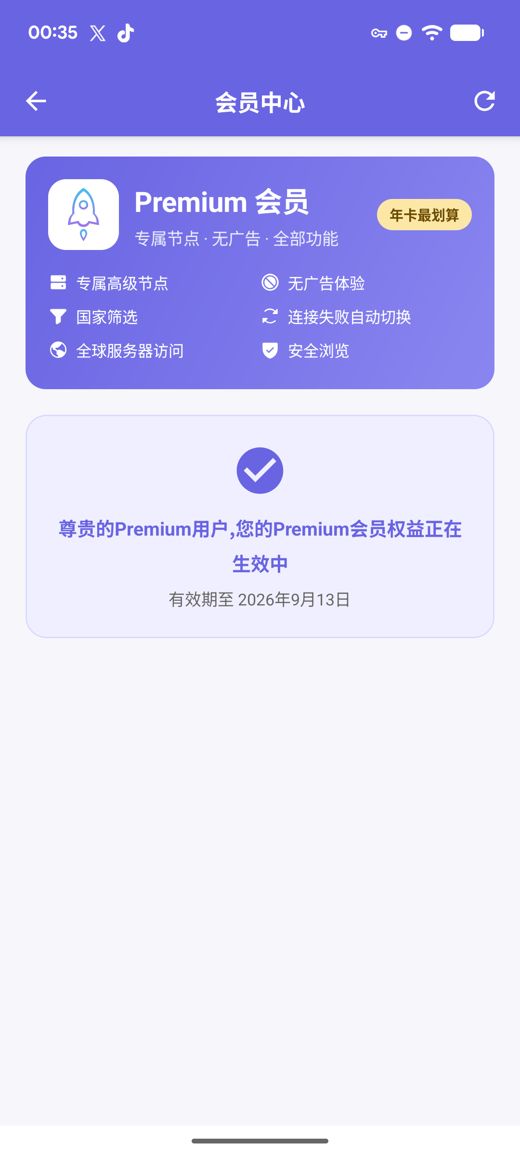
Eine integrierte Liste kostenloser Knoten verbindet sich direkt nach der Installation; ein Tipp testet die Geschwindigkeit und wählt die schnellste Route. Premium bietet private Hochgeschwindigkeitsserver, keine Werbung, Länderfilter, automatischen Wechsel bei Ausfall und Sicheres Surfen, alles ohne ein Konto zu erstellen.
APK-Builds für arm64-v8a / armeabi-v7a / x86_64 / x86 mit veröffentlichten SHA256-Prüfsummen
Wir sammeln, testen und veröffentlichen laufend kostenlose Knoten; Werbung ist das Einzige, was den kostenlosen Dienst finanziert. Sie können auch eigene Abonnements und Knoten-Links importieren.
Die App lädt beim Start die neuesten kostenlosen Knoten, Sie müssen nie nach Servern suchen.
Latenz gesammelt testen, nach Geschwindigkeit sortieren und mit dem schnellsten Knoten verbinden.
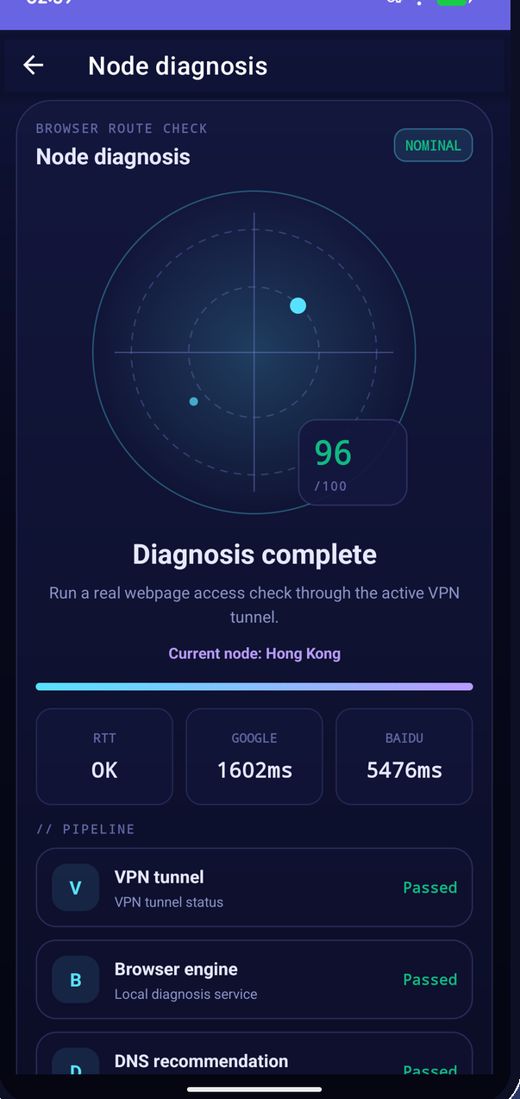
Knoten wechseln regelmäßig; funktioniert einer nicht mehr, aktualisieren Sie die Liste und versuchen es erneut.
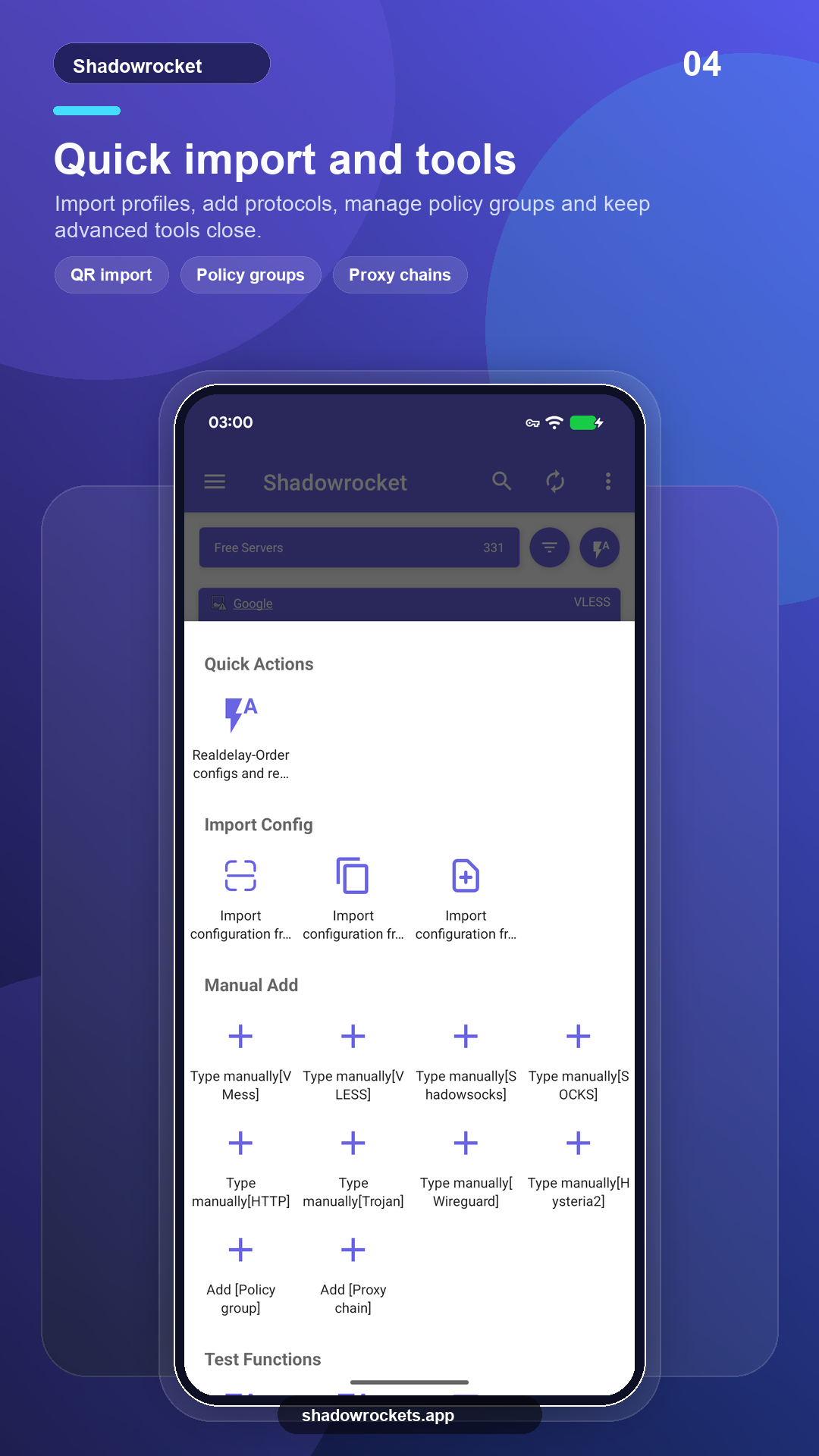
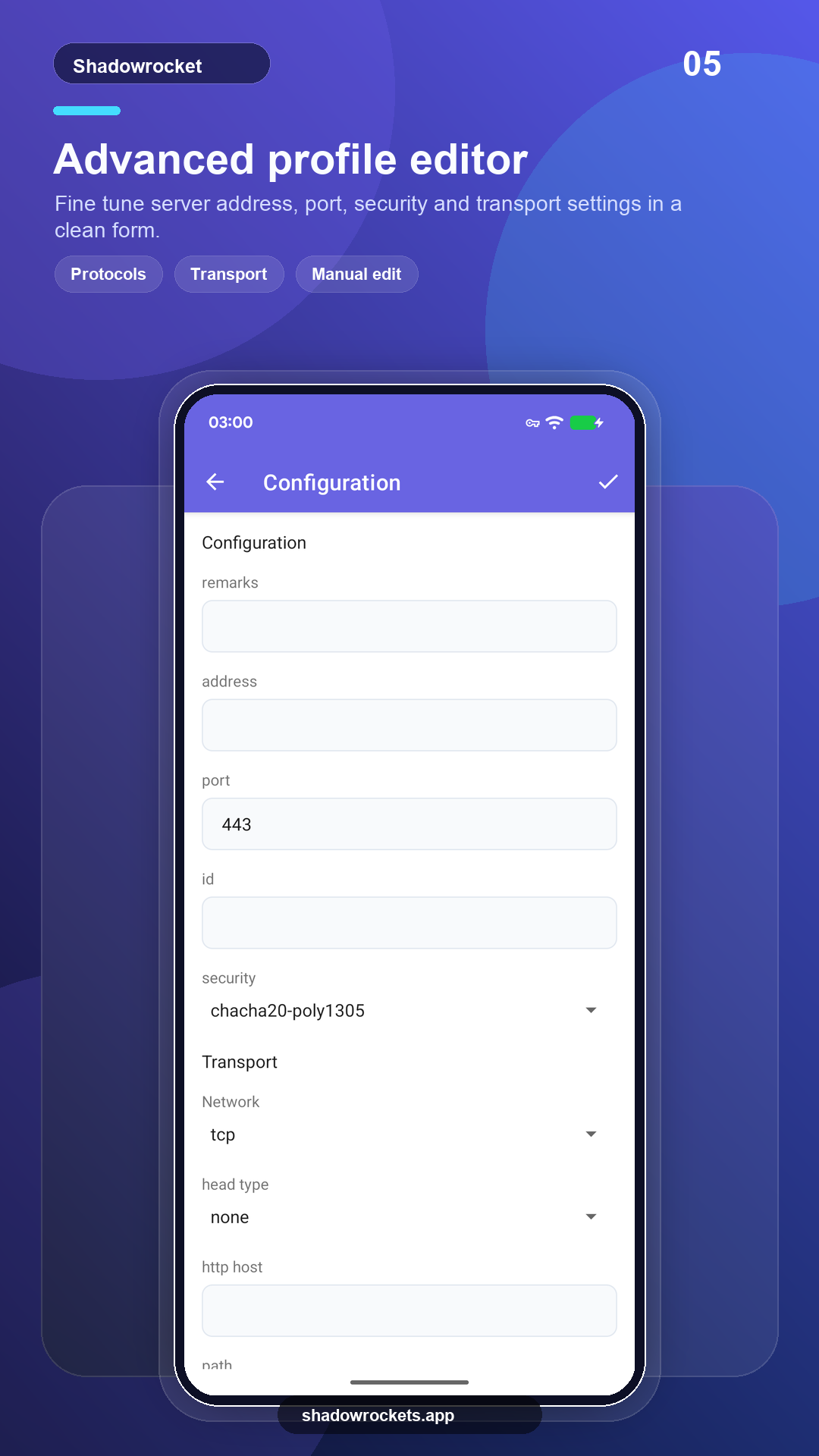
VLESS, VMess, Shadowsocks, Trojan, Hysteria2 und mehr über Links, Abonnements oder QR-Codes.
Premium ist ein optionales Abonnement, das monatlich, vierteljährlich oder jährlich über Google Play abgerechnet wird; jährlich ist am günstigsten. Der genaue Preis wird in der App in Ihrer Landeswährung angezeigt, und jeder Kauf erfolgt in der App, nie auf dieser Website.
Die Preise werden von Google Play pro Land festgelegt und auf der Mitgliedschaftsseite in der App angezeigt.
Wo Google Play funktioniert, aktualisiert sich der Store-Build selbst. Das direkte APK ist für Telefone ohne Google-Dienste oder wenn der Store diese App nicht anzeigt.
Aus dem Store installieren, automatisch aktualisieren, Premium wird mit Ihrem Google-Konto wiederhergestellt.
Google Play öffnenVersion 10.10.56 · vier CPU-Architekturen · SHA256-Prüfsummen veröffentlicht
APK herunterladen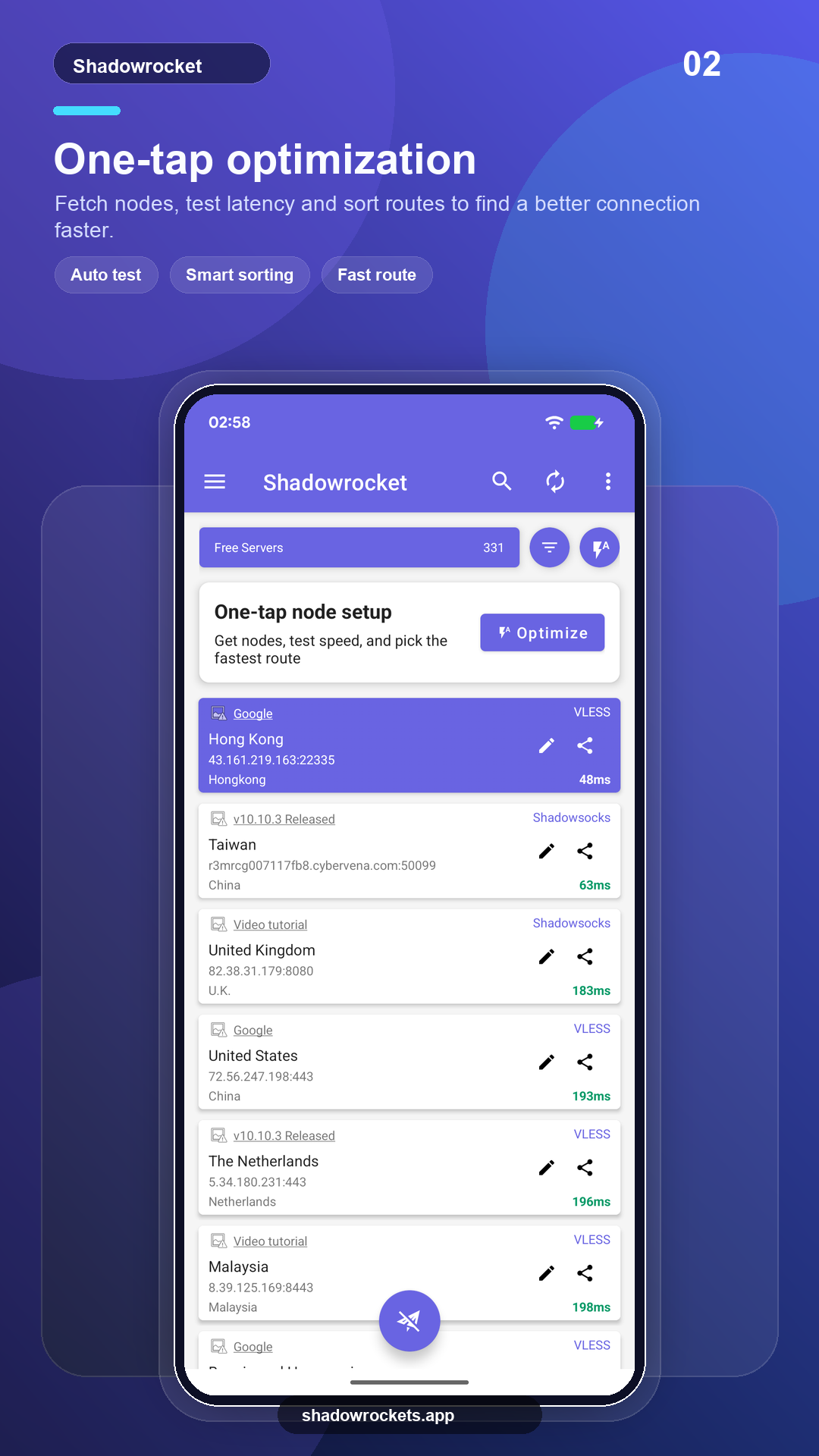
Kostenlose Knoten kosten nichts und brauchen kein Konto. Werbung ist die einzige Einnahme, die den kostenlosen Dienst am Laufen hält; Premium entfernt sie vollständig.
Keine Registrierung nötig. Premium wird über Google Play mit dem bereits auf Ihrem Telefon vorhandenen Google-Konto gekauft und aktiviert sich sofort. Die Preise werden in der App in Ihrer Landeswährung angezeigt.
Premium ist ein Google-Play-Abonnement und folgt daher Ihrem Google-Konto: Melden Sie sich auf dem neuen Telefon an, öffnen Sie die Mitgliedschaftsseite, und es wird wiederhergestellt.
Gleiche Funktionen. Der Play-Build aktualisiert sich selbst und rechnet über Google ab; der APK-Build ist für Telefone ohne Google-Dienste und wird manuell aktualisiert.
Google Play zeigt diesen Eintrag in manchen Ländern oder Regionen nicht an. Falls das passiert, lade stattdessen das direkte APK von dieser Website herunter: Es ist dieselbe App mit denselben kostenlosen Nodes und prüft selbstständig auf Updates.
VLESS, VMess, Shadowsocks, Trojan, Hysteria2, WireGuard und andere gängige Protokolle, importiert über Abonnement-Links, Knoten-Links oder QR-Codes.
Kostenlose Knoten brauchen keine Registrierung; wenn es Ihnen gefällt, wechseln Sie zu Premium.