内蔵の無料ノードリスト
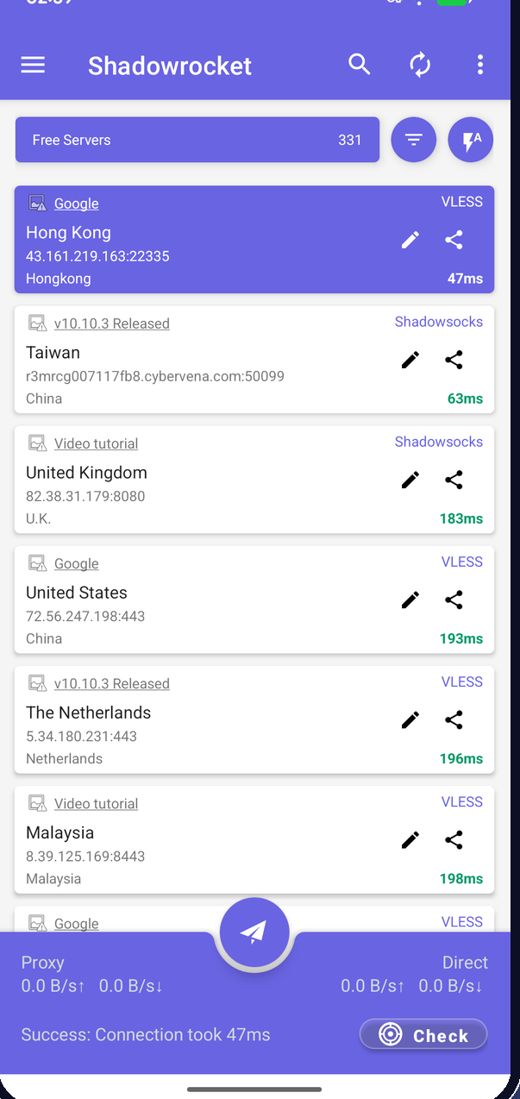
起動時に最新の無料ノードを取得するので、サーバーを探す必要はありません。
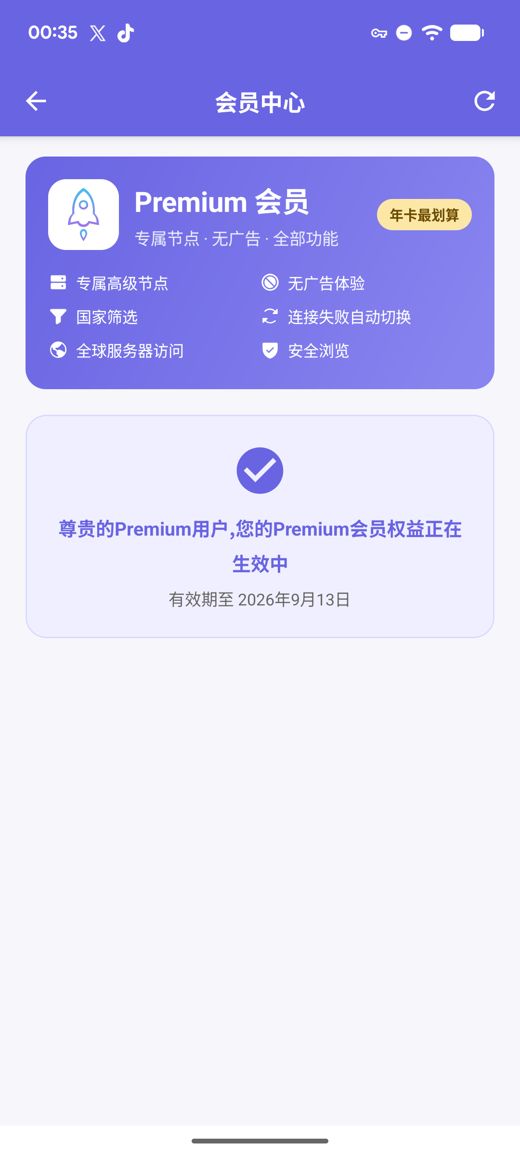
内蔵の無料ノードリストはインストールした瞬間から接続できます。ワンタップで速度を測定し、最速の経路を選びます。プレミアムでは専用の高速サーバー、広告なし、国フィルター、接続失敗時の自動切り替え、セーフブラウジングが加わり、すべてアカウントの作成なしでご利用いただけます。
APK は arm64-v8a / armeabi-v7a / x86_64 / x86 向けに提供、SHA256 チェックサムを公開
無料ノードは私たちが継続的に収集・テスト・公開しています。無料サービスを支えているのは広告だけです。ご自身のサブスクリプションやノードリンクを取り込むこともできます。
起動時に最新の無料ノードを取得するので、サーバーを探す必要はありません。
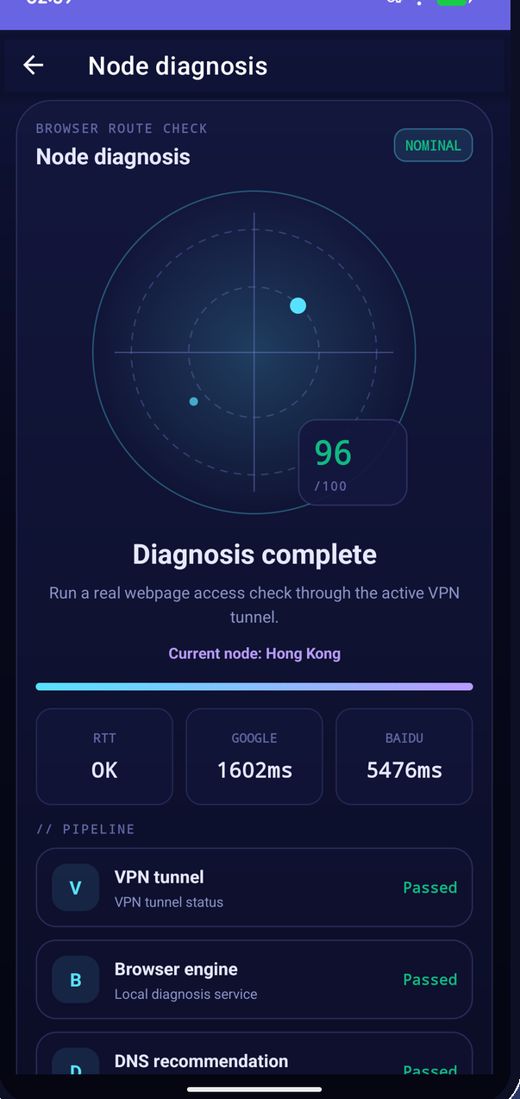
遅延を一括で測定し、速度順に並べ替えて最速のノードに接続します。
ノードは定期的に入れ替わります。つながらなくなったらリストを更新して再試行してください。
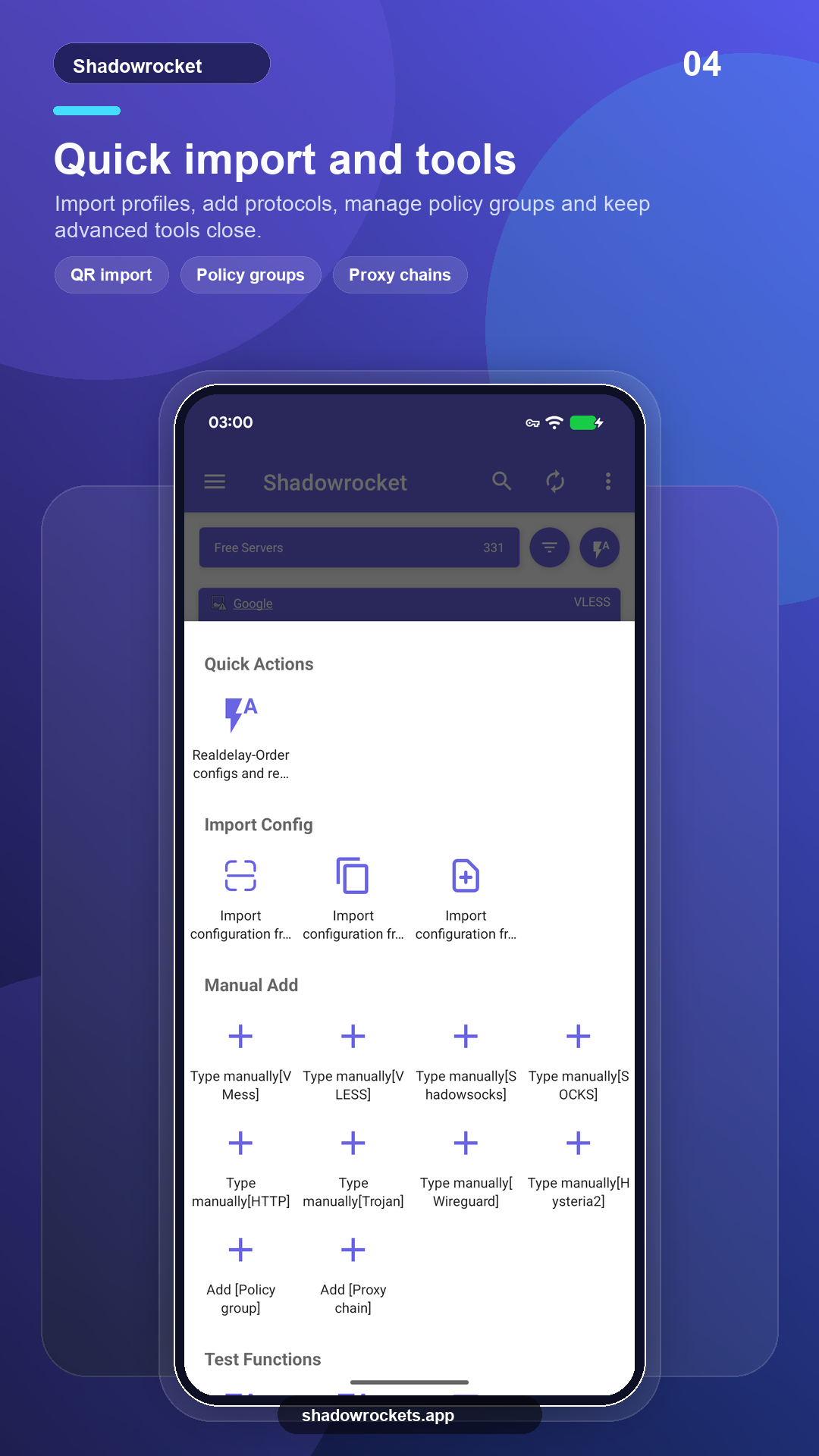
VLESS、VMess、Shadowsocks、Trojan、Hysteria2 などをリンク、サブスクリプション、QR コードから取り込めます。
プレミアムは任意のサブスクリプションで、Google Play を通じて月額・3 か月・年額で決済します。年額が最もお得です。正確な価格はアプリ内に現地通貨で表示され、購入はすべてアプリ内で行い、このサイトでは行いません。
価格は Google Play が国ごとに設定し、アプリ内の会員ページに表示されます。
Google Playが利用できる地域では、ストア版は自動的に更新されます。直接ダウンロードするAPKは、Googleサービスが搭載されていない端末向け、またはストアにこのアプリが表示されない場合にご利用ください。
ストアからインストール、自動更新、プレミアムは Google アカウントで復元。
Google Play を開くバージョン 10.10.56 · 4 種類の CPU アーキテクチャ · SHA256 チェックサム公開
APK をダウンロード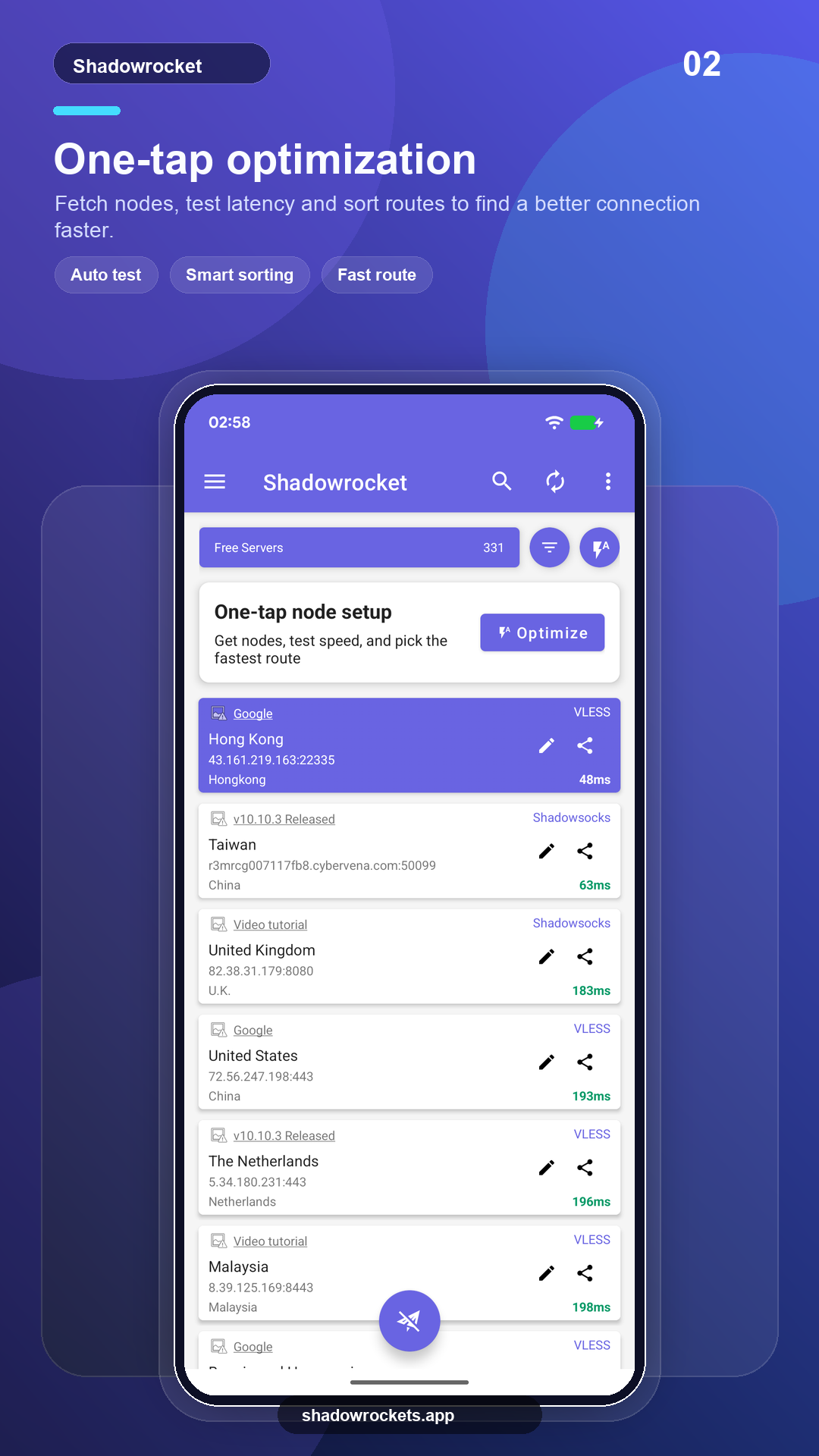
無料ノードは無料で、アカウントも不要です。広告は無料サービスを維持する唯一の収入で、プレミアムにすると広告はすべてなくなります。
登録不要です。プレミアムはスマートフォンにすでにサインインしている Google アカウントで Google Play を通じて購入し、即座に有効になります。価格はアプリ内に現地通貨で表示されます。
プレミアムは Google Play のサブスクリプションなので、Google アカウントに従います。新しいスマートフォンでサインインし、メンバーシップページを開くと復元されます。
機能は同じです。Play 版は自動更新され、Google 経由で決済します。APK 版は Google サービスのないスマートフォン向けで、手動で更新します。
一部の国や地域では、Google Playにこのアプリが表示されないことがあります。その場合は、代わりにこのサイトから直接APKをダウンロードしてください。同じ無料ノードを備えた同一のアプリで、更新も自動的に確認します。
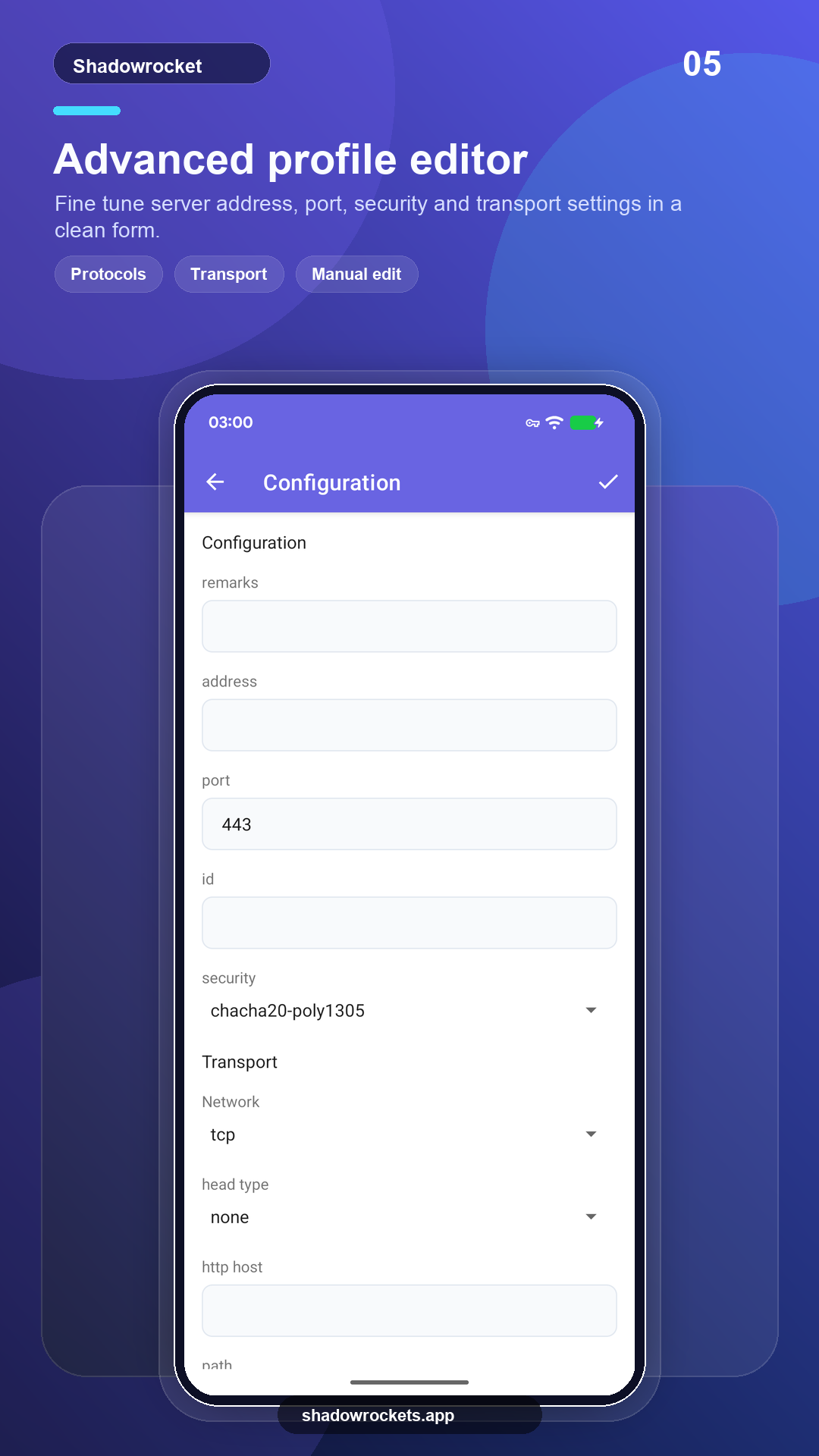
VLESS、VMess、Shadowsocks、Trojan、Hysteria2、WireGuard などの主要プロトコルに対応し、サブスクリプションリンク、ノードリンク、QR コードから取り込めます。
無料ノードは登録不要。気に入ったらプレミアムにアップグレードしてください。