فهرست داخلی نودهای رایگان
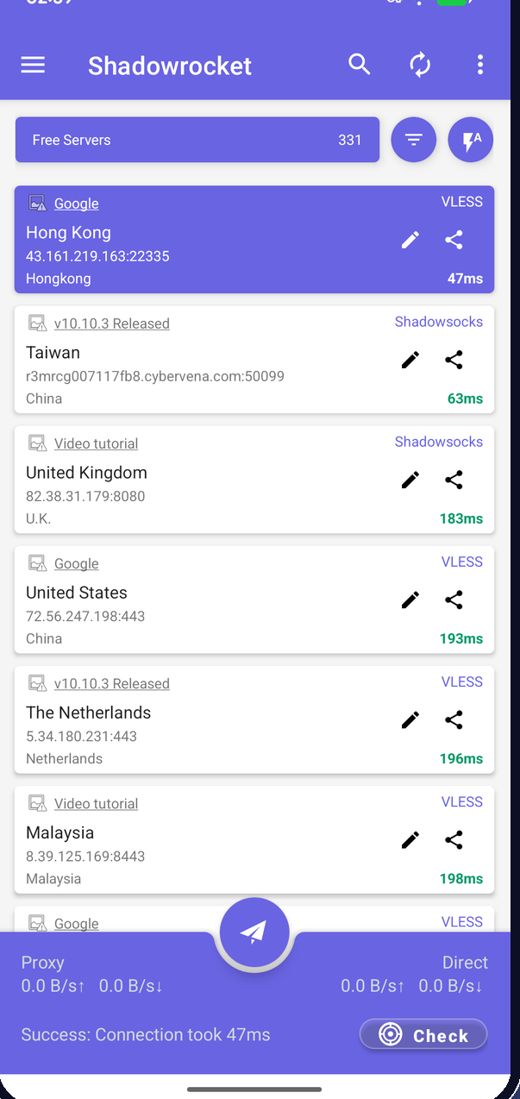
برنامه هنگام اجرا جدیدترین نودهای رایگان را دریافت میکند، پس هرگز لازم نیست دنبال سرور بگردید.
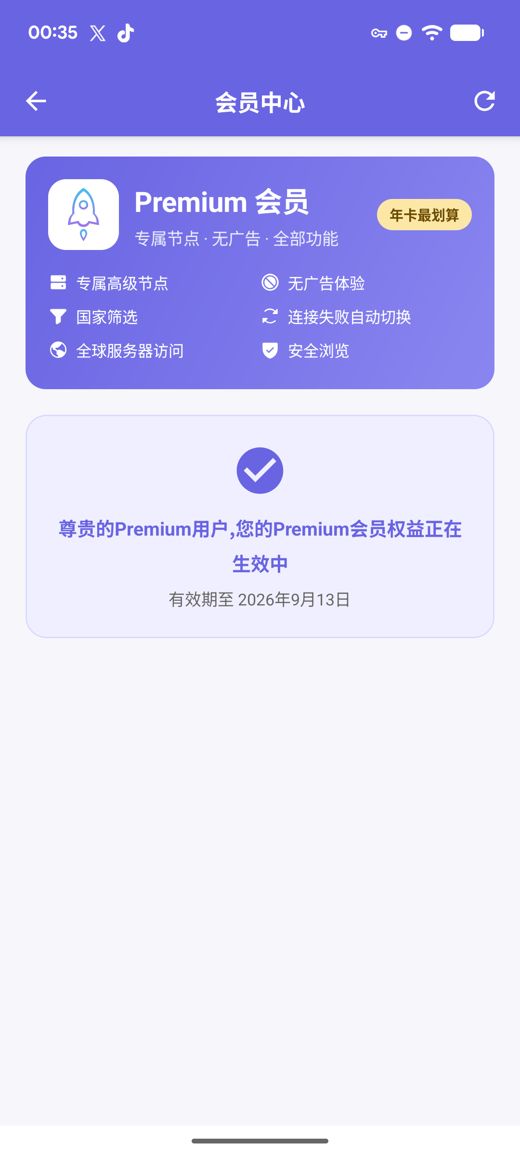
فهرست داخلی نودهای رایگان بهمحض نصب وصل میشود؛ با یک ضربه سرعت را میسنجید و سریعترین مسیر انتخاب میشود. Premium سرورهای اختصاصی پرسرعت، حذف تبلیغات، فیلتر کشور، تعویض خودکار هنگام قطعی و مرور امن را اضافه میکند؛ همه بدون نیاز به ساخت حساب کاربری.
نسخههای APK برای arm64-v8a / armeabi-v7a / x86_64 / x86 با چکسامهای SHA256 منتشرشده
ما نودهای رایگان را بهطور مداوم جمعآوری، آزمایش و منتشر میکنیم؛ تبلیغات تنها منبع تأمین هزینه سرویس رایگان است. میتوانید اشتراکها و لینکهای نود خودتان را هم وارد کنید.
برنامه هنگام اجرا جدیدترین نودهای رایگان را دریافت میکند، پس هرگز لازم نیست دنبال سرور بگردید.
تأخیر همه نودها را یکجا بسنجید، بر اساس سرعت مرتب کنید و به سریعترین وصل شوید.
نودها مرتب عوض میشوند؛ اگر یکی از کار افتاد، فهرست را تازه کنید و دوباره امتحان کنید.
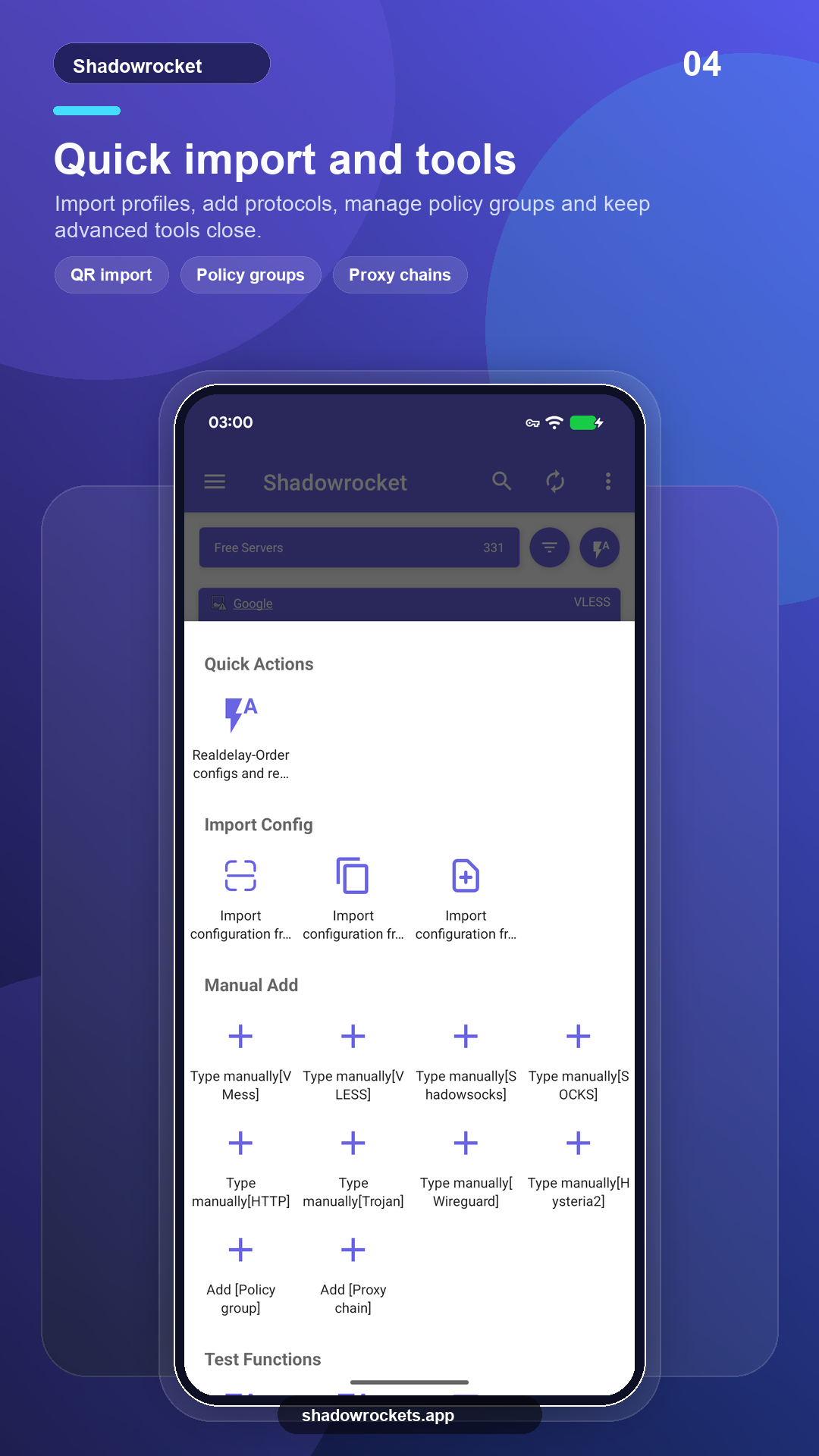
VLESS، VMess، Shadowsocks، Trojan، Hysteria2 و موارد دیگر از طریق لینک، اشتراک یا کد QR.
Premium اشتراکی اختیاری است که ماهانه، سهماهه یا سالانه از طریق Google Play پرداخت میشود؛ سالانه بهصرفهترین است. قیمت دقیق داخل برنامه به واحد پول محلی شما نمایش داده میشود و هر خریدی داخل برنامه انجام میشود، نه در این سایت.
قیمتها را Google Play برای هر کشور تعیین میکند و در صفحه عضویت داخل برنامه نمایش داده میشوند.
هر جا Google Play کار میکند، نسخه فروشگاه خودش بهروز میشود. APK مستقیم برای گوشیهای بدون سرویسهای Google است، یا برای زمانی که فروشگاه این اپ را نمایش نمیدهد.
از فروشگاه نصب کنید، خودکار بهروز شوید و Premium با حساب Google شما بازیابی میشود.
باز کردن Google Playنسخه 10.10.56 · چهار معماری CPU · چکسامهای SHA256 منتشرشده
دانلود APK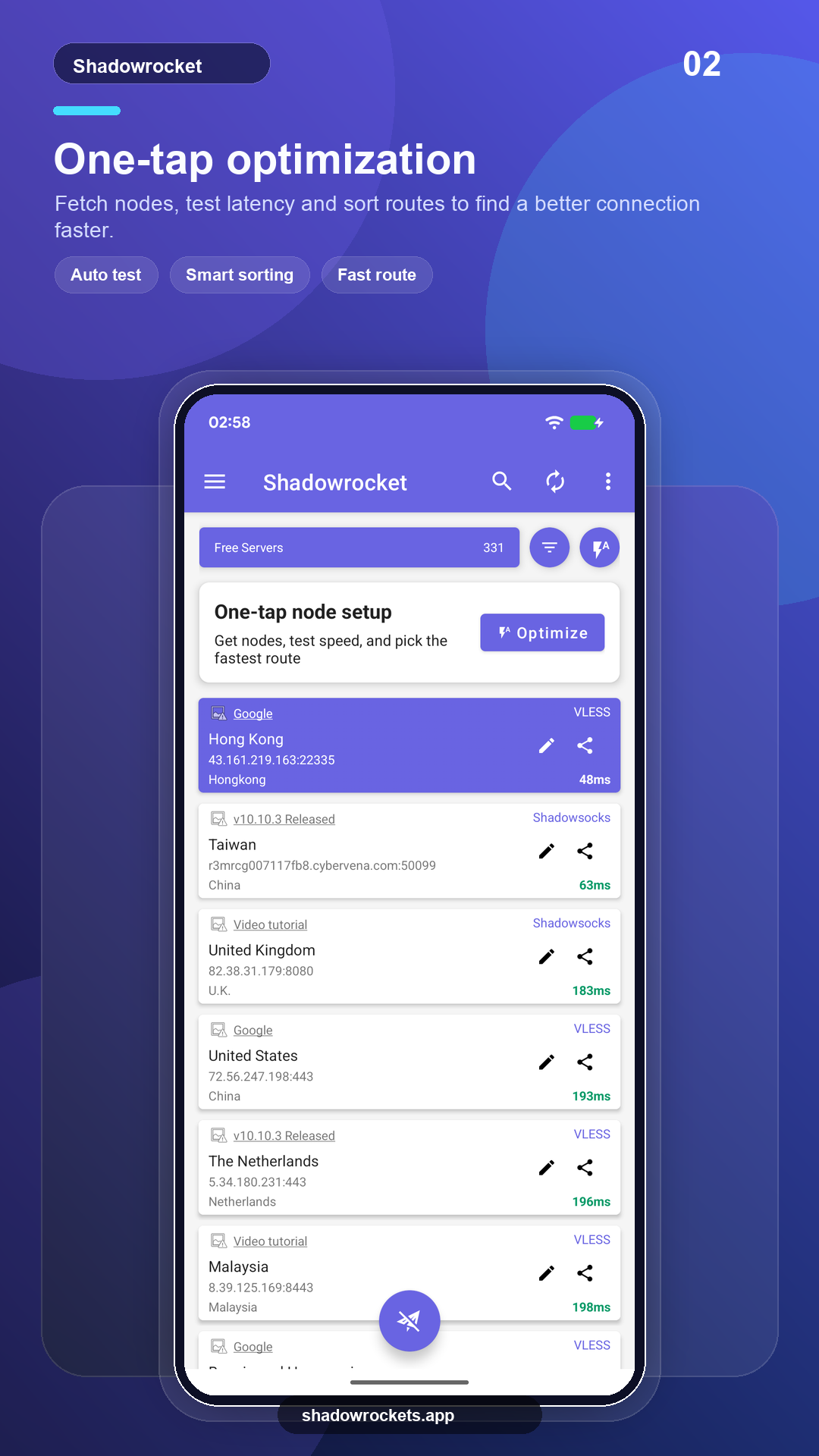
نودهای رایگان هزینهای ندارند و حساب نمیخواهند. تبلیغات تنها درآمدی است که سرویس رایگان را سرپا نگه میدارد؛ Premium همه آنها را حذف میکند.
نیازی به ثبتنام نیست. Premium از طریق Google Play با حساب Google موجود روی گوشی شما خریداری میشود و بلافاصله فعال میشود. قیمتها داخل برنامه به واحد پول محلی شما نمایش داده میشوند.
Premium یک اشتراک Google Play است، پس همراه حساب Google شما میماند: در گوشی جدید وارد شوید، صفحه عضویت را باز کنید تا بازیابی شود.
امکانات یکسان است. نسخه Play خودش بهروز میشود و از طریق Google پرداخت میگیرد؛ نسخه APK برای گوشیهای بدون سرویسهای Google است و دستی بهروز میشود.
Google Play در برخی کشورها یا مناطق این فهرست را نمایش نمیدهد. اگر این اتفاق افتاد، در عوض APK مستقیم را از همین سایت دانلود کنید: این همان اپ با همان نودهای رایگان است و خودش بهطور خودکار بهروزرسانیها را بررسی میکند.
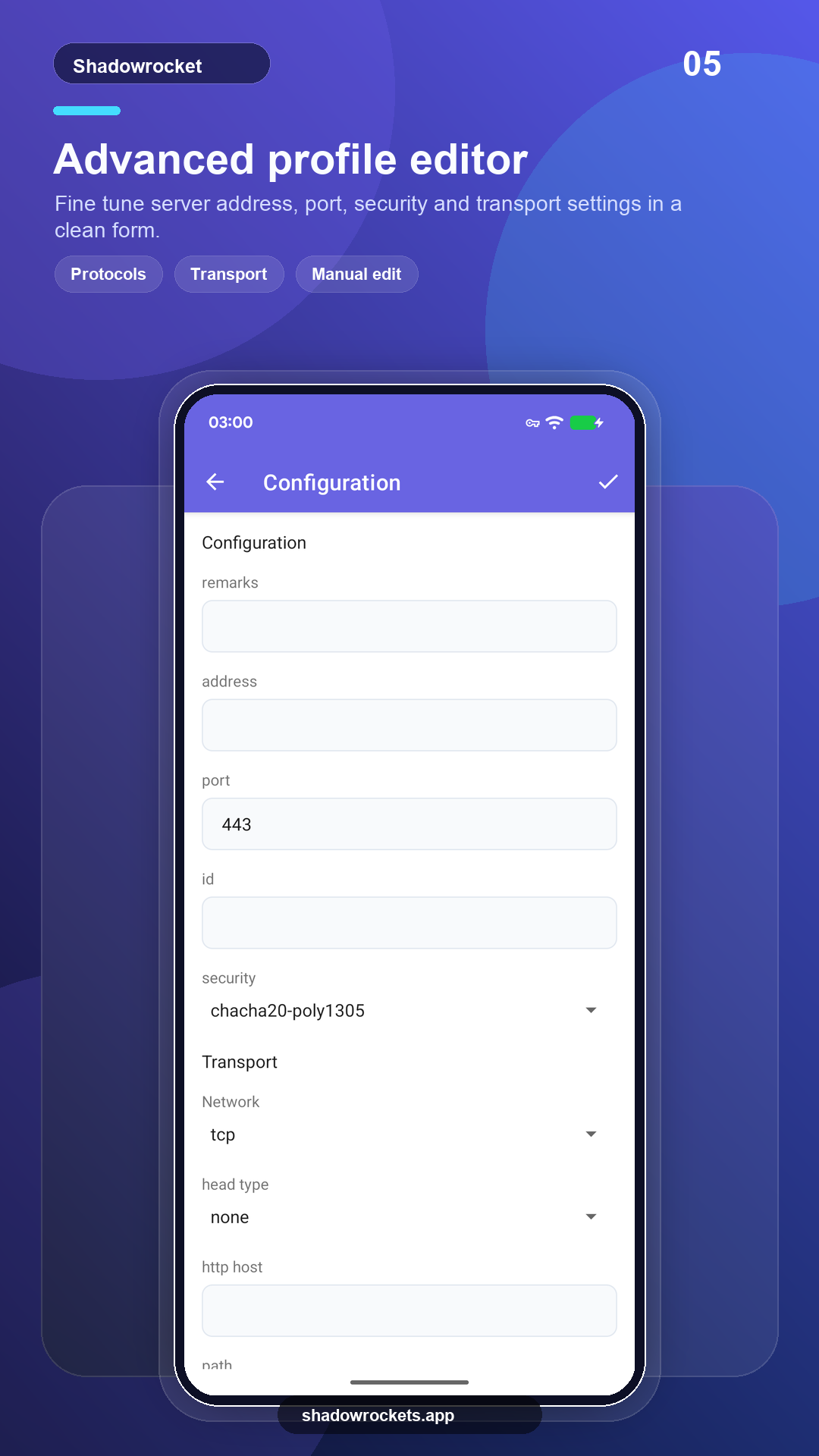
VLESS، VMess، Shadowsocks، Trojan، Hysteria2، WireGuard و دیگر پروتکلهای رایج، از طریق لینک اشتراک، لینک نود یا کد QR.
نودهای رایگان ثبتنام نمیخواهند؛ اگر خوشتان آمد به Premium ارتقا دهید.