Lista integrada de nós gratuitos
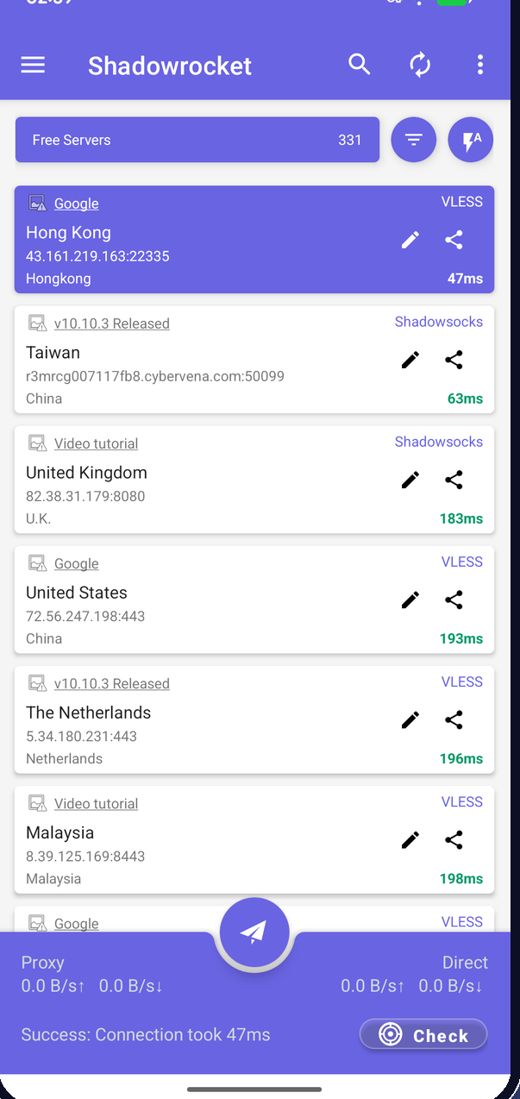
O app busca os nós gratuitos mais recentes ao abrir, então você nunca precisa procurar servidores.
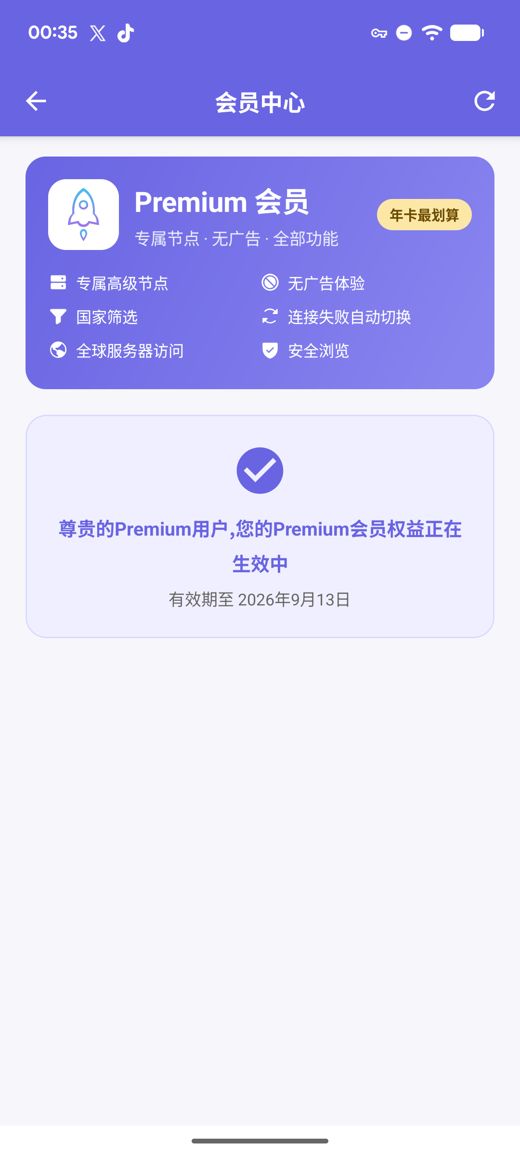
Uma lista integrada de nós gratuitos conecta assim que você instala; com um toque você testa a velocidade e escolhe a rota mais rápida. O Premium adiciona servidores privados de alta velocidade, sem anúncios, filtro por país, troca automática em caso de falha e Navegação Segura, tudo sem precisar criar nenhuma conta.
APK para arm64-v8a / armeabi-v7a / x86_64 / x86 com somas SHA256 publicadas
Coletamos, testamos e publicamos nós gratuitos continuamente; os anúncios são a única fonte que financia o serviço gratuito. Você também pode importar suas próprias assinaturas e links de nós.
O app busca os nós gratuitos mais recentes ao abrir, então você nunca precisa procurar servidores.
Teste a latência de todos os nós de uma vez, ordene por velocidade e conecte ao mais rápido.
Os nós mudam regularmente; se um parar de funcionar, atualize a lista e tente de novo.
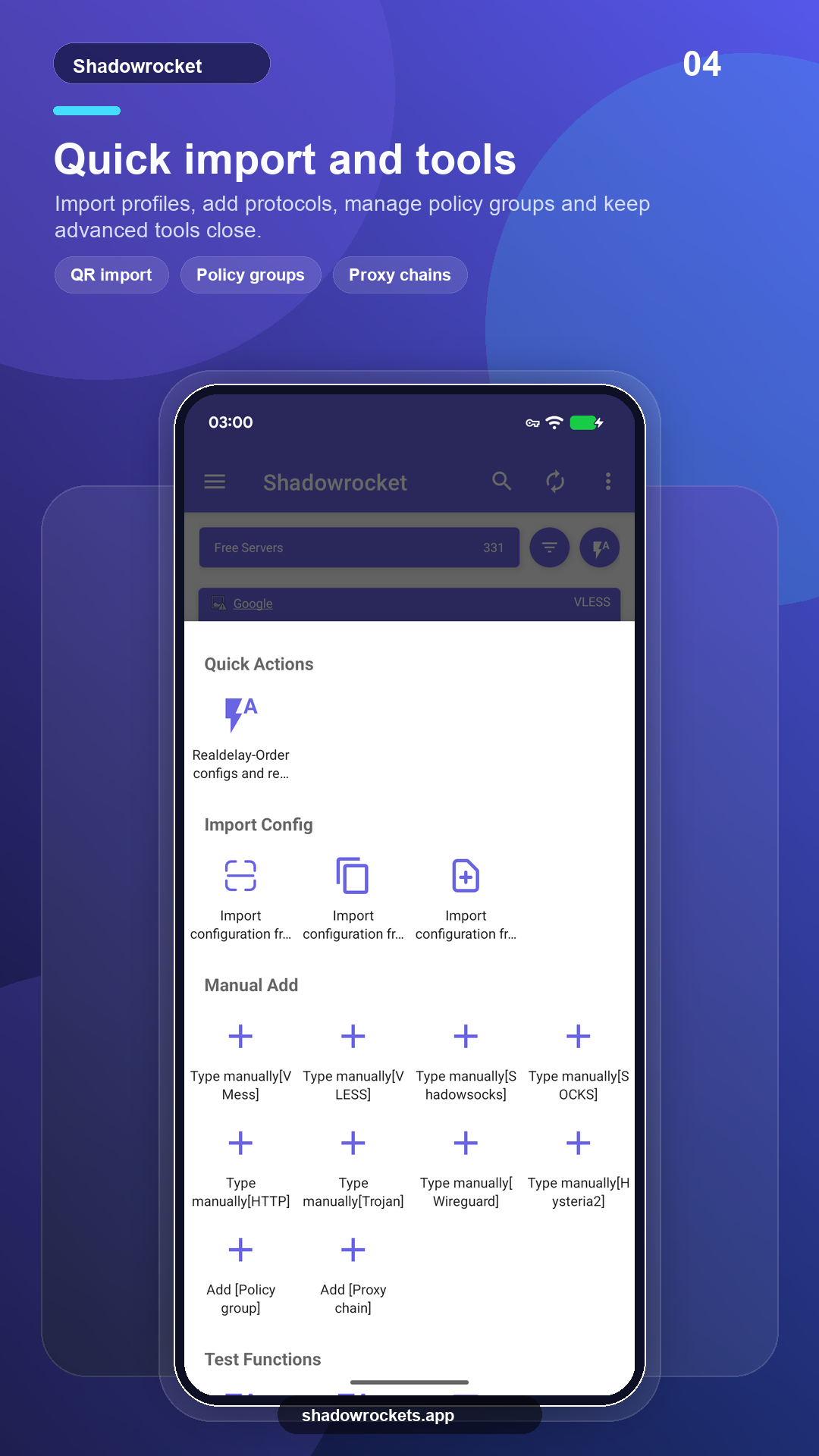
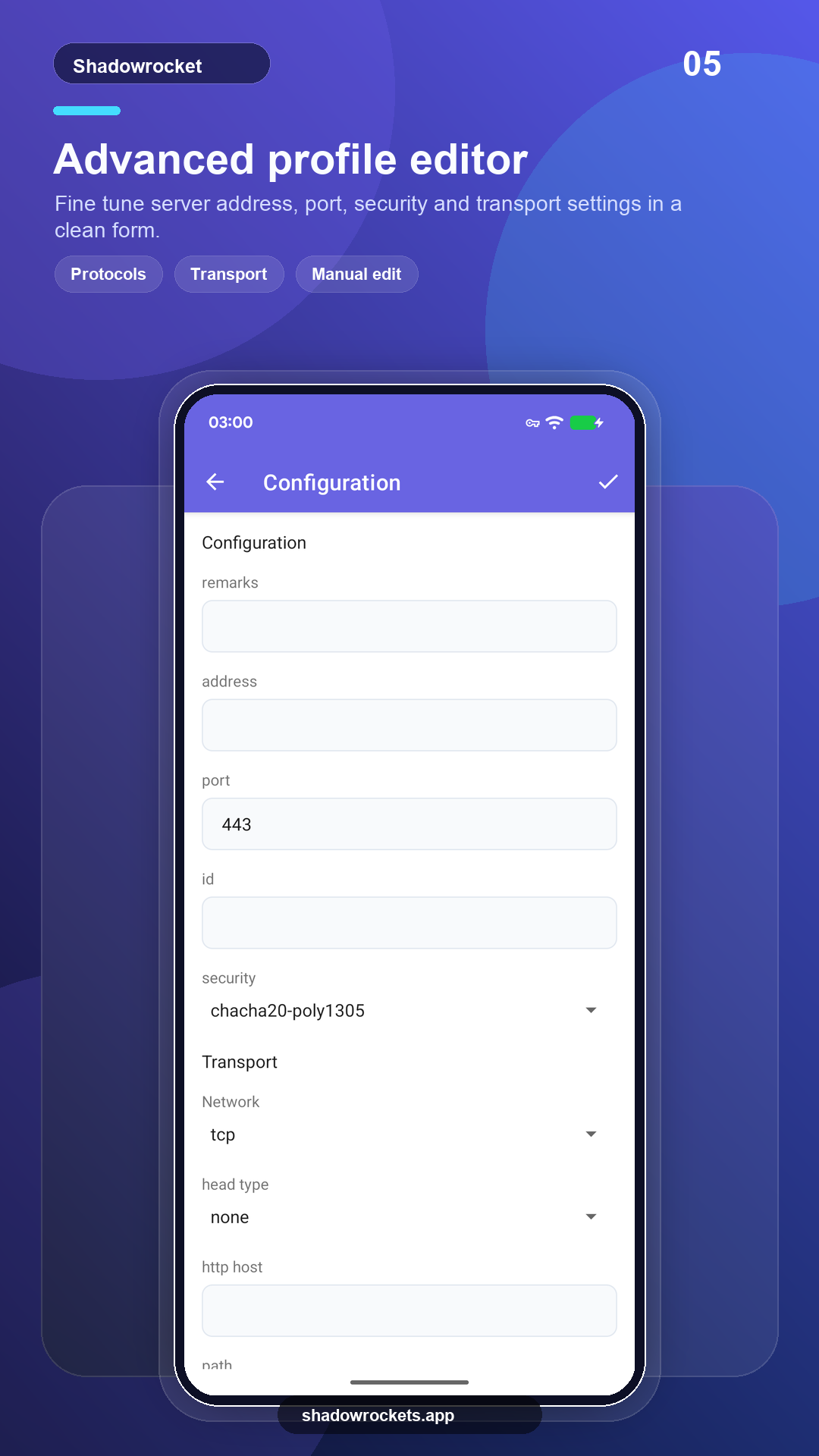
VLESS, VMess, Shadowsocks, Trojan, Hysteria2 e outros, por links, assinaturas ou códigos QR.
O Premium é uma assinatura opcional cobrada mensal, trimestral ou anualmente pelo Google Play; a anual é a mais vantajosa. O preço exato aparece dentro do app na sua moeda local, e toda compra é feita no app, nunca neste site.
Os preços são definidos por país pelo Google Play e aparecem na página de assinatura dentro do app.
Onde o Google Play funciona, a versão da loja se atualiza sozinha. O APK direto é para telefones sem serviços do Google, ou quando a loja não exibe este app.
Instale pela loja, atualize automaticamente, e o Premium é restaurado com a sua conta do Google.
Abrir o Google PlayVersão 10.10.56 · quatro arquiteturas de CPU · somas SHA256 publicadas
Baixar APK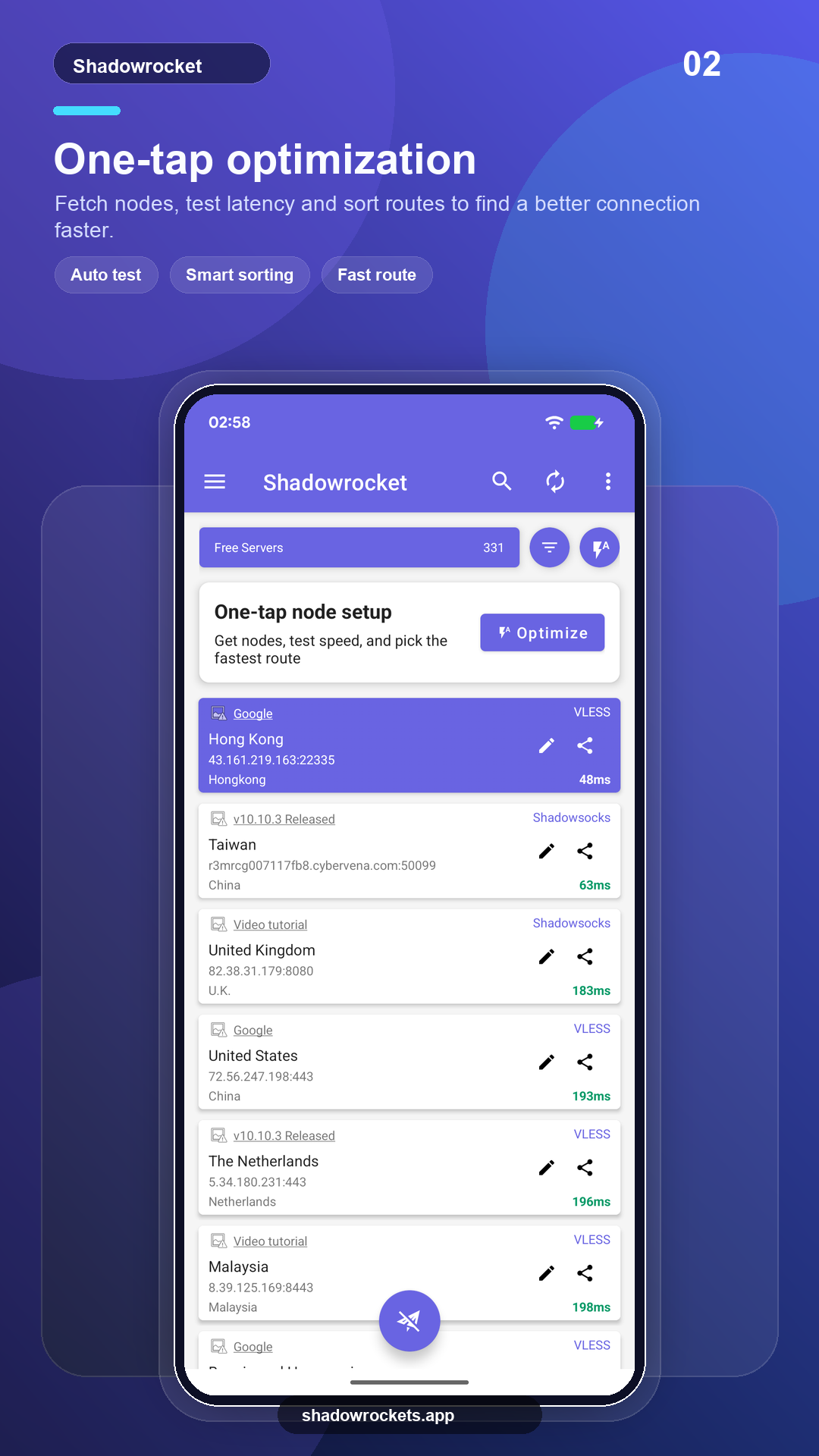
Os nós gratuitos não custam nada e não exigem conta. Os anúncios são a única receita que mantém o serviço gratuito; o Premium remove todos eles.
Sem cadastro. O Premium é comprado pelo Google Play com a conta do Google que já está no seu celular e é ativado na hora. Os preços aparecem no app na sua moeda local.
O Premium é uma assinatura do Google Play, então ele acompanha a sua conta do Google: faça login no celular novo, abra a página de assinatura e ele é restaurado.
Os mesmos recursos. A versão da Play se atualiza sozinha e cobra pelo Google; a versão APK é para celulares sem os serviços do Google e é atualizada manualmente.
O Google Play não exibe esta ficha em alguns países ou regiões. Se isso acontecer, baixe o APK direto deste site: é o mesmo app com os mesmos nós gratuitos, e ele verifica atualizações sozinho.
VLESS, VMess, Shadowsocks, Trojan, Hysteria2, WireGuard e outros protocolos comuns, importados de links de assinatura, links de nó ou códigos QR.
Os nós gratuitos não exigem cadastro; passe para o Premium se gostar.