Встроенный список бесплатных узлов
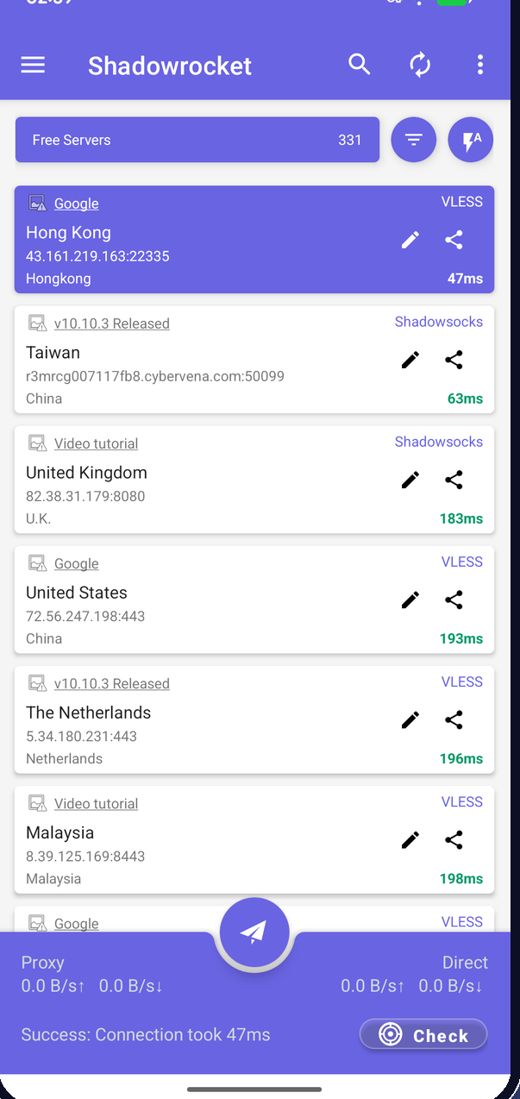
Приложение загружает свежие бесплатные узлы при запуске, поэтому искать серверы не нужно.
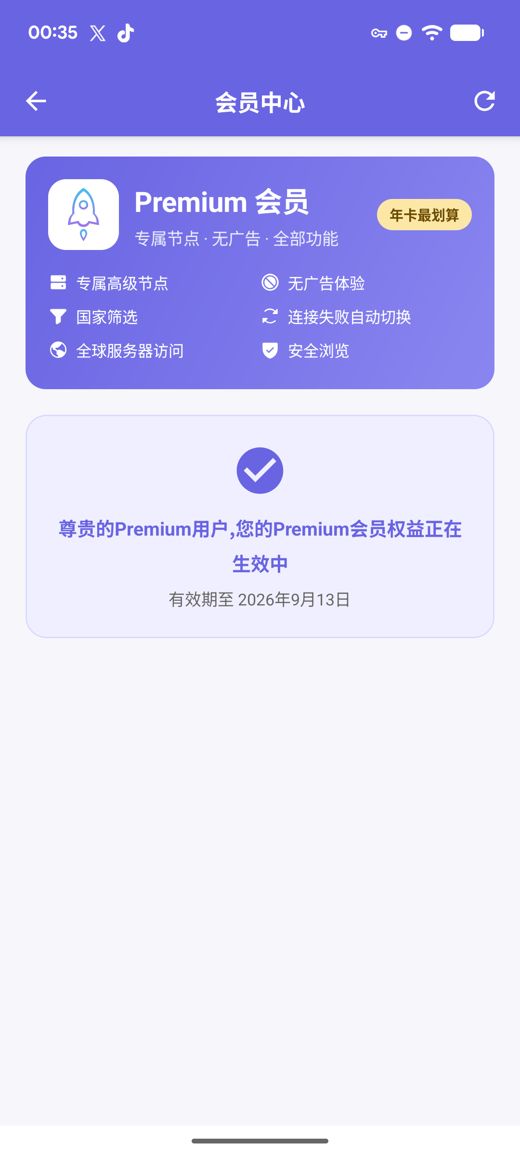
Premium добавляет приватные быстрые серверы, отсутствие рекламы, фильтр по странам, автопереключение при сбое и Безопасный просмотр, всё без создания аккаунта.
Сборки APK для arm64-v8a / armeabi-v7a / x86_64 / x86 с опубликованными контрольными суммами SHA256
Мы постоянно собираем, проверяем и публикуем бесплатные узлы; реклама — единственное, что финансирует бесплатный сервис. Вы также можете импортировать собственные подписки и ссылки на узлы.
Приложение загружает свежие бесплатные узлы при запуске, поэтому искать серверы не нужно.
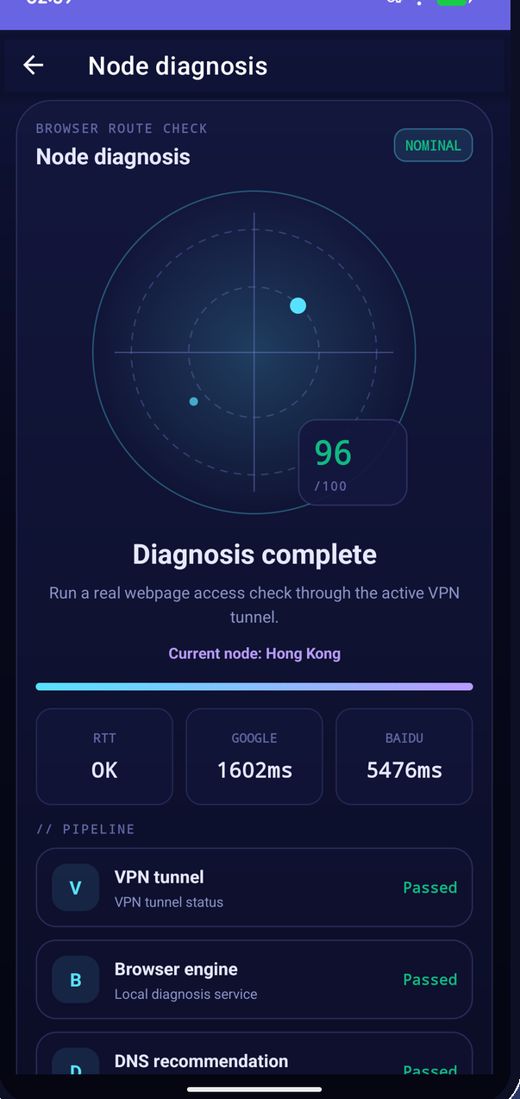
Проверьте задержку всех узлов сразу, отсортируйте по скорости и подключитесь к самому быстрому.
Узлы регулярно меняются; если один перестал работать, обновите список и попробуйте снова.
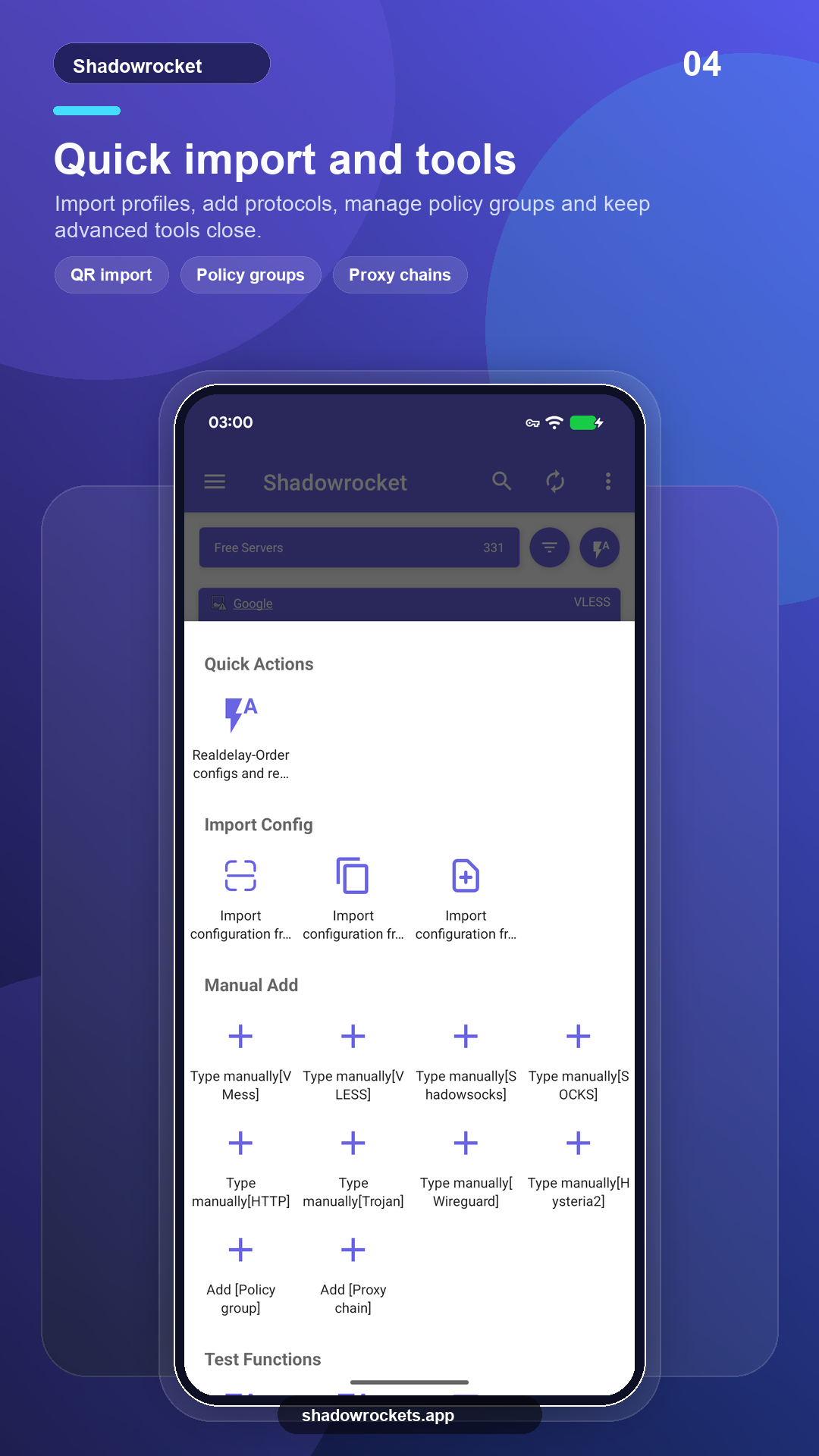
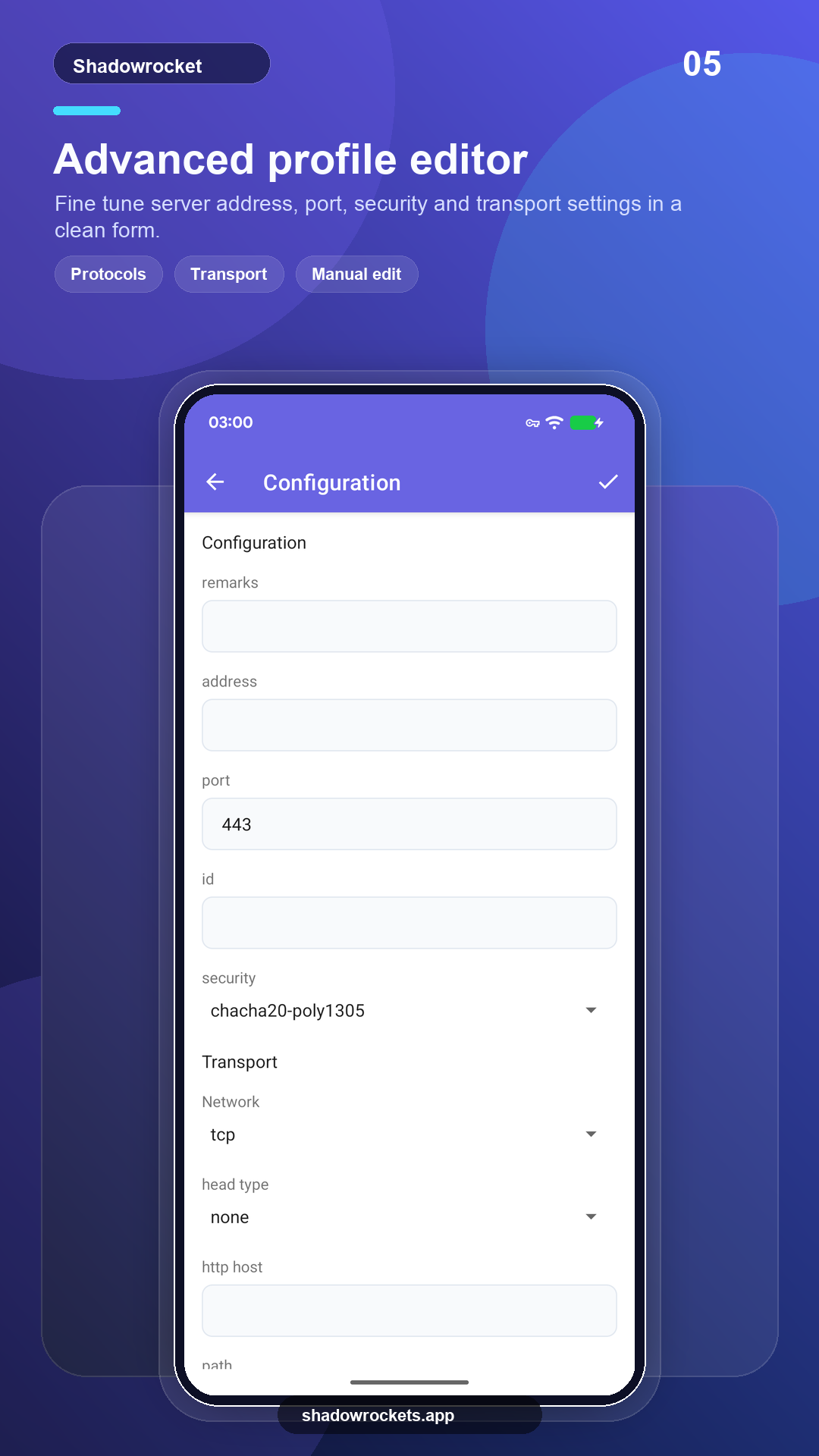
VLESS, VMess, Shadowsocks, Trojan, Hysteria2 и другие — по ссылкам, подпискам или QR-кодам.
Premium — необязательная подписка с оплатой раз в месяц, квартал или год через Google Play; годовая выгоднее всего. Точная цена показана внутри приложения в вашей валюте, а любая покупка совершается в приложении, а не на этом сайте.
Цены задаёт Google Play для каждой страны; они показаны на странице подписки внутри приложения.
Там, где работает Google Play, версия из магазина обновляется сама. Прямой APK — для телефонов без сервисов Google, а также на случай, если магазин не показывает это приложение.
Установка из магазина, автоматические обновления, Premium восстанавливается по аккаунту Google.
Открыть Google PlayВерсия 10.10.56 · четыре архитектуры CPU · опубликованы контрольные суммы SHA256
Скачать APK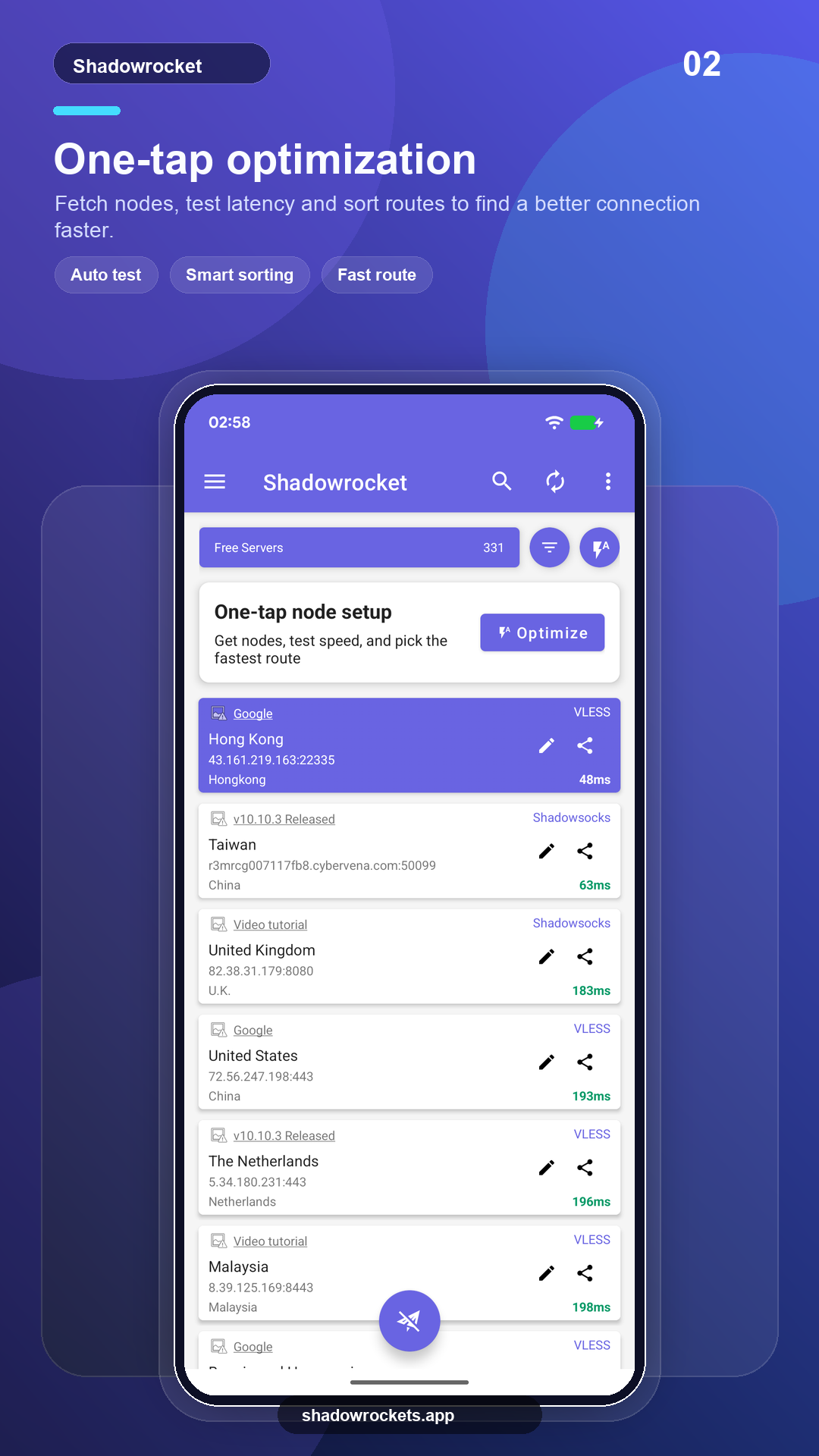
Бесплатные узлы ничего не стоят и не требуют аккаунта. Реклама — единственный доход, на который живёт бесплатный сервис; Premium убирает её полностью.
Нет. Premium покупается через Google Play с уже выполненным на телефоне входом в аккаунт Google и активируется сразу. Цены показаны в приложении в вашей валюте.
Premium — это подписка Google Play, поэтому она следует за вашим аккаунтом Google: войдите на новом телефоне, откройте страницу подписки, и она восстановится.
Функции одинаковые. Версия из Play обновляется сама и оплачивается через Google; версия APK — для телефонов без сервисов Google и обновляется вручную.
Google Play не показывает эту карточку приложения в некоторых странах и регионах. В этом случае скачайте прямой APK с этого сайта: это то же самое приложение с теми же бесплатными узлами, и оно само проверяет обновления.
VLESS, VMess, Shadowsocks, Trojan, Hysteria2, WireGuard и другие распространённые протоколы, импорт по ссылкам подписок, ссылкам узлов или QR-кодам.
Бесплатные узлы не требуют регистрации; понравится — перейдите на Premium.