Liste intégrée de nœuds gratuits
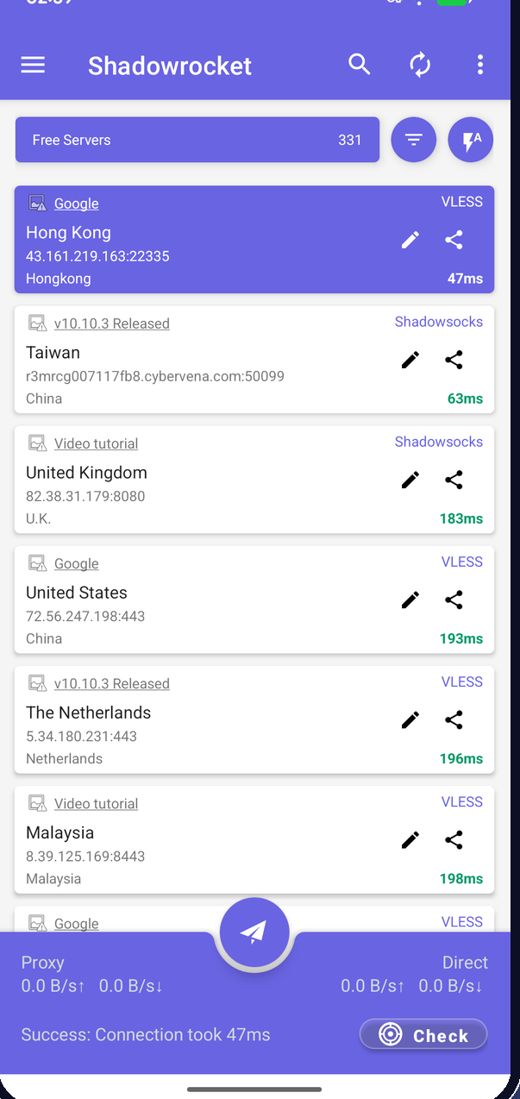
L'application récupère les derniers nœuds gratuits au lancement, vous n'avez jamais à chercher de serveurs.
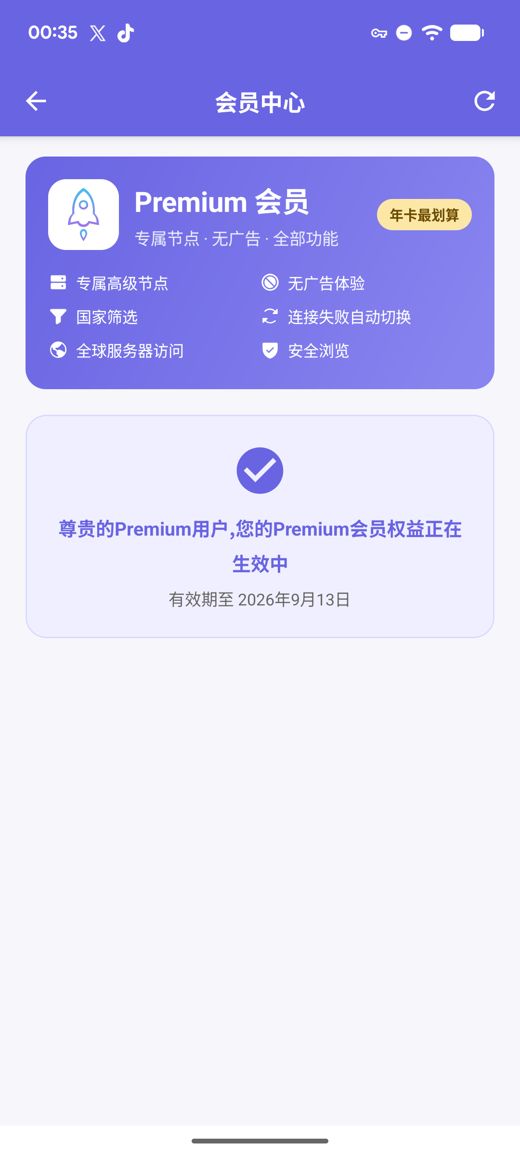
Une liste intégrée de nœuds gratuits se connecte dès l'installation ; un seul appui teste la vitesse et choisit la route la plus rapide. Premium ajoute des serveurs privés haut débit, l'absence de publicité, le filtre par pays, le basculement automatique en cas de panne et la Navigation sécurisée, le tout sans aucun compte à créer.
APK pour arm64-v8a / armeabi-v7a / x86_64 / x86 avec sommes de contrôle SHA256 publiées
Nous collectons, testons et publions des nœuds gratuits en continu ; la publicité est la seule source de financement du service gratuit. Vous pouvez aussi importer vos propres abonnements et liens de nœuds.
L'application récupère les derniers nœuds gratuits au lancement, vous n'avez jamais à chercher de serveurs.
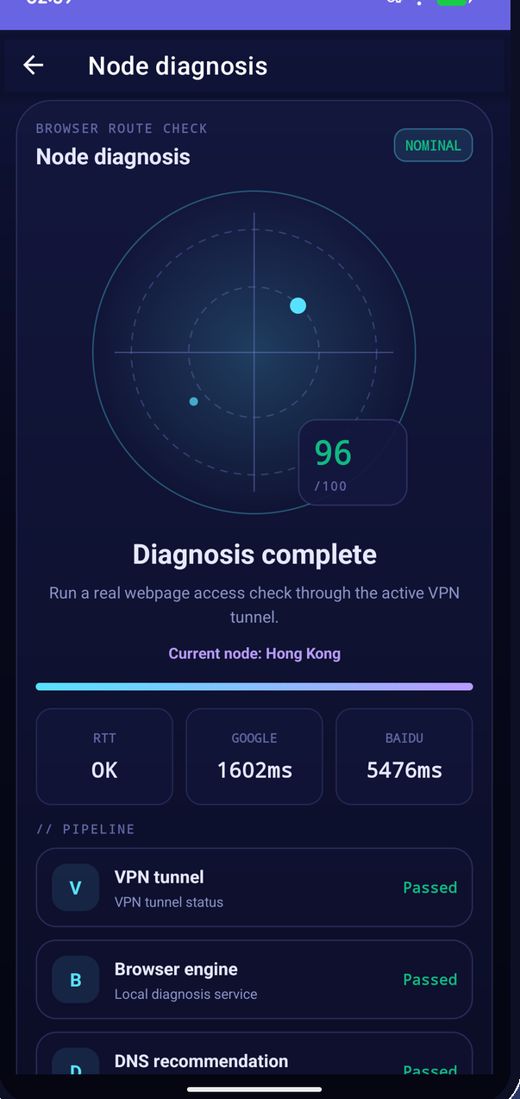
Testez la latence par lot, triez par vitesse et connectez-vous au plus rapide.
Les nœuds changent régulièrement ; si l'un cesse de fonctionner, actualisez la liste et réessayez.
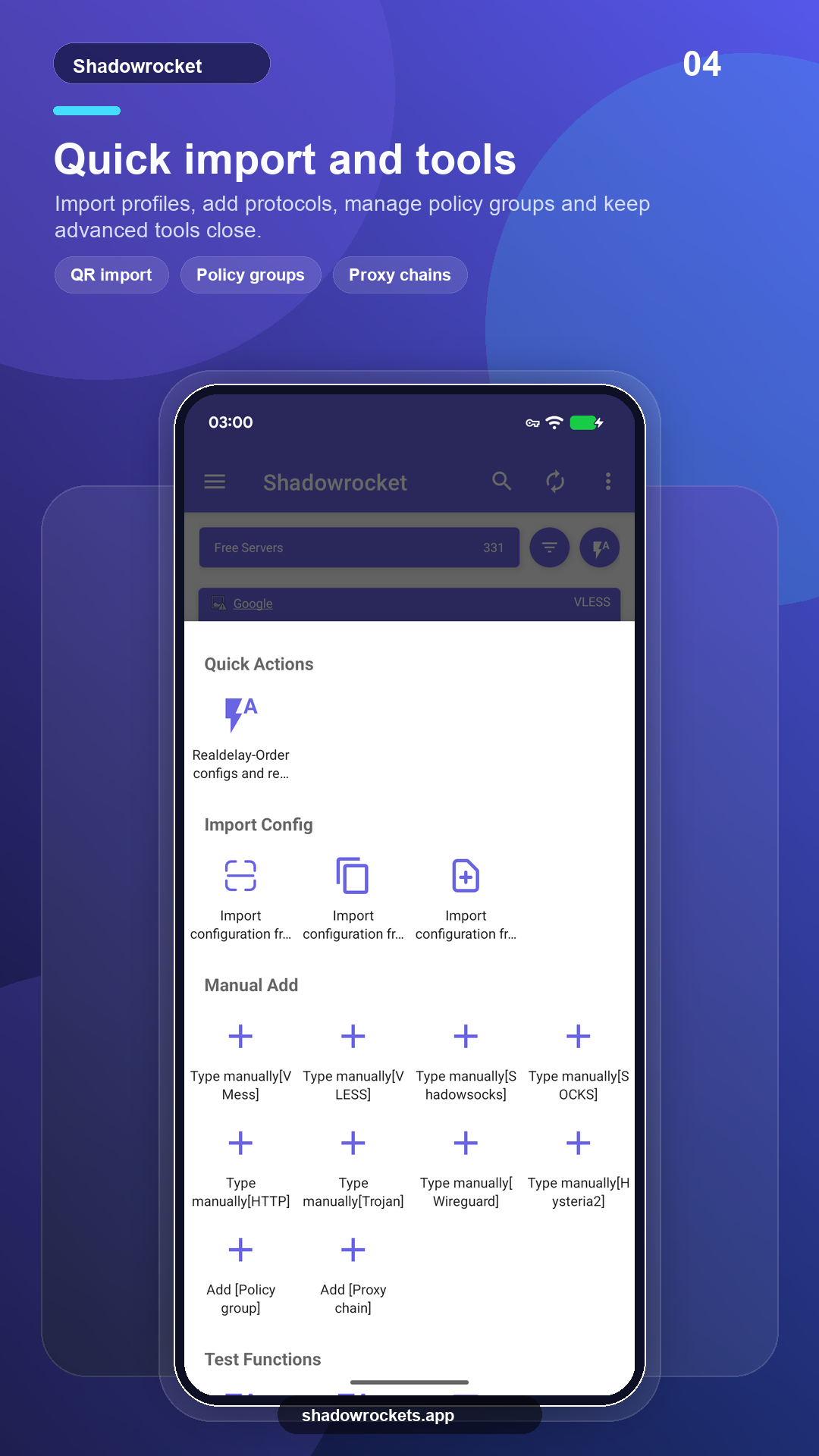
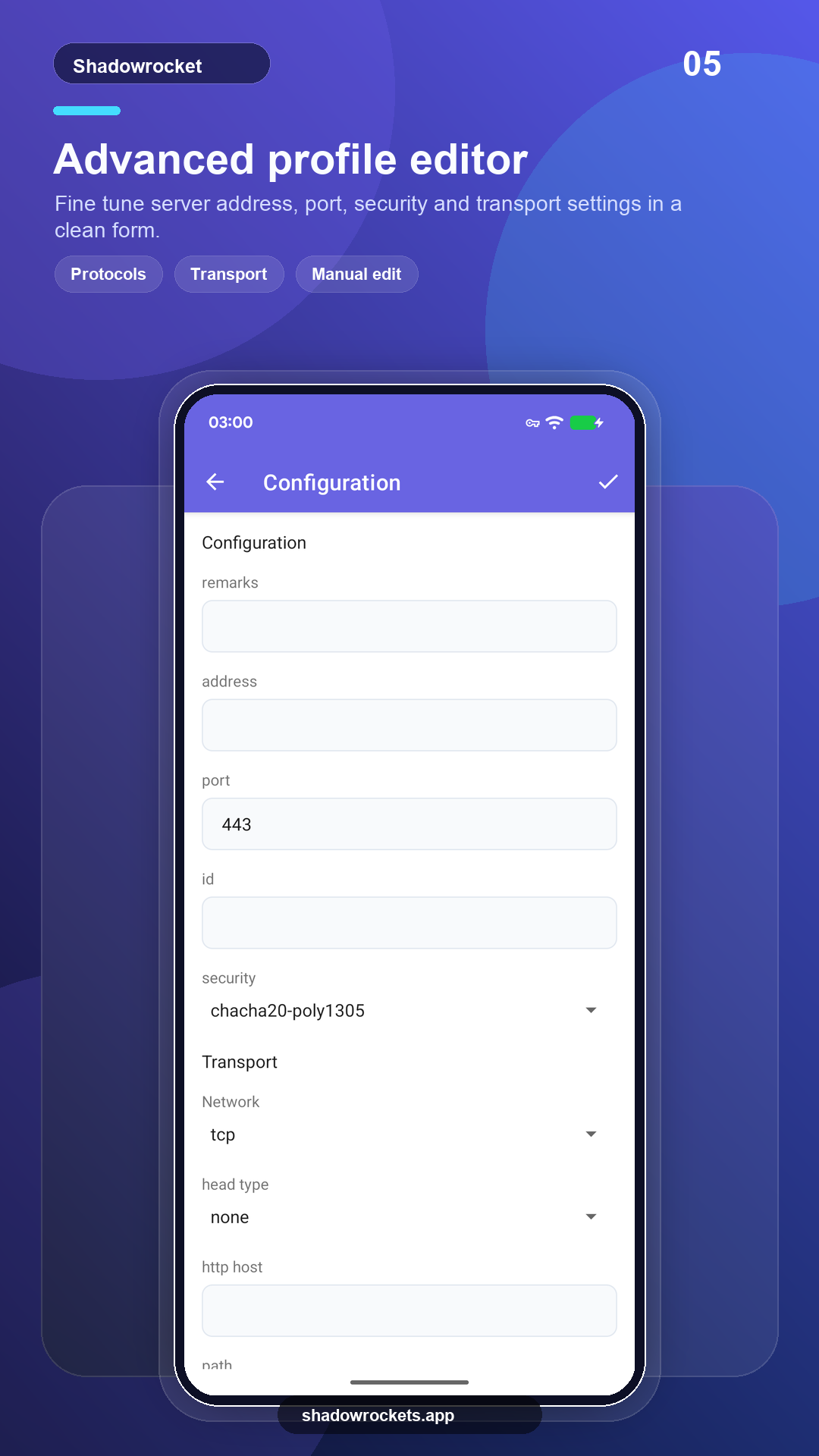
VLESS, VMess, Shadowsocks, Trojan, Hysteria2 et plus encore via liens, abonnements ou codes QR.
Premium est un abonnement facultatif facturé chaque mois, chaque trimestre ou chaque année via Google Play ; l'annuel est le plus avantageux. Le prix exact est affiché dans l'application dans votre devise locale, et chaque achat se fait dans l'application, jamais sur ce site.
Les prix sont fixés par pays par Google Play et affichés sur la page d'abonnement dans l'application.
Là où Google Play fonctionne, la version de la boutique se met à jour seule. L'APK direct est destiné aux téléphones sans services Google, ou lorsque la boutique n'affiche pas cette application.
Installez depuis la boutique, mises à jour automatiques, Premium se restaure avec votre compte Google.
Ouvrir Google PlayVersion 10.10.56 · quatre architectures CPU · sommes de contrôle SHA256 publiées
Télécharger l'APK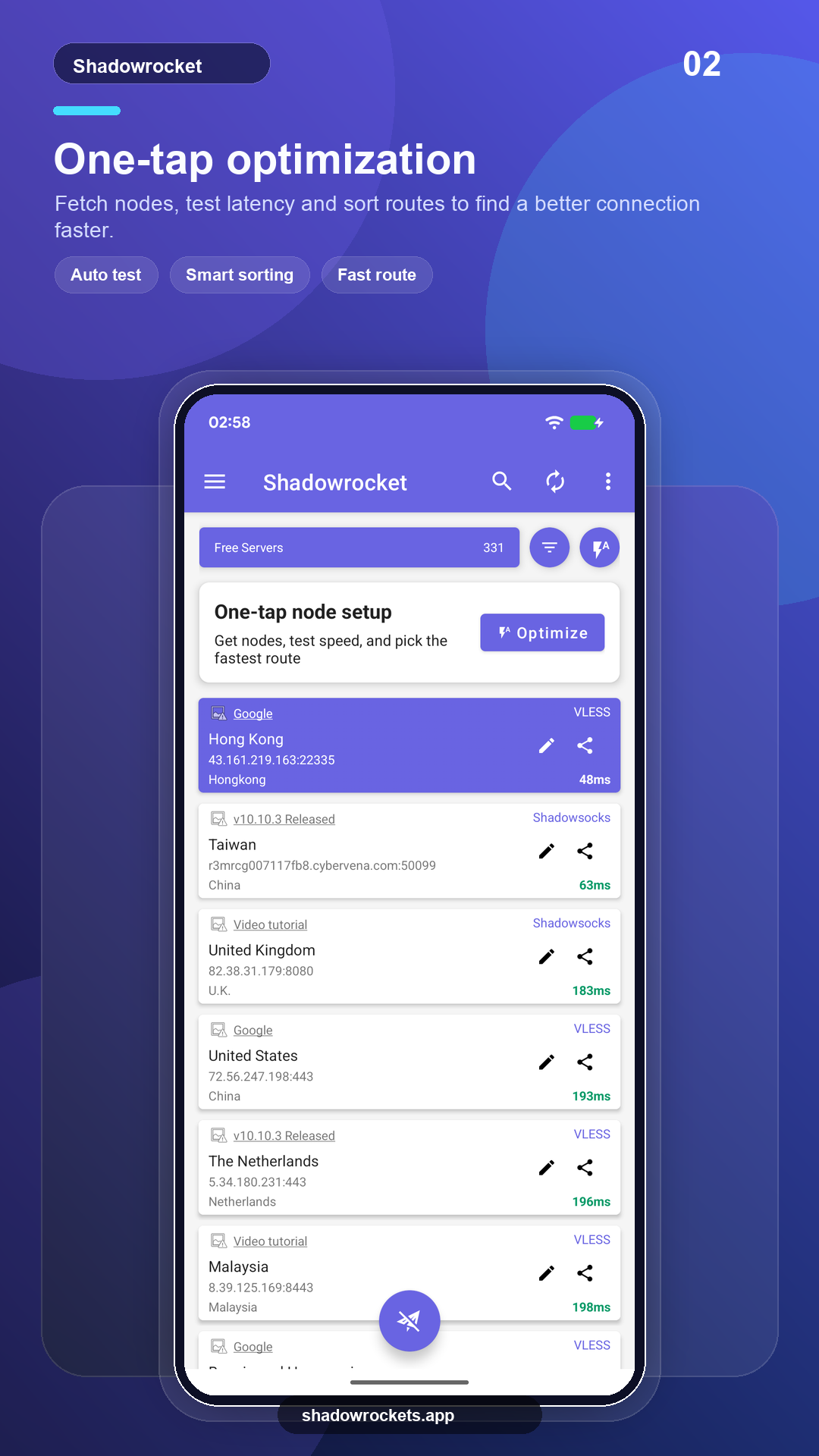
Les nœuds gratuits ne coûtent rien et ne demandent aucun compte. La publicité est le seul revenu qui fait vivre le service gratuit ; Premium la supprime entièrement.
Aucune inscription. Premium s'achète via Google Play avec le compte Google déjà présent sur votre téléphone et s'active immédiatement. Les prix sont affichés dans l'application dans votre devise locale.
Premium est un abonnement Google Play, il suit donc votre compte Google : connectez-vous sur le nouveau téléphone, ouvrez la page d'abonnement et il se restaure.
Mêmes fonctionnalités. La version Play se met à jour seule et facture via Google ; la version APK est destinée aux téléphones sans services Google et se met à jour manuellement.
Google Play n'affiche pas cette fiche dans certains pays ou certaines régions. Si cela se produit, téléchargez plutôt l'APK direct depuis ce site : c'est la même application avec les mêmes nœuds gratuits, et elle vérifie les mises à jour par elle-même.
VLESS, VMess, Shadowsocks, Trojan, Hysteria2, WireGuard et d'autres protocoles courants, importés depuis des liens d'abonnement, des liens de nœuds ou des codes QR.
Les nœuds gratuits ne demandent aucune inscription ; passez à Premium si l'application vous plaît.