Daftar node gratis bawaan
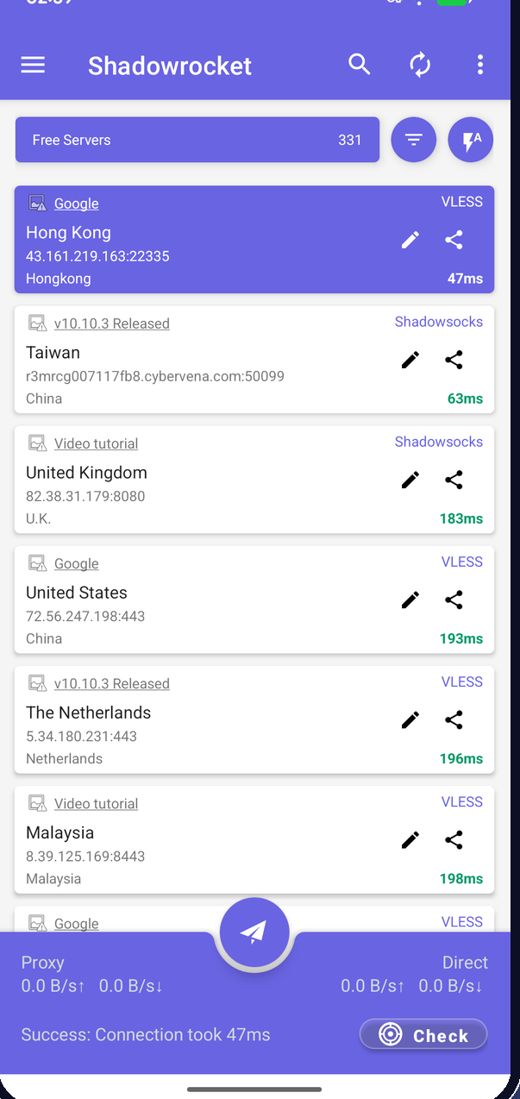
Aplikasi mengambil node gratis terbaru saat dibuka, jadi Anda tidak perlu mencari server.
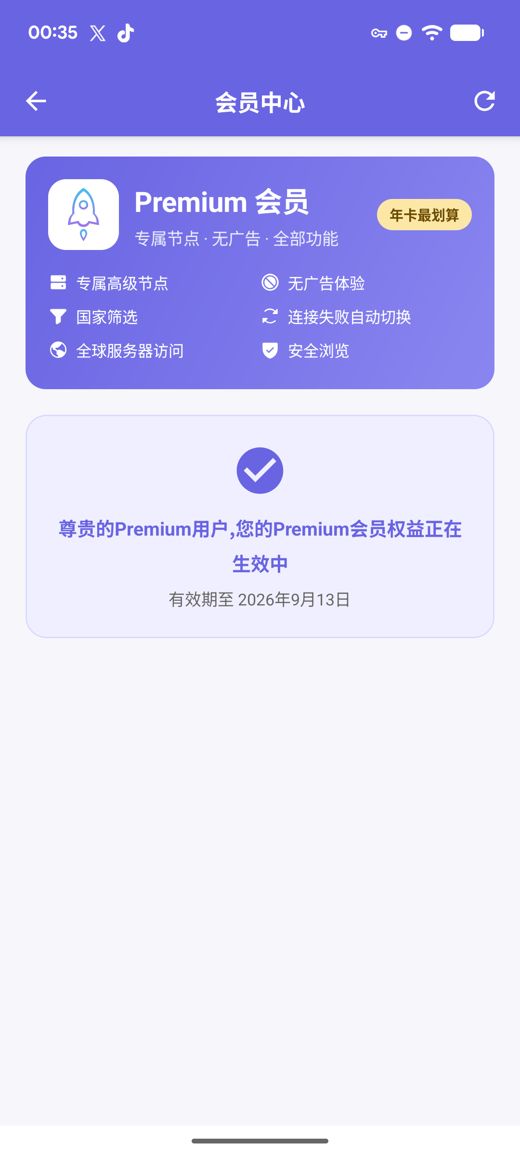
Daftar node gratis bawaan langsung terhubung begitu aplikasi terpasang; satu ketukan menguji kecepatan dan memilih rute tercepat. Premium menambahkan server privat berkecepatan tinggi, bebas iklan, filter negara, ganti otomatis saat gagal, dan Penjelajahan Aman, semuanya tanpa perlu membuat akun.
Build APK untuk arm64-v8a / armeabi-v7a / x86_64 / x86 dengan checksum SHA256 yang dipublikasikan
Kami terus mengumpulkan, menguji, dan memublikasikan node gratis; iklan adalah satu-satunya sumber dana layanan gratis. Anda juga bisa mengimpor langganan dan tautan node sendiri.
Aplikasi mengambil node gratis terbaru saat dibuka, jadi Anda tidak perlu mencari server.
Uji latensi semua node sekaligus, urutkan berdasarkan kecepatan, dan hubungkan ke yang tercepat.
Node berganti secara berkala; jika satu berhenti bekerja, perbarui daftar dan coba lagi.
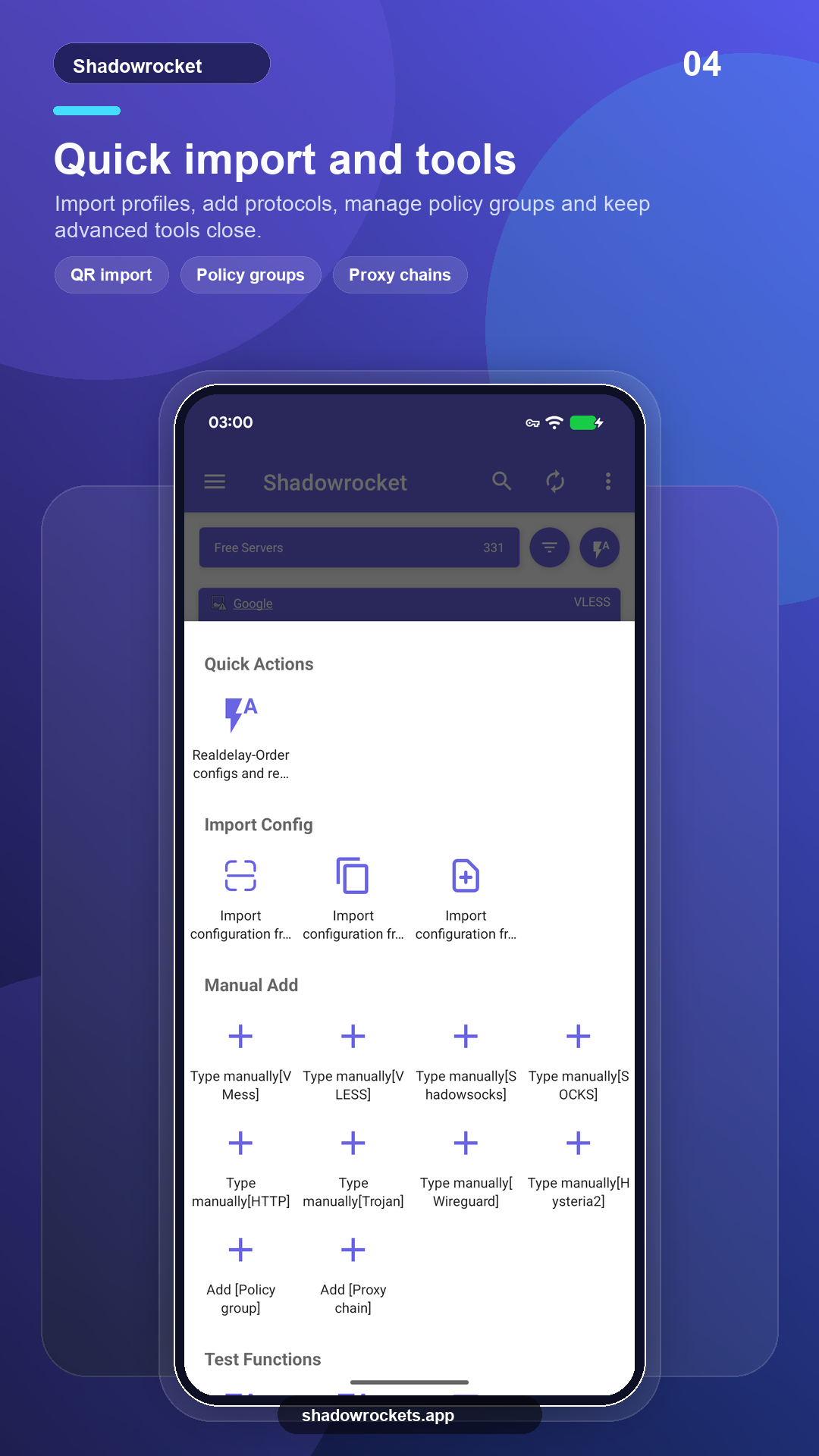
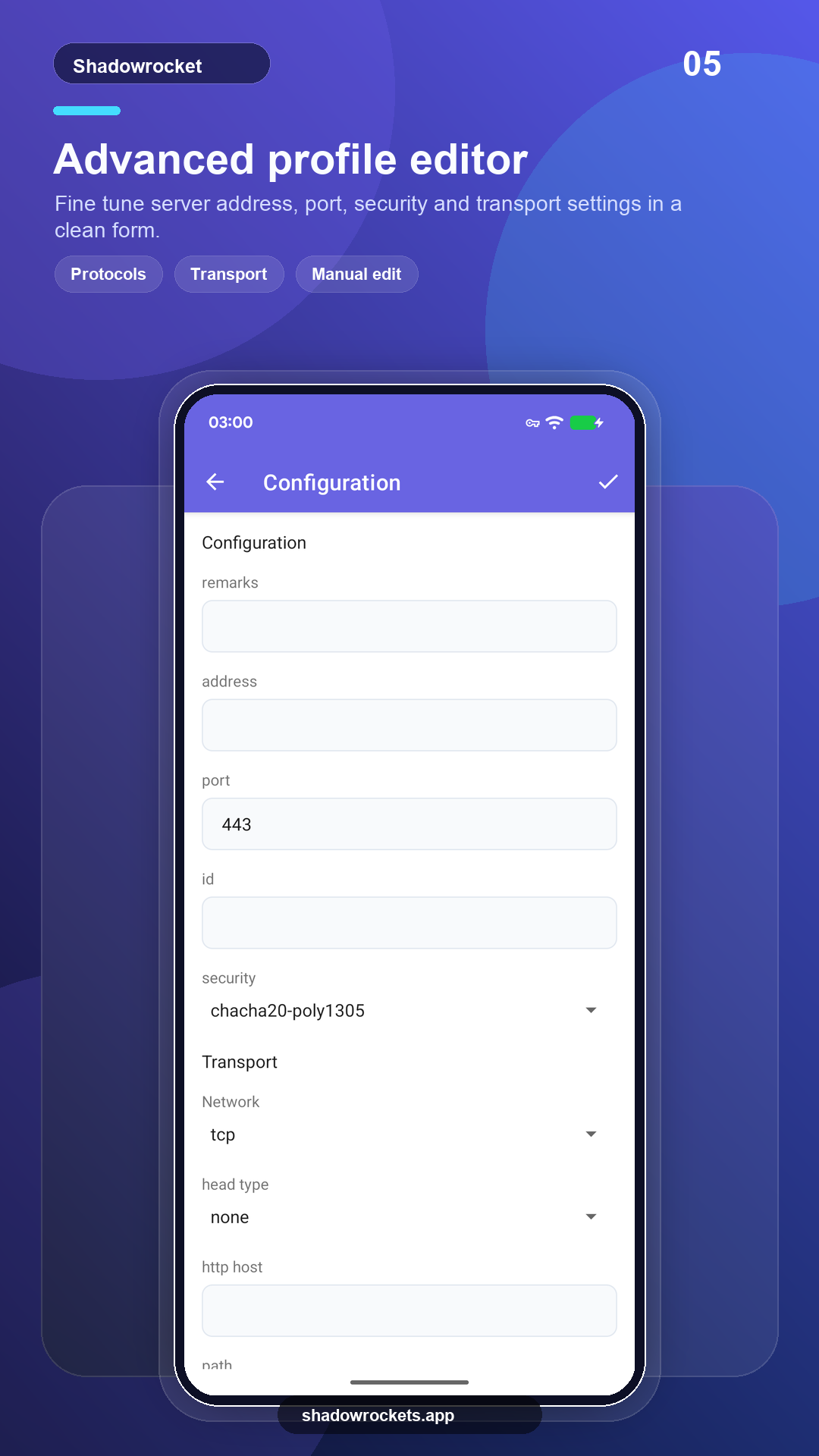
VLESS, VMess, Shadowsocks, Trojan, Hysteria2, dan lainnya lewat tautan, langganan, atau kode QR.
Premium adalah langganan opsional yang ditagih bulanan, triwulanan, atau tahunan lewat Google Play; paket tahunan paling hemat. Harga pastinya ditampilkan di dalam aplikasi dalam mata uang lokal Anda, dan setiap pembelian dilakukan di dalam aplikasi, bukan di situs ini.
Harga ditetapkan per negara oleh Google Play dan ditampilkan di halaman keanggotaan di dalam aplikasi.
Di tempat Google Play berfungsi, versi toko memperbarui dirinya sendiri. APK langsung untuk ponsel tanpa layanan Google, atau saat toko tidak menampilkan aplikasi ini.
Pasang dari toko, perbarui otomatis, Premium dipulihkan dengan akun Google Anda.
Buka Google PlayVersi 10.10.56 · empat arsitektur CPU · checksum SHA256 dipublikasikan
Unduh APK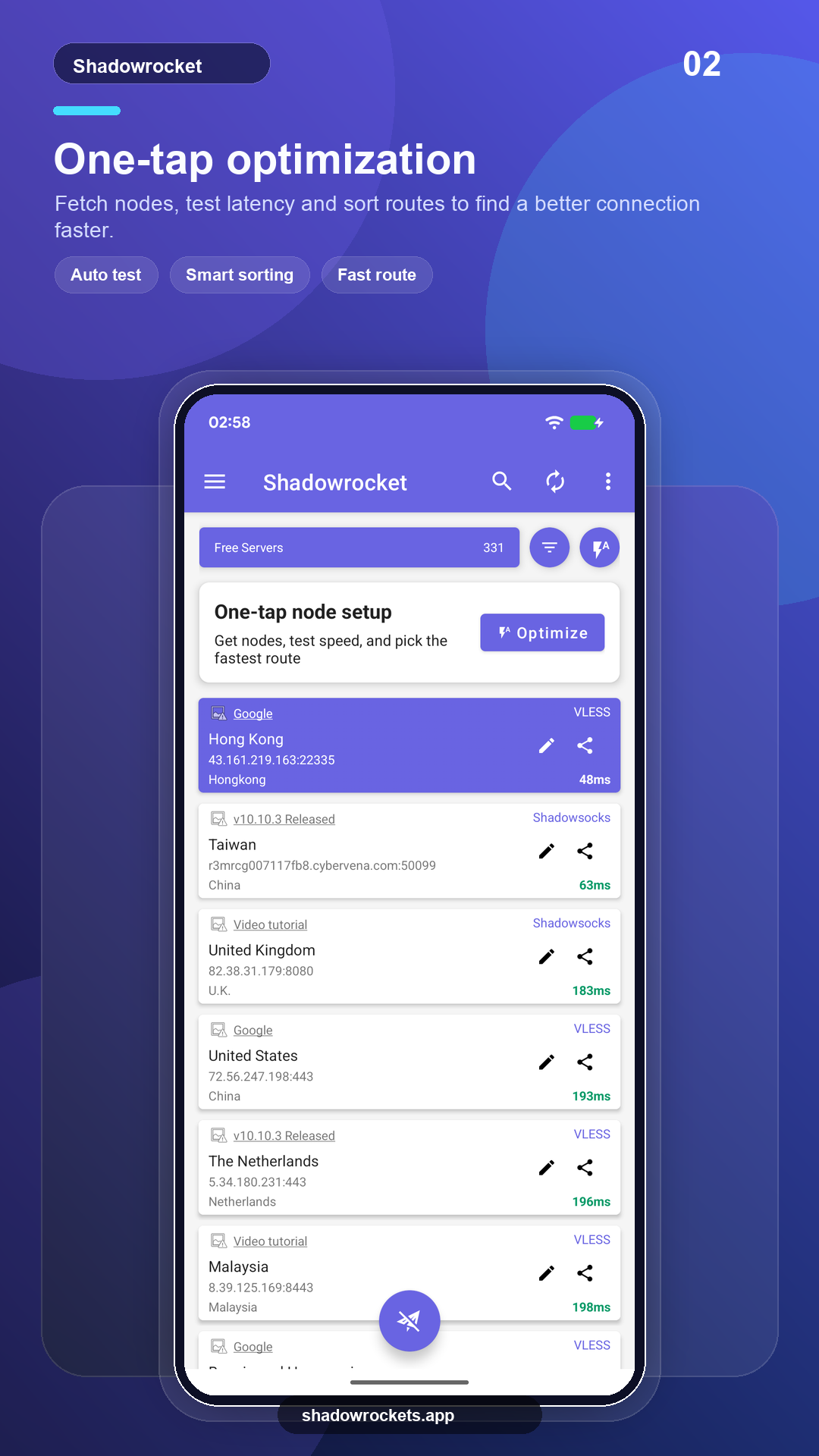
Node gratis tidak dipungut biaya dan tidak perlu akun. Iklan adalah satu-satunya pemasukan yang menjaga layanan gratis tetap berjalan; Premium menghapus semuanya.
Tanpa pendaftaran. Premium dibeli melalui Google Play dengan akun Google yang sudah ada di ponsel Anda dan langsung aktif. Harga ditampilkan di aplikasi dalam mata uang lokal Anda.
Premium adalah langganan Google Play, jadi mengikuti akun Google Anda: masuk di ponsel baru, buka halaman keanggotaan dan langganan akan pulih.
Fitur sama. Versi Play memperbarui dirinya sendiri dan menagih lewat Google; versi APK untuk ponsel tanpa layanan Google dan diperbarui manual.
Google Play tidak menampilkan listingan ini di sejumlah negara atau wilayah. Jika itu terjadi, unduh saja APK langsung dari situs ini: ini adalah aplikasi yang sama dengan node gratis yang sama, dan aplikasi ini memeriksa pembaruan sendiri.
VLESS, VMess, Shadowsocks, Trojan, Hysteria2, WireGuard, dan protokol umum lainnya, diimpor dari tautan langganan, tautan node, atau kode QR.
Node gratis tidak perlu daftar; tingkatkan ke Premium jika Anda suka.