Danh sách node miễn phí tích hợp
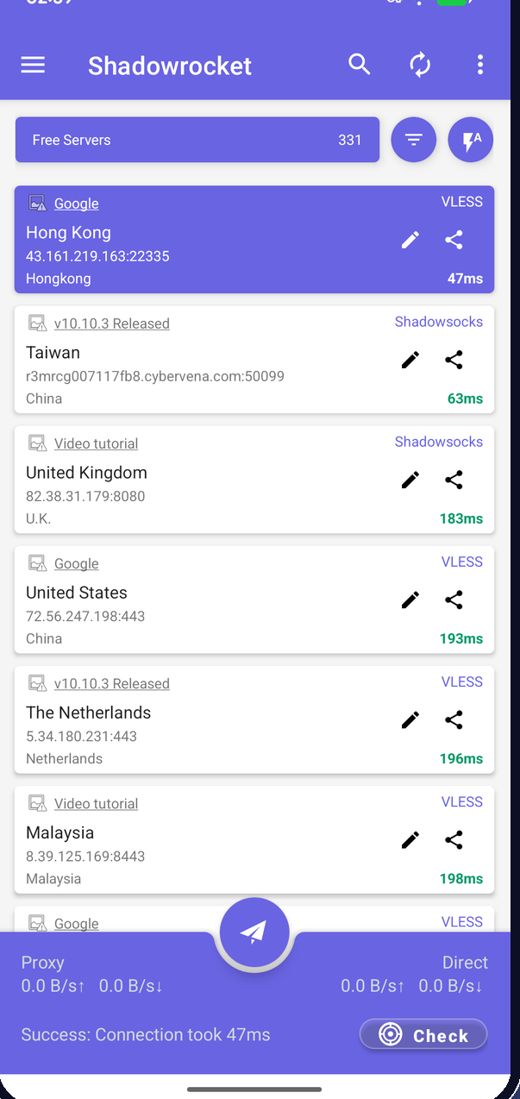
Ứng dụng tải node miễn phí mới nhất khi khởi động, bạn không bao giờ phải tự tìm máy chủ.
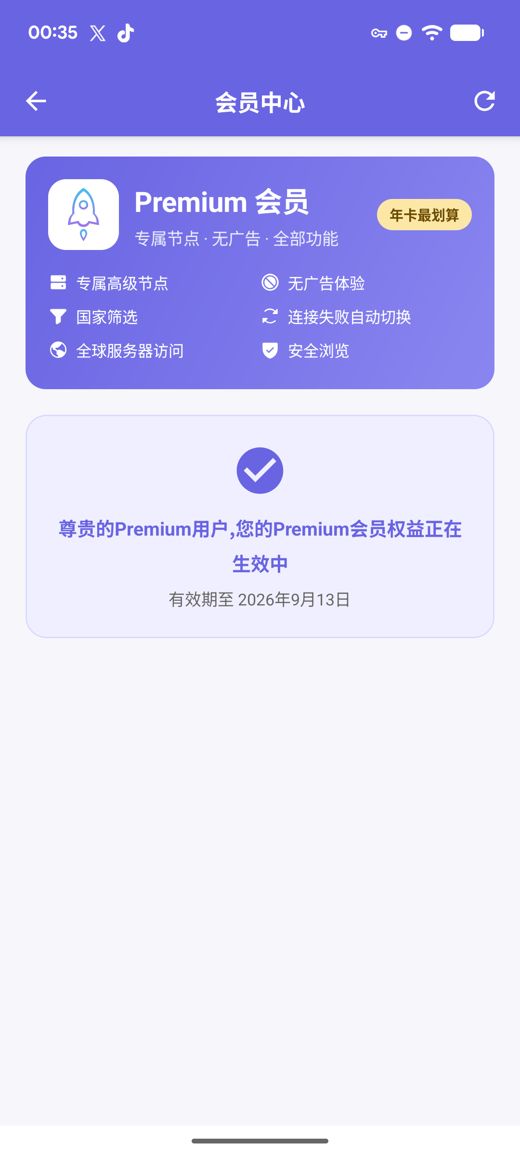
Premium bổ sung máy chủ riêng tốc độ cao, không quảng cáo, lọc theo quốc gia, tự động chuyển khi lỗi và Duyệt web an toàn, tất cả mà không cần tạo tài khoản.
Bản APK cho arm64-v8a / armeabi-v7a / x86_64 / x86 kèm mã kiểm tra SHA256 công khai
Chúng tôi liên tục thu thập, kiểm tra và phát hành node miễn phí; quảng cáo là nguồn duy nhất tài trợ cho dịch vụ miễn phí. Bạn cũng có thể nhập gói đăng ký và liên kết node của riêng mình.
Ứng dụng tải node miễn phí mới nhất khi khởi động, bạn không bao giờ phải tự tìm máy chủ.
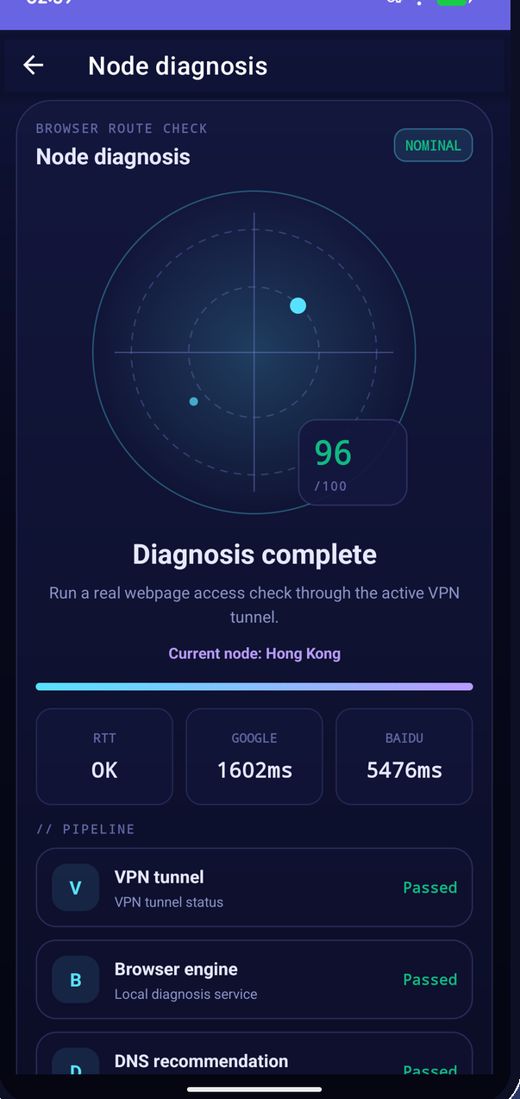
Kiểm tra độ trễ hàng loạt, sắp xếp theo tốc độ và kết nối tới node nhanh nhất.
Node được thay đổi định kỳ; nếu một node ngừng hoạt động, hãy làm mới danh sách và thử lại.
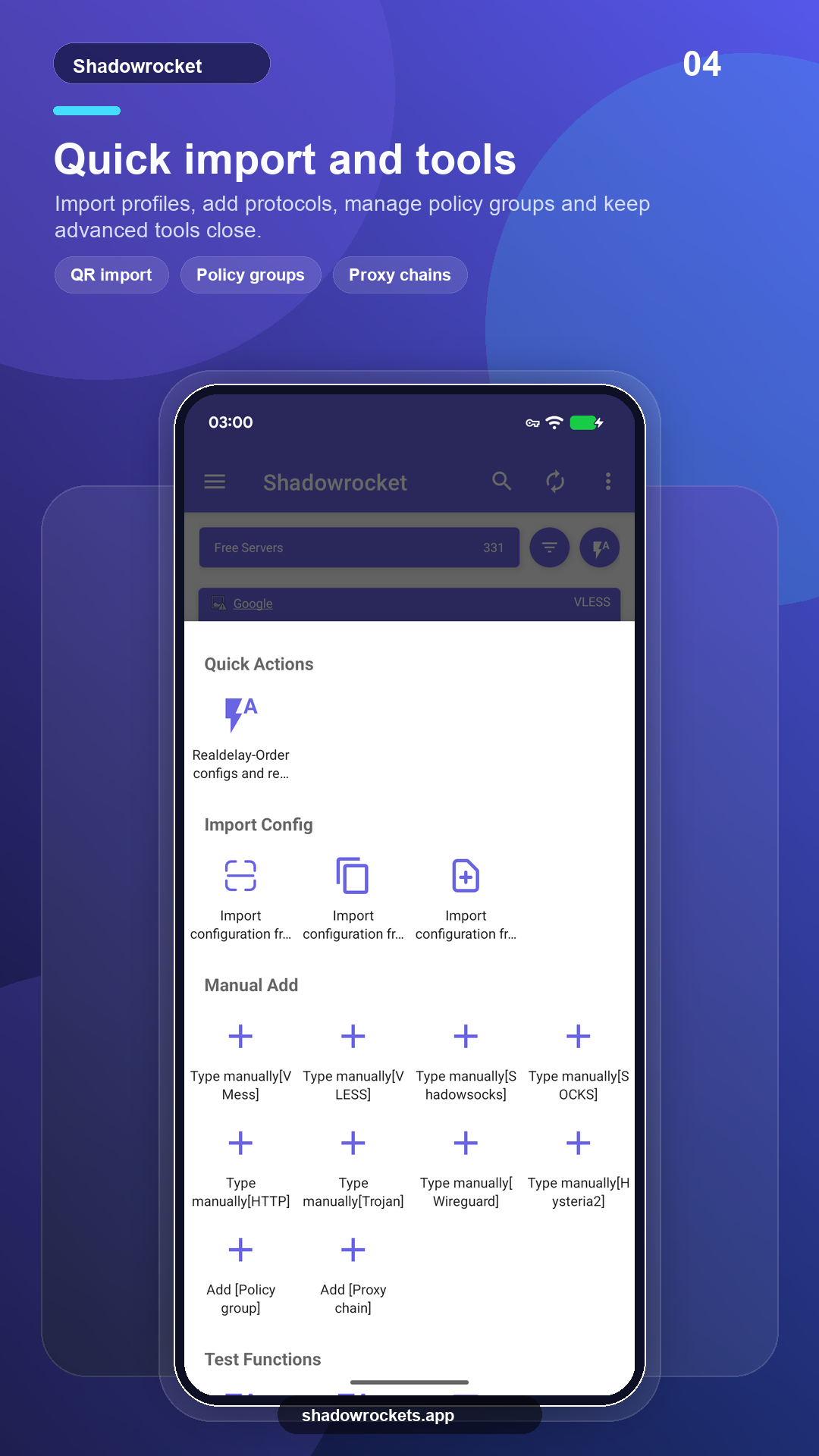
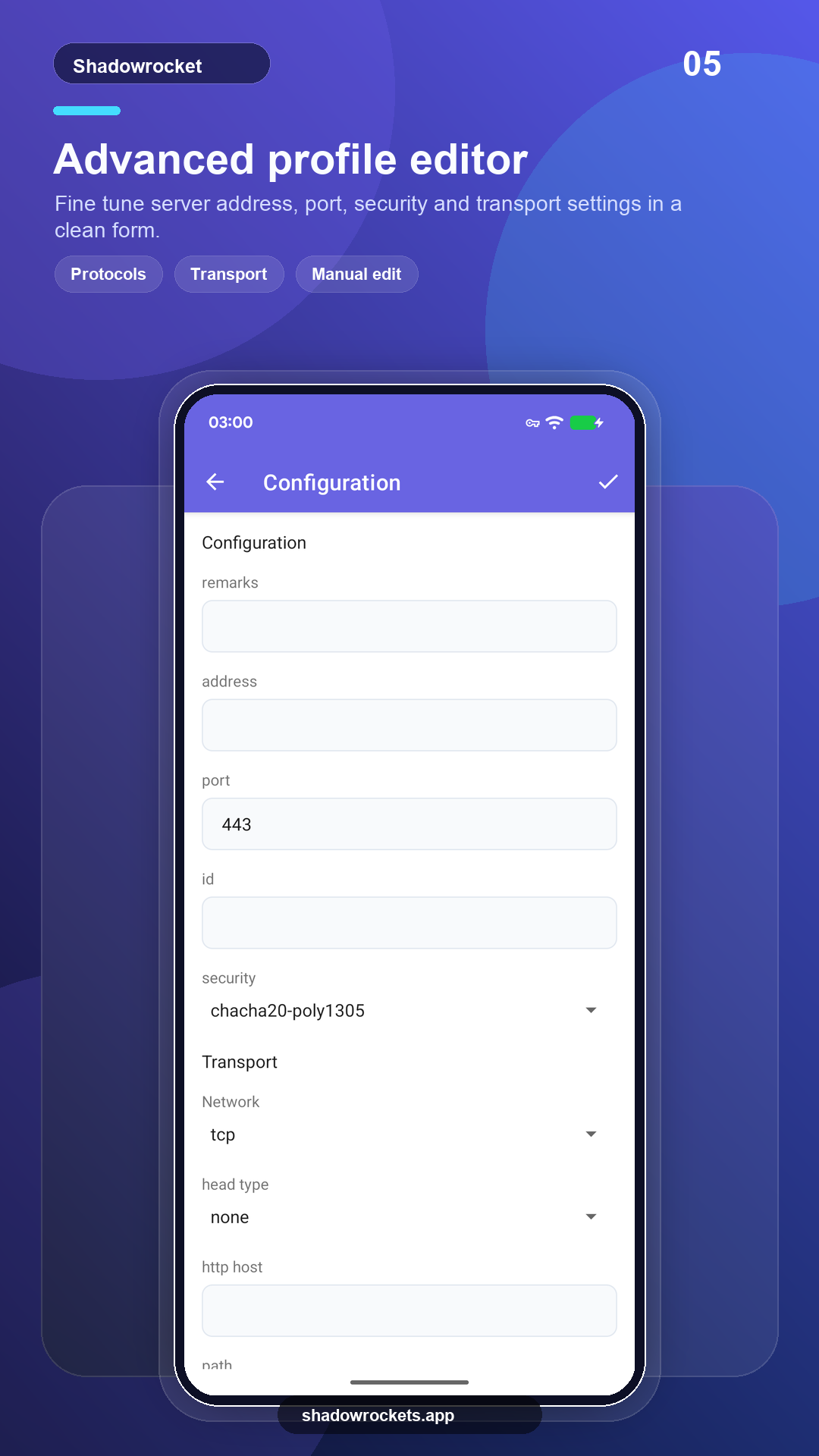
VLESS, VMess, Shadowsocks, Trojan, Hysteria2 và nhiều giao thức khác qua liên kết, gói đăng ký hoặc mã QR.
Premium là gói đăng ký tùy chọn, thanh toán theo tháng, quý hoặc năm qua Google Play; gói năm có giá tốt nhất. Giá chính xác hiển thị trong ứng dụng bằng tiền tệ địa phương của bạn, và mọi giao dịch mua đều diễn ra trong ứng dụng, không bao giờ trên trang web này.
Giá do Google Play đặt theo từng quốc gia và hiển thị trên trang thành viên trong ứng dụng.
Nơi Google Play hoạt động, bản cửa hàng tự cập nhật. Bản APK trực tiếp dành cho điện thoại không có dịch vụ Google, hoặc khi cửa hàng không hiển thị ứng dụng này.
Cài từ cửa hàng, tự động cập nhật, Premium khôi phục theo tài khoản Google của bạn.
Mở Google PlayPhiên bản 10.10.56 · bốn kiến trúc CPU · mã kiểm tra SHA256 công khai
Tải APK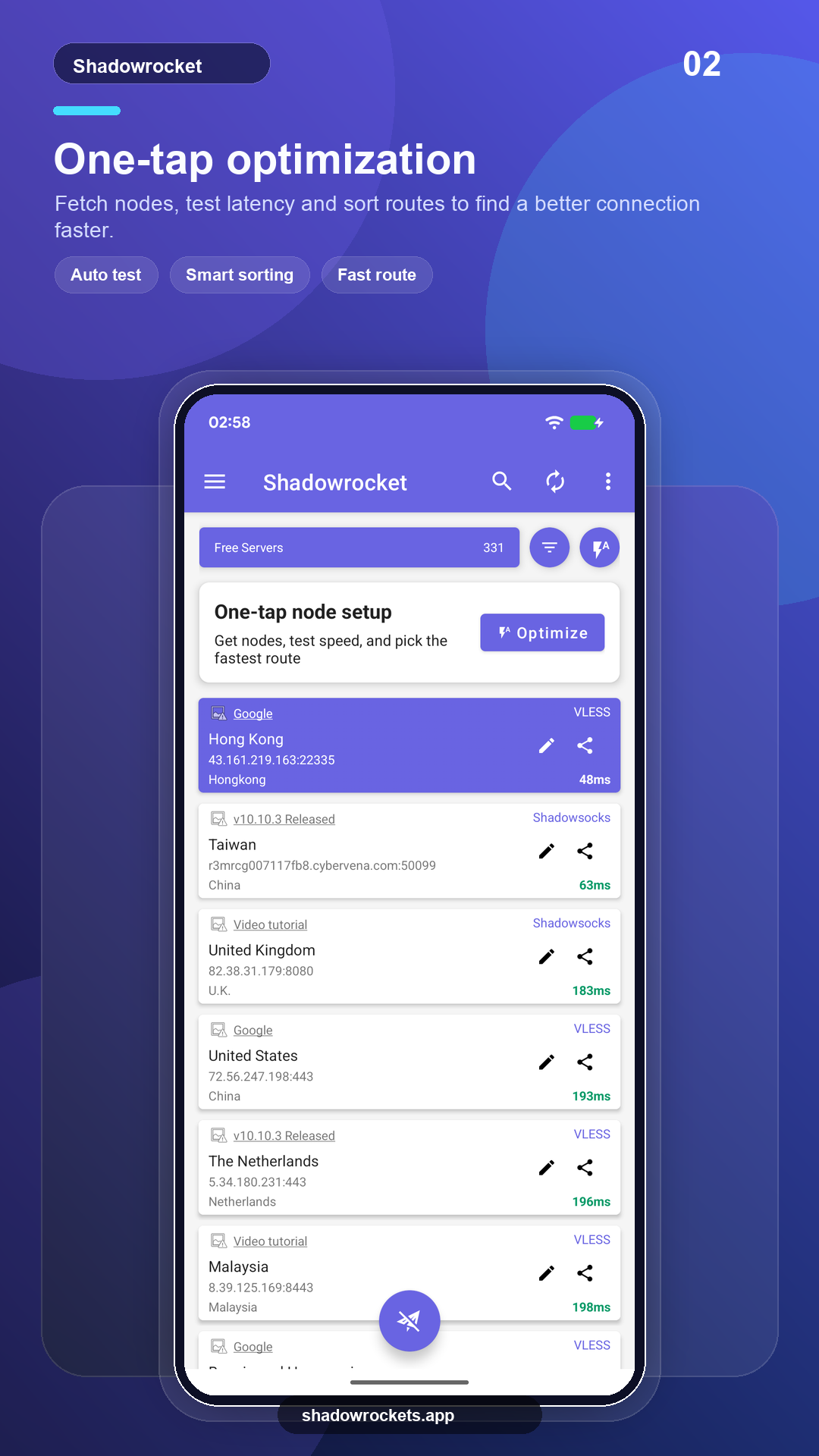
Node miễn phí không tốn phí và không cần tài khoản. Quảng cáo là nguồn thu duy nhất duy trì dịch vụ miễn phí; Premium loại bỏ toàn bộ quảng cáo.
Không. Premium được mua qua Google Play bằng tài khoản Google đã có sẵn trên điện thoại và kích hoạt ngay lập tức. Giá hiển thị trong ứng dụng bằng tiền tệ địa phương của bạn.
Premium là gói đăng ký Google Play nên đi theo tài khoản Google của bạn: đăng nhập trên điện thoại mới, mở trang thành viên và gói sẽ khôi phục.
Tính năng giống nhau. Bản Play tự cập nhật và thanh toán qua Google; bản APK dành cho điện thoại không có dịch vụ Google và được cập nhật thủ công.
Google Play không hiển thị mục này ở một số quốc gia hoặc khu vực. Nếu gặp trường hợp đó, hãy tải bản APK trực tiếp từ trang này: đây là cùng một ứng dụng với cùng các node miễn phí, và nó tự kiểm tra cập nhật.
VLESS, VMess, Shadowsocks, Trojan, Hysteria2, WireGuard và các giao thức phổ biến khác, nhập từ liên kết gói đăng ký, liên kết node hoặc mã QR.
Node miễn phí không cần đăng ký; nếu thích, hãy nâng cấp lên Premium.