Orodha ya nodi za bure iliyojengwa ndani
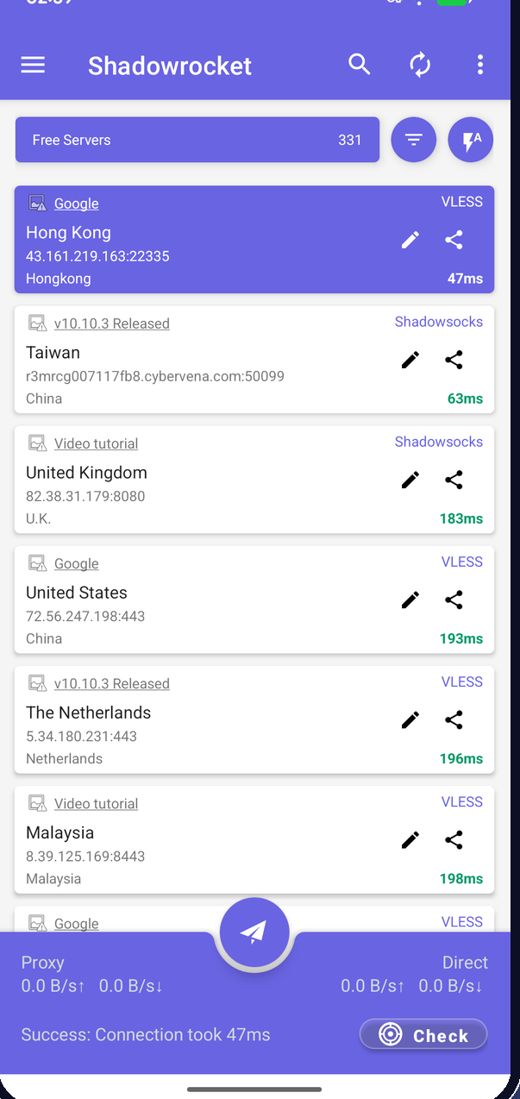
Programu hupakua nodi za bure za hivi karibuni inapofunguliwa, kwa hivyo hutawahi kutafuta seva.
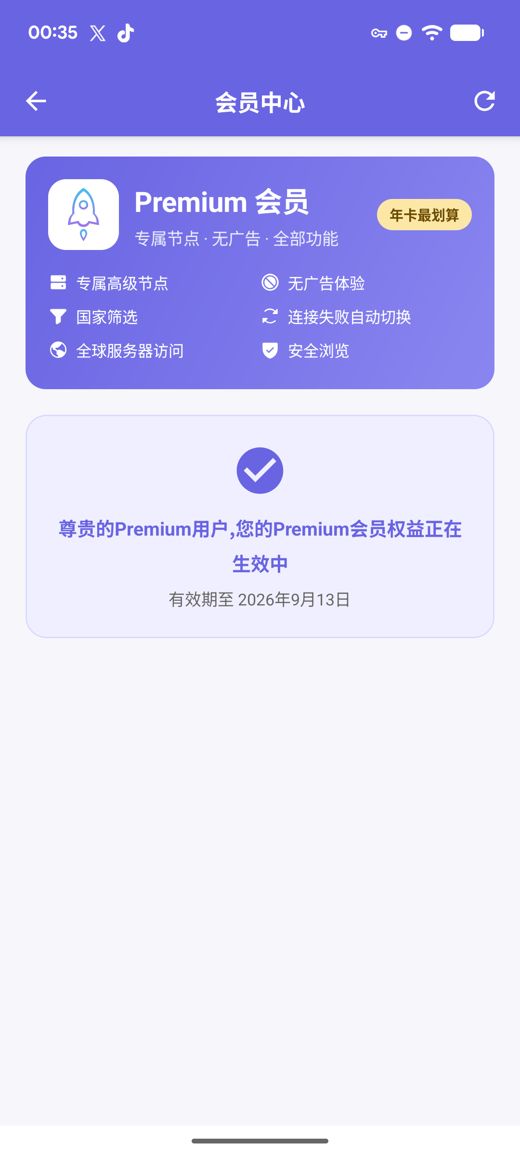
Premium huongeza seva za faragha za kasi ya juu, hakuna matangazo, kichujio cha nchi, kubadilisha kiotomatiki nodi ikishindwa na Uvinjari Salama, vyote bila akaunti ya kuunda.
Matoleo ya APK kwa arm64-v8a / armeabi-v7a / x86_64 / x86 yenye hesabu za ukaguzi za SHA256 zilizochapishwa
Tunakusanya, kupima na kuchapisha nodi za bure mfululizo; matangazo ndiyo kitu pekee kinachogharamia huduma ya bure. Unaweza pia kuingiza usajili na viungo vya nodi zako mwenyewe.
Programu hupakua nodi za bure za hivi karibuni inapofunguliwa, kwa hivyo hutawahi kutafuta seva.
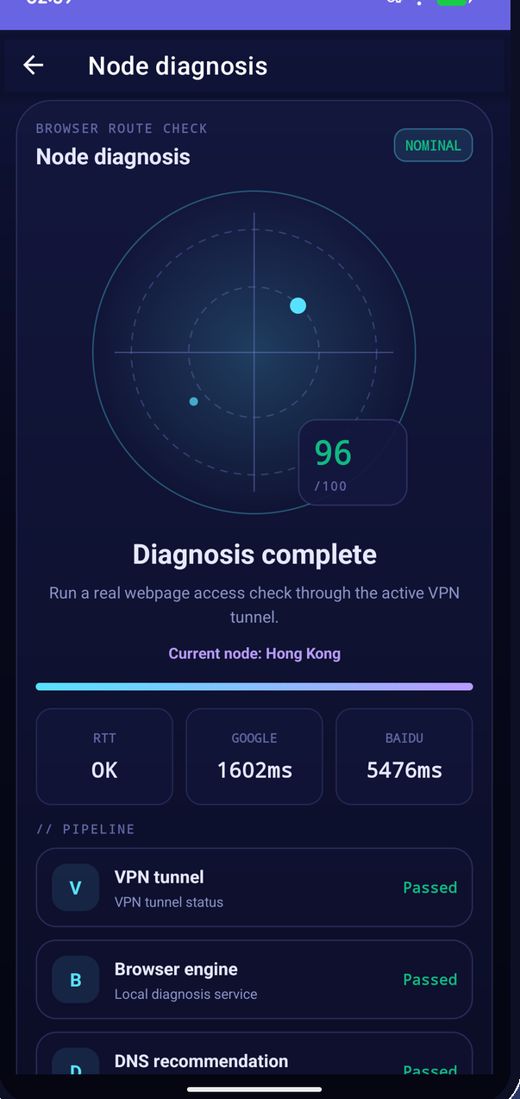
Pima ucheleweshaji wa nodi zote kwa pamoja, panga kwa kasi na unganisha kwenye ya haraka zaidi.
Nodi hubadilishwa mara kwa mara; ikiwa moja itaacha kufanya kazi, sasisha orodha na ujaribu tena.
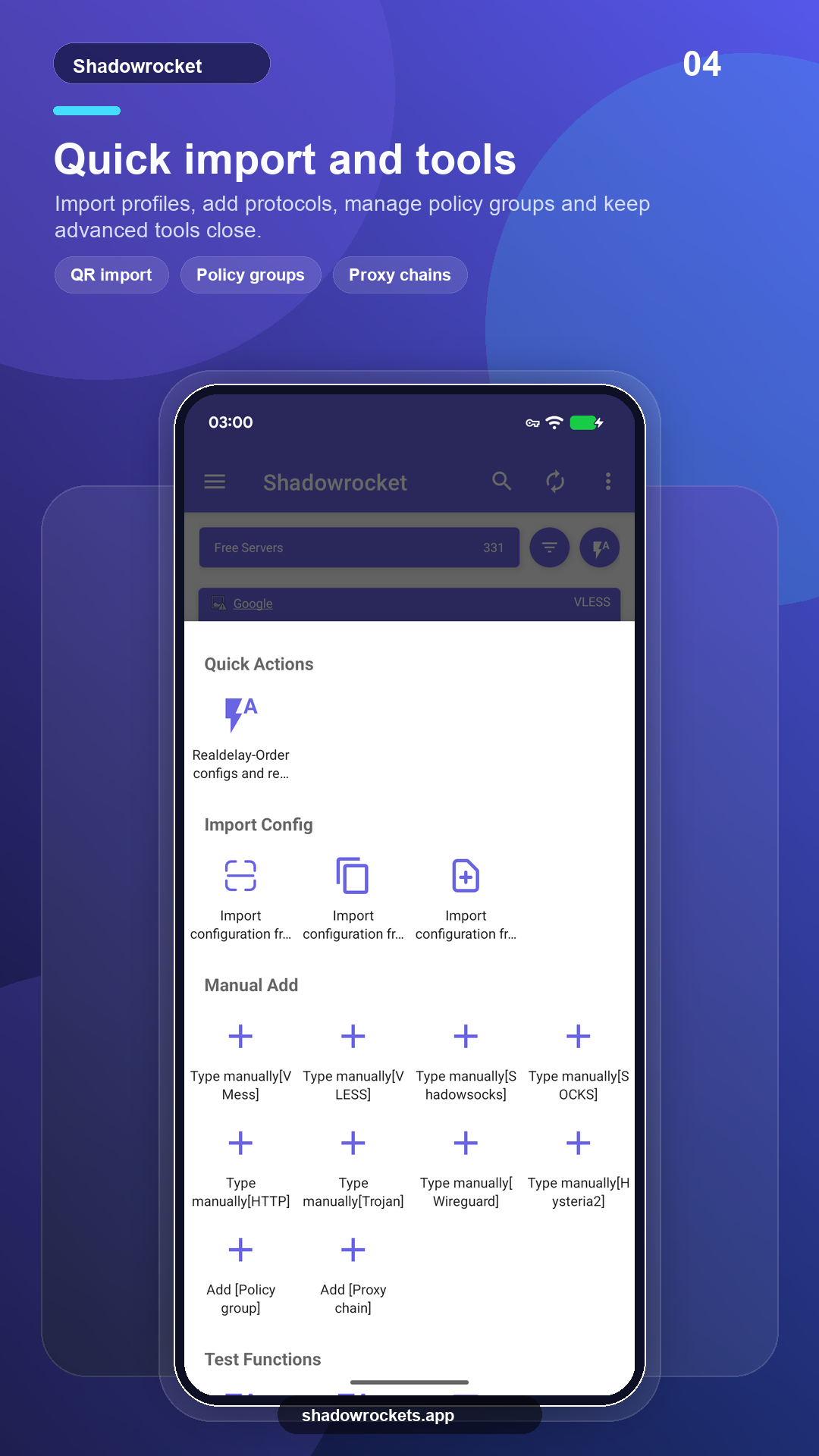
VLESS, VMess, Shadowsocks, Trojan, Hysteria2 na zaidi kupitia viungo, usajili au misimbo ya QR.
Premium ni usajili wa hiari unaolipwa kila mwezi, kila robo mwaka au kila mwaka kupitia Google Play; wa mwaka ndio wenye thamani bora. Bei kamili huonyeshwa ndani ya programu kwa sarafu yako ya eneo, na kila ununuzi hufanyika ndani ya programu, kamwe si kwenye tovuti hii.
Bei huwekwa kwa kila nchi na Google Play na huonyeshwa kwenye ukurasa wa uanachama ndani ya programu.
Pale Google Play inapofanya kazi, toleo la duka hujisasisha lenyewe. APK ya moja kwa moja ni kwa simu zisizo na huduma za Google, au wakati duka halionyeshi programu hii.
Sakinisha kutoka dukani, sasisha kiotomatiki, Premium hurejeshwa kwa akaunti yako ya Google.
Fungua Google PlayToleo 10.10.56 · usanifu wa CPU nne · hesabu za ukaguzi za SHA256 zimechapishwa
Pakua APK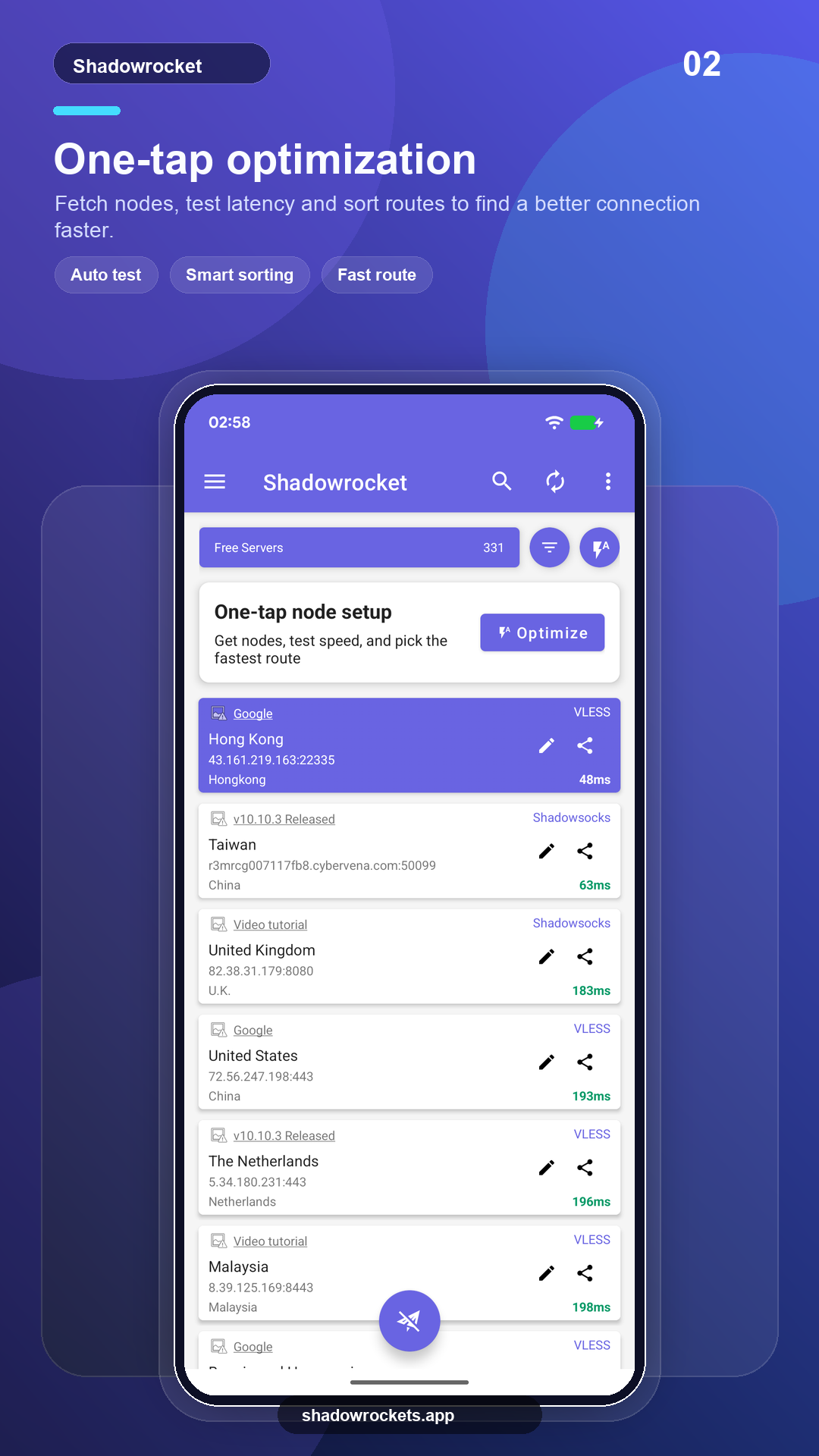
Nodi za bure hazigharimu chochote na hazihitaji akaunti. Matangazo ndiyo mapato pekee yanayoendesha huduma ya bure; Premium huyaondoa yote.
Hapana. Premium hununuliwa kupitia Google Play kwa akaunti ya Google iliyopo tayari kwenye simu yako na huwashwa mara moja. Bei huonyeshwa ndani ya programu kwa sarafu yako ya eneo.
Premium ni usajili wa Google Play, hivyo hufuata akaunti yako ya Google: ingia kwenye simu mpya, fungua ukurasa wa uanachama nayo hurejeshwa.
Vipengele sawa. Toleo la Play hujisasisha lenyewe na hulipisha kupitia Google; toleo la APK ni kwa simu zisizo na huduma za Google na husasishwa kwa mkono.
Google Play haionyeshi orodha hii katika baadhi ya nchi au maeneo. Hilo likitokea, pakua APK ya moja kwa moja kutoka tovuti hii badala yake: ni programu ile ile yenye nodi zile zile za bure, na hujikagua yenyewe kwa masasisho.
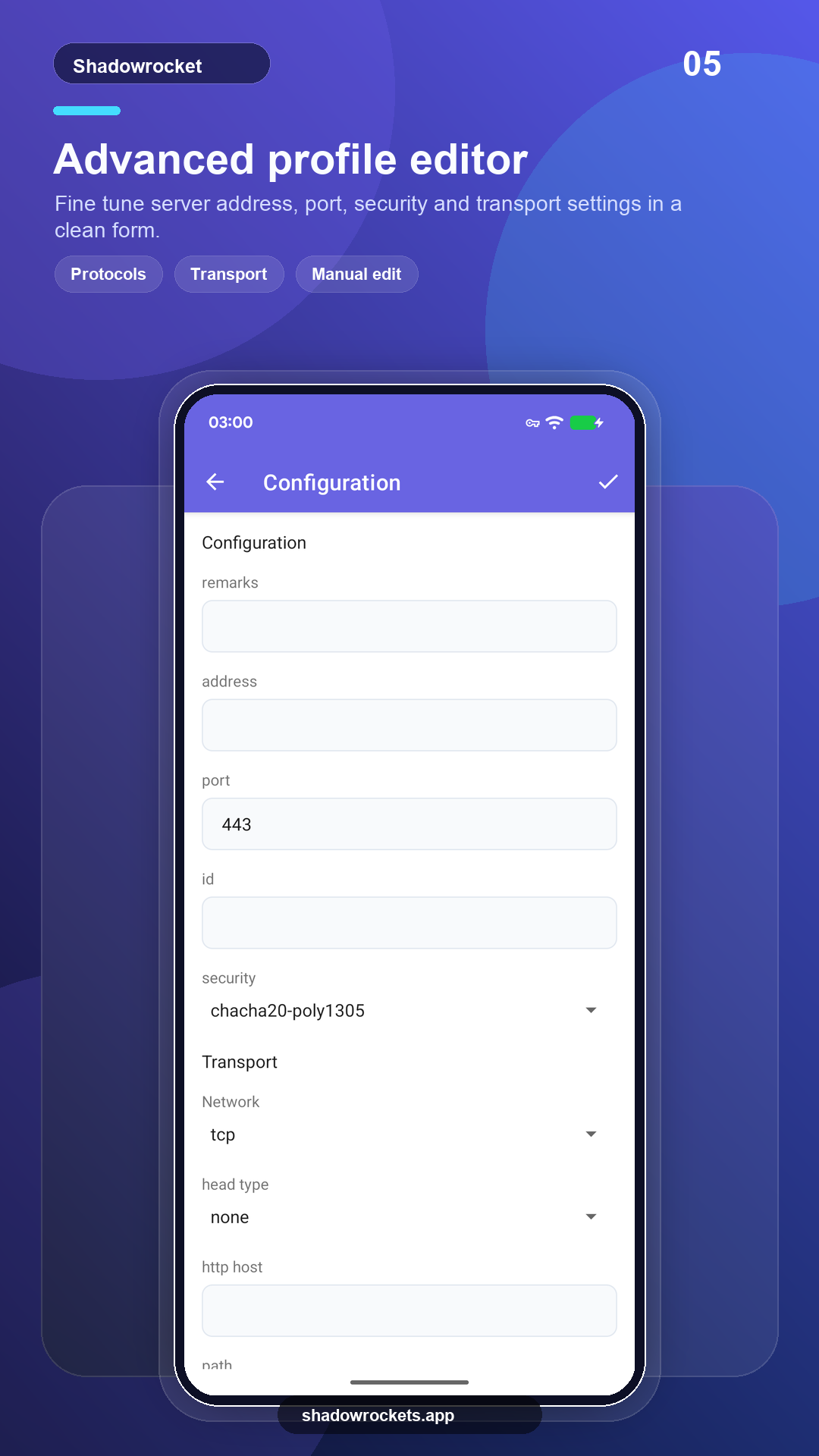
VLESS, VMess, Shadowsocks, Trojan, Hysteria2, WireGuard na itifaki nyingine za kawaida, zinazoingizwa kutoka kwa viungo vya usajili, viungo vya nodi au misimbo ya QR.
Nodi za bure hazihitaji kujisajili; boresha hadi Premium ukiipenda.