Yerleşik ücretsiz düğüm listesi
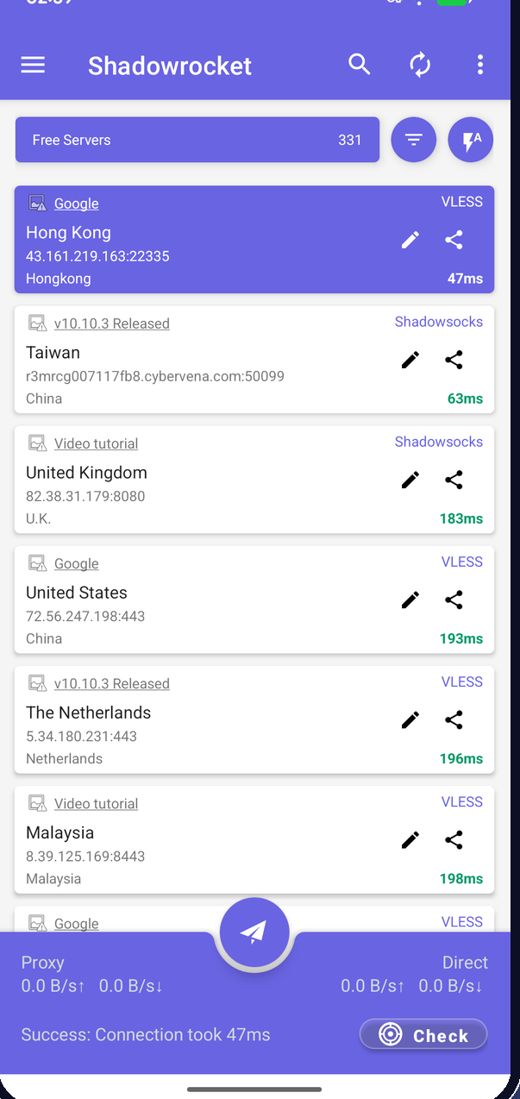
Uygulama açılışta en güncel ücretsiz düğümleri alır; sunucu aramanız gerekmez.
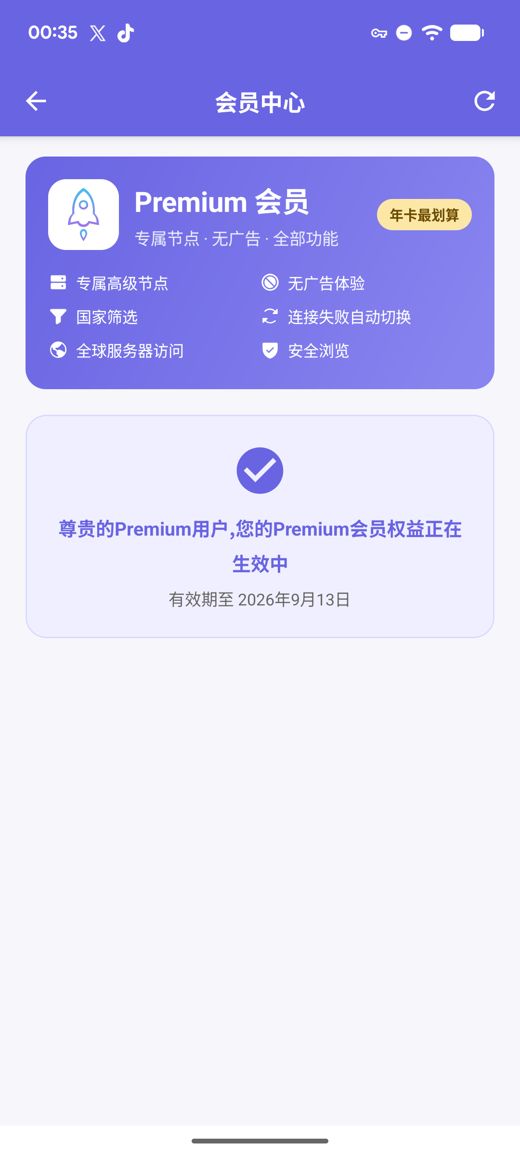
Premium, özel yüksek hızlı sunucular, reklamsız kullanım, ülke filtresi, bağlantı kesilince otomatik geçiş ve Güvenli Gezinme ekler; hepsi için hesap açmanıza gerek yoktur.
arm64-v8a / armeabi-v7a / x86_64 / x86 için APK sürümleri, yayımlanmış SHA256 sağlama toplamlarıyla
Ücretsiz düğümleri sürekli topluyor, test ediyor ve yayımlıyoruz; ücretsiz hizmeti yalnızca reklamlar finanse eder. Kendi aboneliklerinizi ve düğüm bağlantılarınızı da içe aktarabilirsiniz.
Uygulama açılışta en güncel ücretsiz düğümleri alır; sunucu aramanız gerekmez.
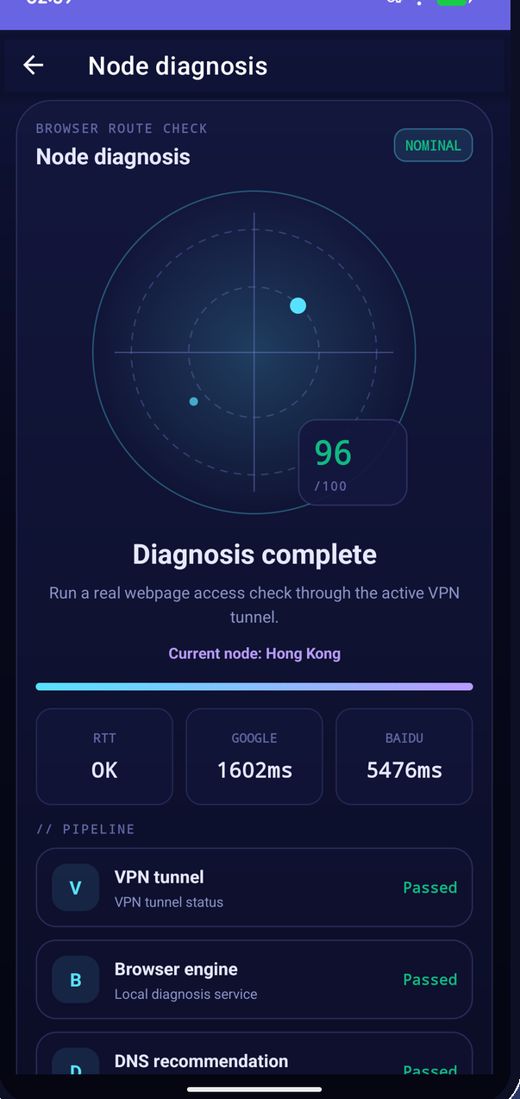
Tüm düğümlerin gecikmesini toplu ölçün, hıza göre sıralayın ve en hızlısına bağlanın.
Düğümler düzenli olarak değişir; biri çalışmayı bırakırsa listeyi yenileyip yeniden deneyin.
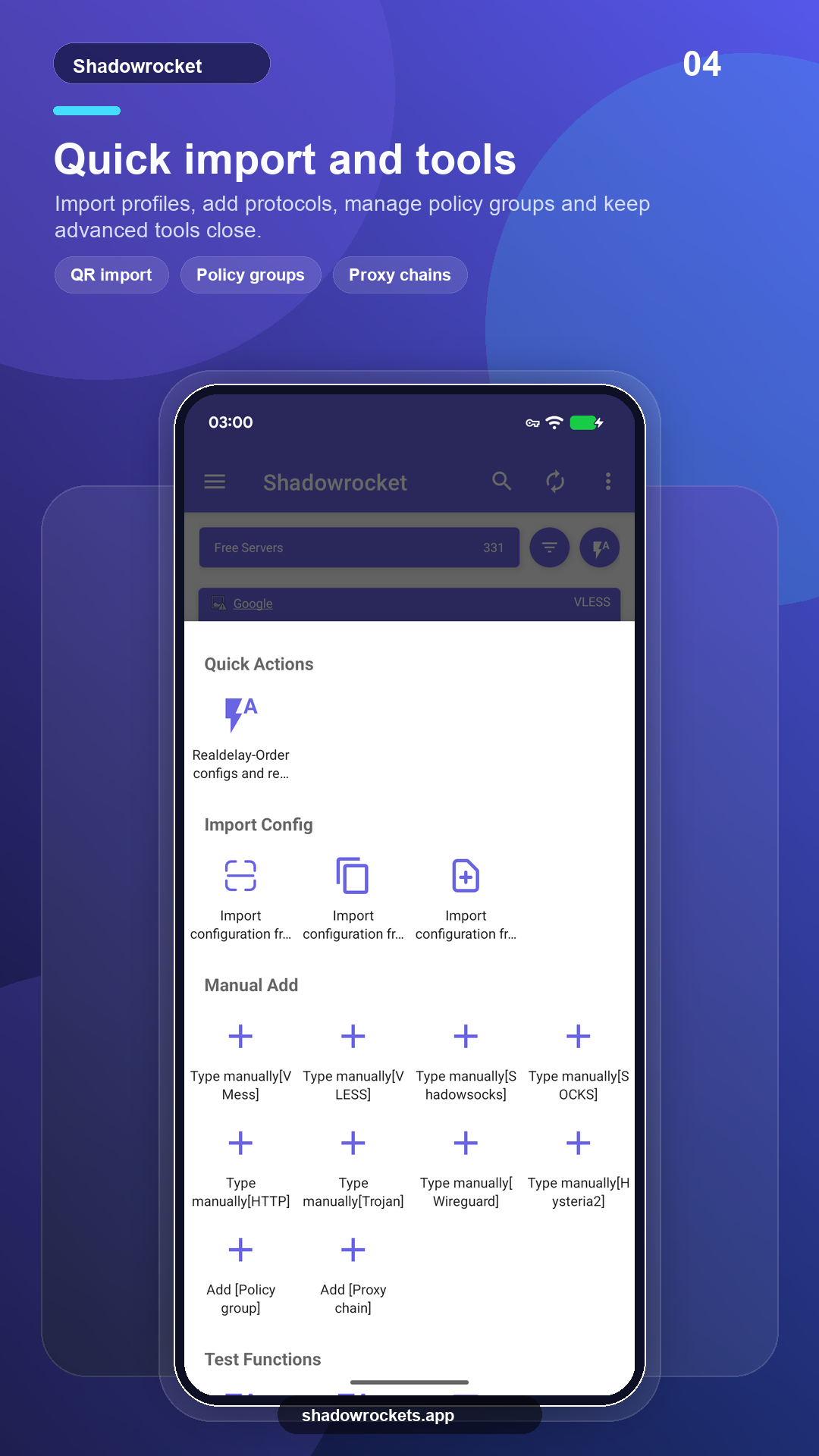
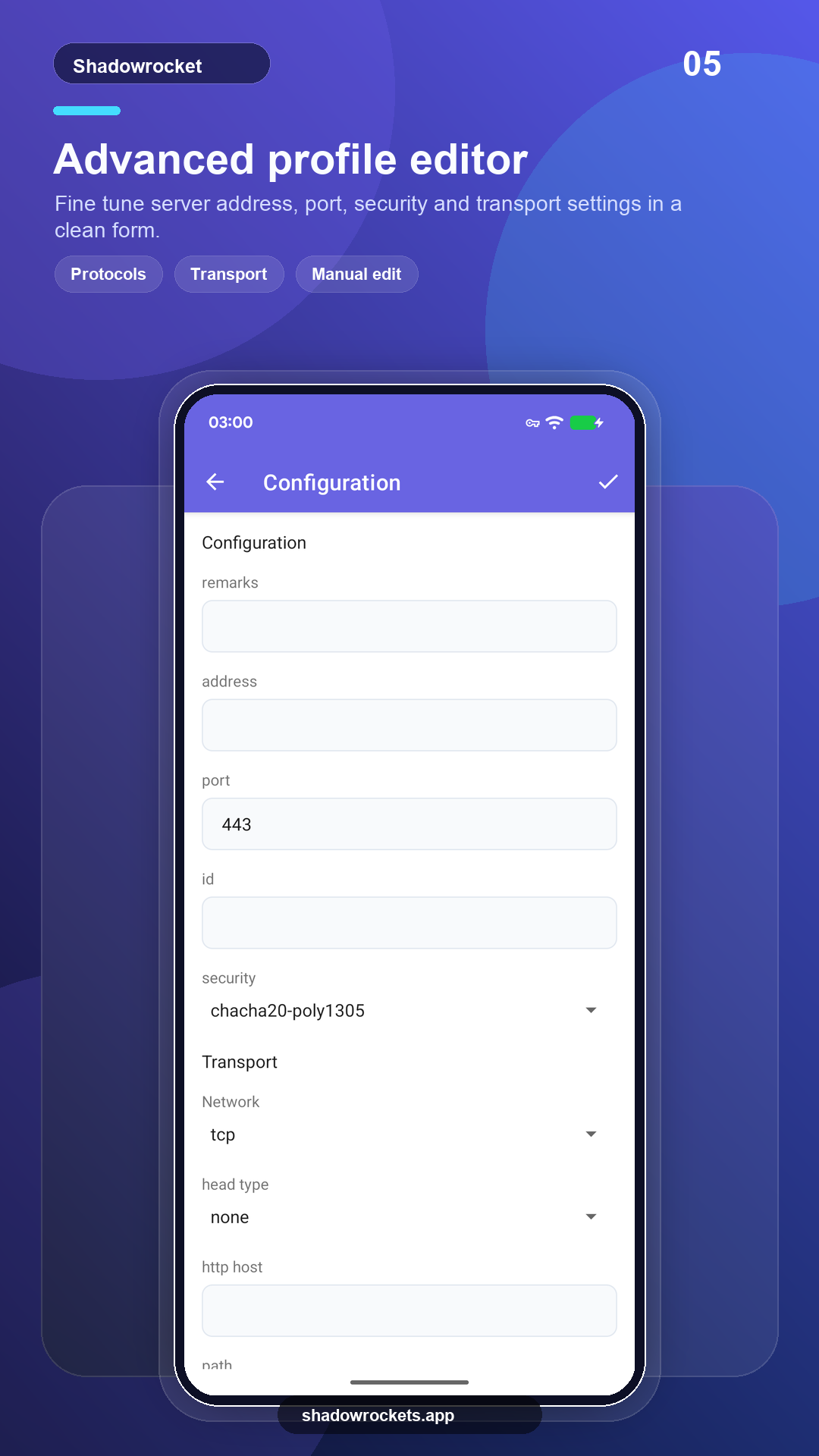
VLESS, VMess, Shadowsocks, Trojan, Hysteria2 ve daha fazlası; bağlantı, abonelik veya QR kodla.
Premium, Google Play üzerinden aylık, 3 aylık veya yıllık faturalandırılan isteğe bağlı bir aboneliktir; en avantajlısı yıllık plandır. Kesin fiyat uygulama içinde yerel para biriminizle gösterilir ve her satın alma uygulama içinde yapılır, bu sitede değil.
Fiyatlar Google Play tarafından ülkeye göre belirlenir ve uygulama içindeki üyelik sayfasında gösterilir.
Google Play'in çalıştığı yerlerde mağaza sürümü kendini günceller. Doğrudan APK, Google hizmetleri olmayan telefonlar içindir; ya da mağaza bu uygulamayı göstermediğinde kullanılır.
Mağazadan kurun, otomatik güncellensin; Premium, Google hesabınızla geri gelir.
Google Play'i açSürüm 10.10.56 · dört CPU mimarisi · SHA256 sağlama toplamları yayımlandı
APK indir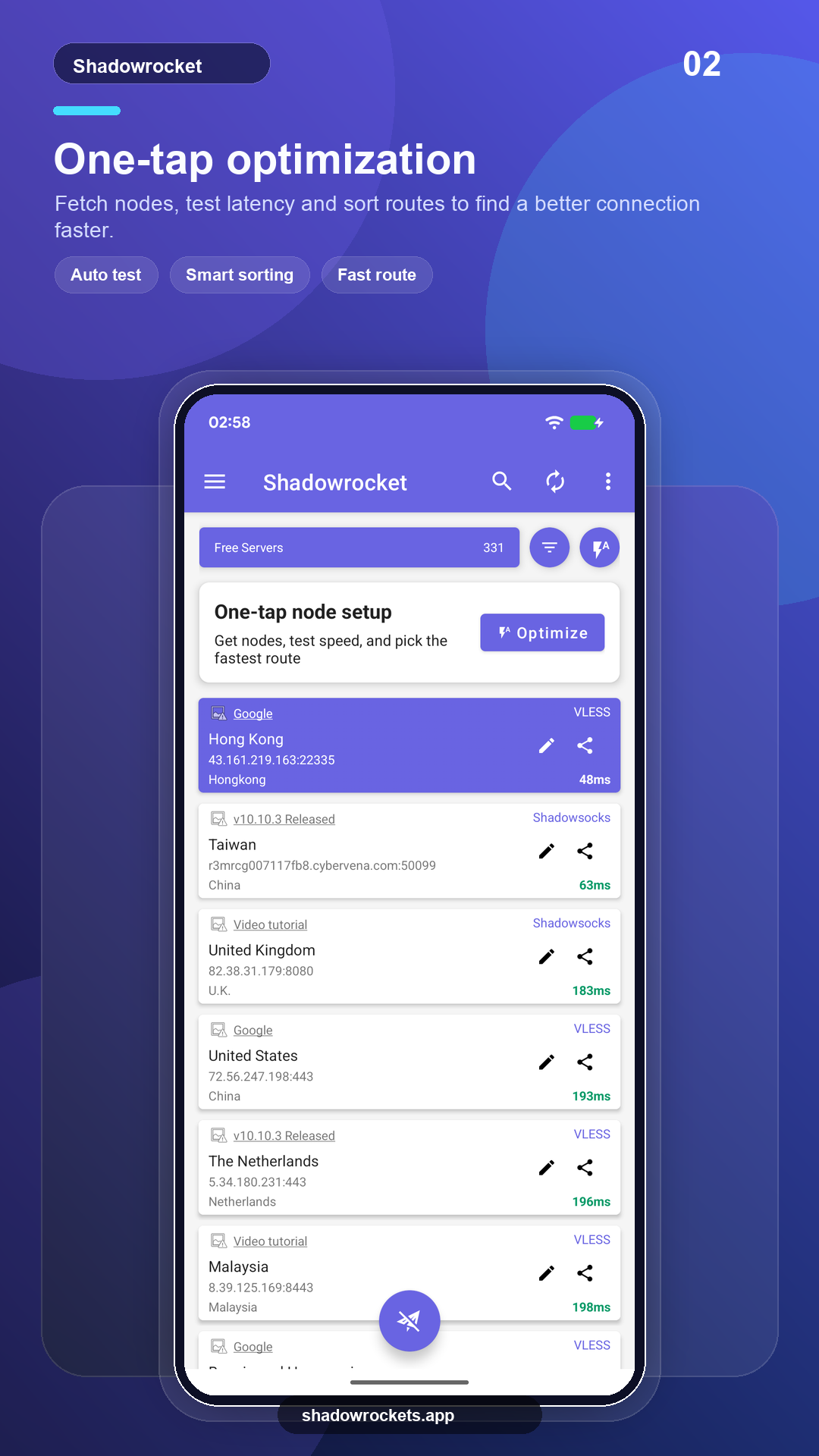
Ücretsiz düğümler hiçbir ücret ve hesap gerektirmez. Ücretsiz hizmeti ayakta tutan tek gelir reklamlardır; Premium hepsini kaldırır.
Hayır. Premium, telefonunuzda zaten oturum açık olan Google hesabıyla Google Play üzerinden satın alınır ve hemen etkinleşir. Fiyatlar uygulamada yerel para biriminizle gösterilir.
Premium bir Google Play aboneliğidir, bu yüzden Google hesabınızı takip eder: yeni telefonda oturum açın, üyelik sayfasını açın ve geri gelsin.
Özellikler aynı. Play sürümü kendini günceller ve Google üzerinden ücretlendirir; APK sürümü Google hizmetleri olmayan telefonlar içindir ve elle güncellenir.
Google Play bu listelemeyi bazı ülke veya bölgelerde göstermez. Bu durumda, doğrudan APK'yı bu siteden indirin: aynı ücretsiz düğümlere sahip aynı uygulamadır ve güncellemeleri kendisi kontrol eder.
VLESS, VMess, Shadowsocks, Trojan, Hysteria2, WireGuard ve diğer yaygın protokoller; abonelik bağlantısı, düğüm bağlantısı veya QR koddan içe aktarılır.
Ücretsiz düğümler kayıt gerektirmez; beğenirseniz Premium'a geçin.