Built-in na listahan ng libreng node
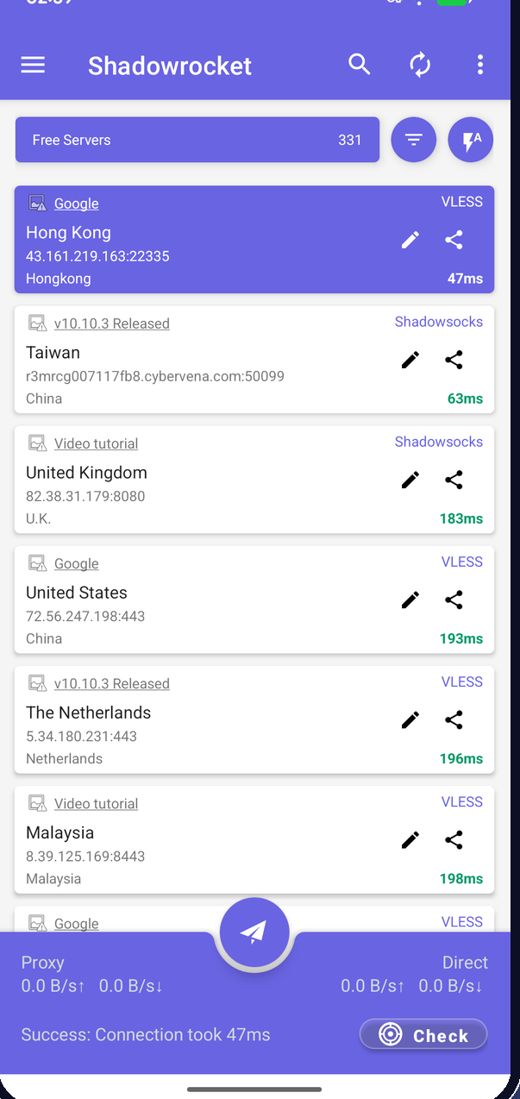
Kinukuha ng app ang pinakabagong libreng node sa paglunsad, kaya hindi mo na kailangang maghanap ng server.
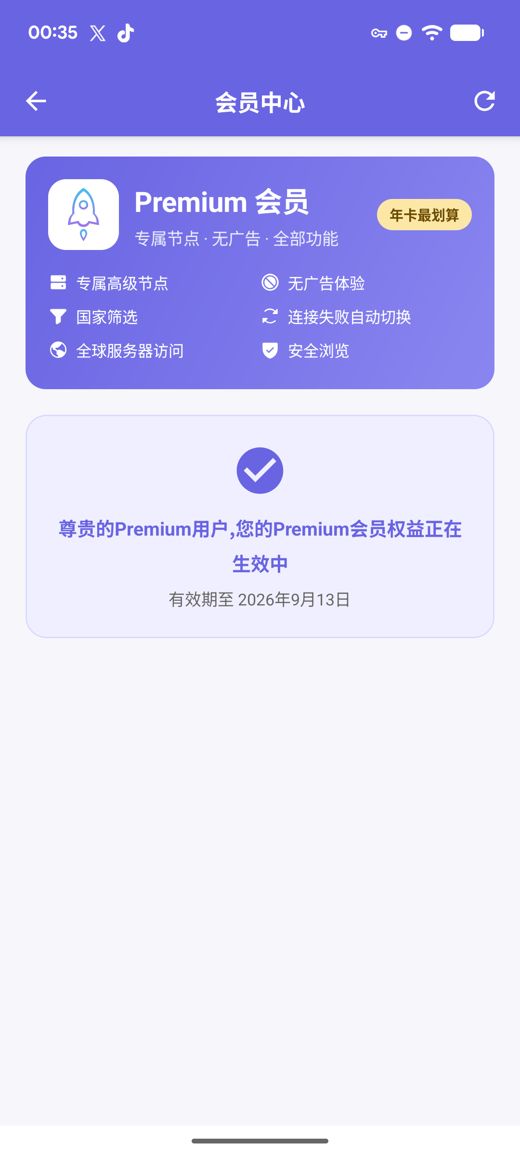
Nagdaragdag ang Premium ng mga pribadong high-speed server, walang ads, filter ng bansa, awtomatikong paglipat kapag nabigo at Ligtas na Pag-browse, lahat nang walang account na gagawin.
Mga APK build para sa arm64-v8a / armeabi-v7a / x86_64 / x86 na may nakalathalang SHA256 checksum
Patuloy naming kinokolekta, sinusubok at inilalathala ang mga libreng node; ads lang ang pumopondo sa libreng serbisyo. Maaari mo ring i-import ang sarili mong mga subscription at node link.
Kinukuha ng app ang pinakabagong libreng node sa paglunsad, kaya hindi mo na kailangang maghanap ng server.
Subukin nang sabay-sabay ang latency, ayusin ayon sa bilis at kumonekta sa pinakamabilis.
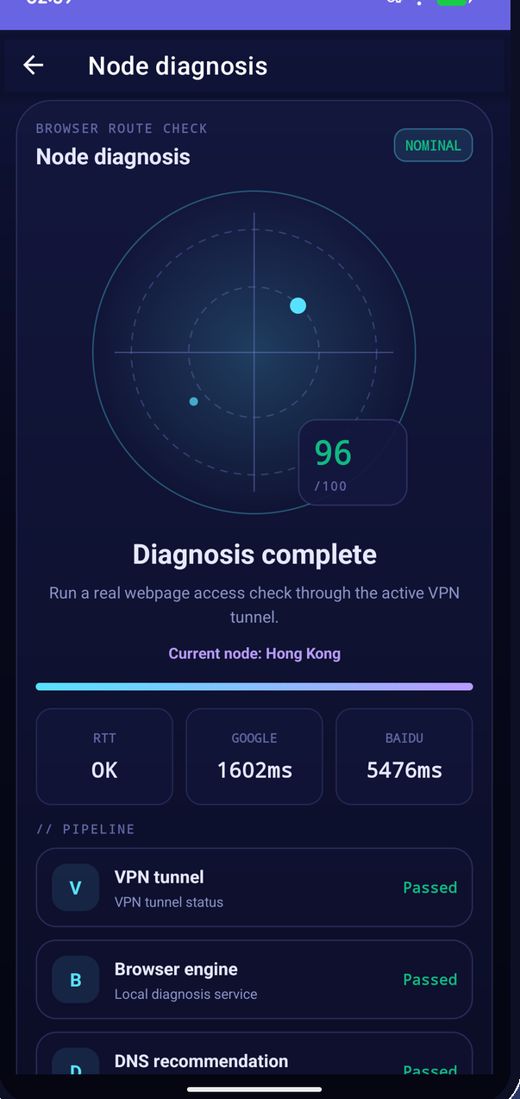
Regular na nagpapalit ang mga node; kung huminto ang isa, i-refresh ang listahan at subukan muli.
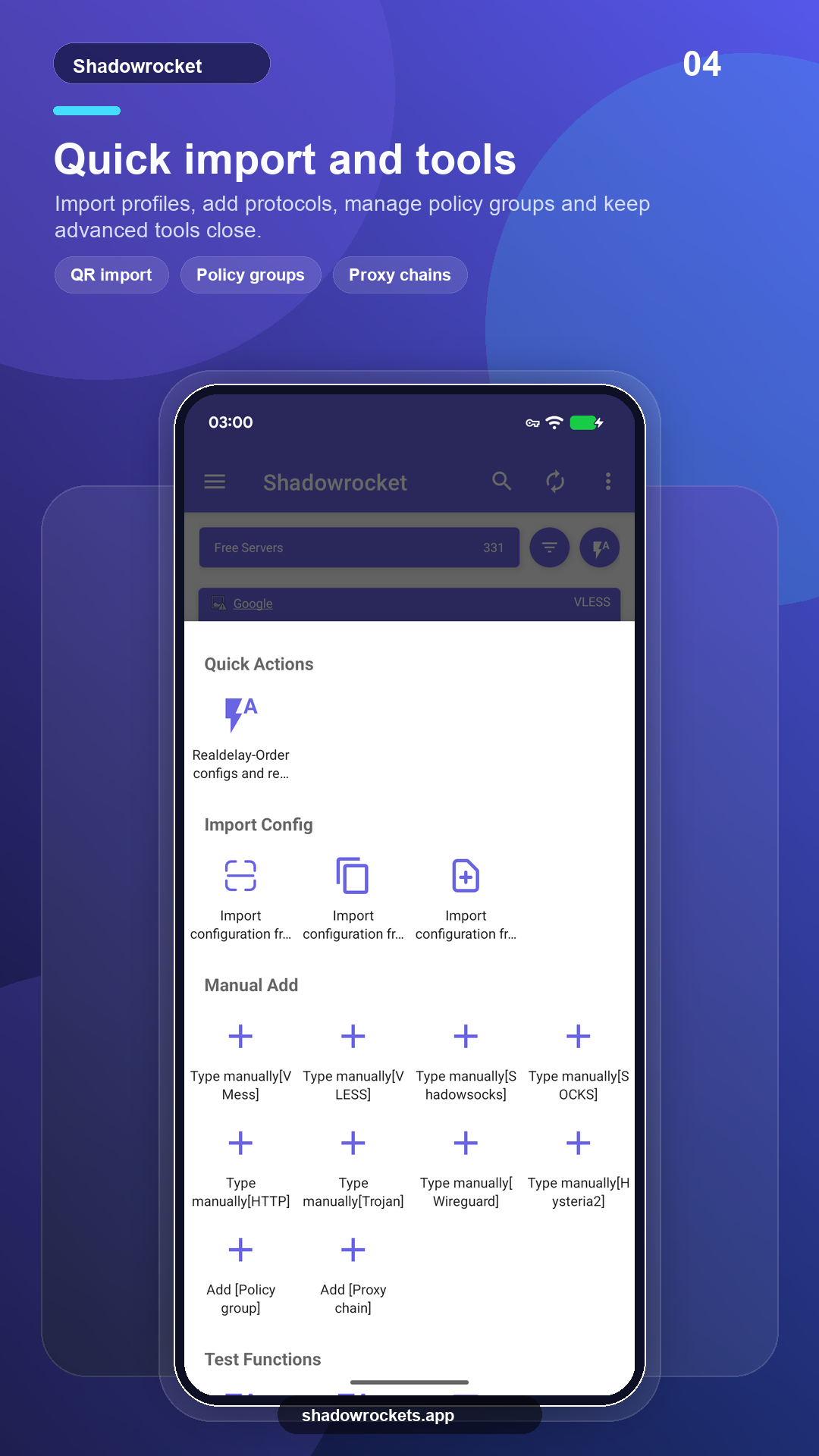
VLESS, VMess, Shadowsocks, Trojan, Hysteria2 at iba pa sa pamamagitan ng mga link, subscription o QR code.
Ang Premium ay opsyonal na subscription na sinisingil buwanan, kada tatlong buwan o taunan sa pamamagitan ng Google Play; ang taunan ang pinakasulit. Ipinapakita sa loob ng app ang eksaktong presyo sa iyong lokal na currency, at sa app nangyayari ang bawat pagbili, hindi kailanman sa site na ito.
Itinatakda ng Google Play ang presyo kada bansa at ipinapakita ito sa pahina ng membership sa loob ng app.
Kung saan gumagana ang Google Play, kusang nag-a-update ang store build. Ang direktang APK ay para sa mga teleponong walang Google services, o kung hindi ipinapakita ng store ang app na ito.
I-install mula sa store, awtomatikong nag-a-update, naibabalik ang Premium gamit ang iyong Google account.
Buksan ang Google PlayBersyon 10.10.56 · apat na CPU architecture · nakalathala ang SHA256 checksum
I-download ang APK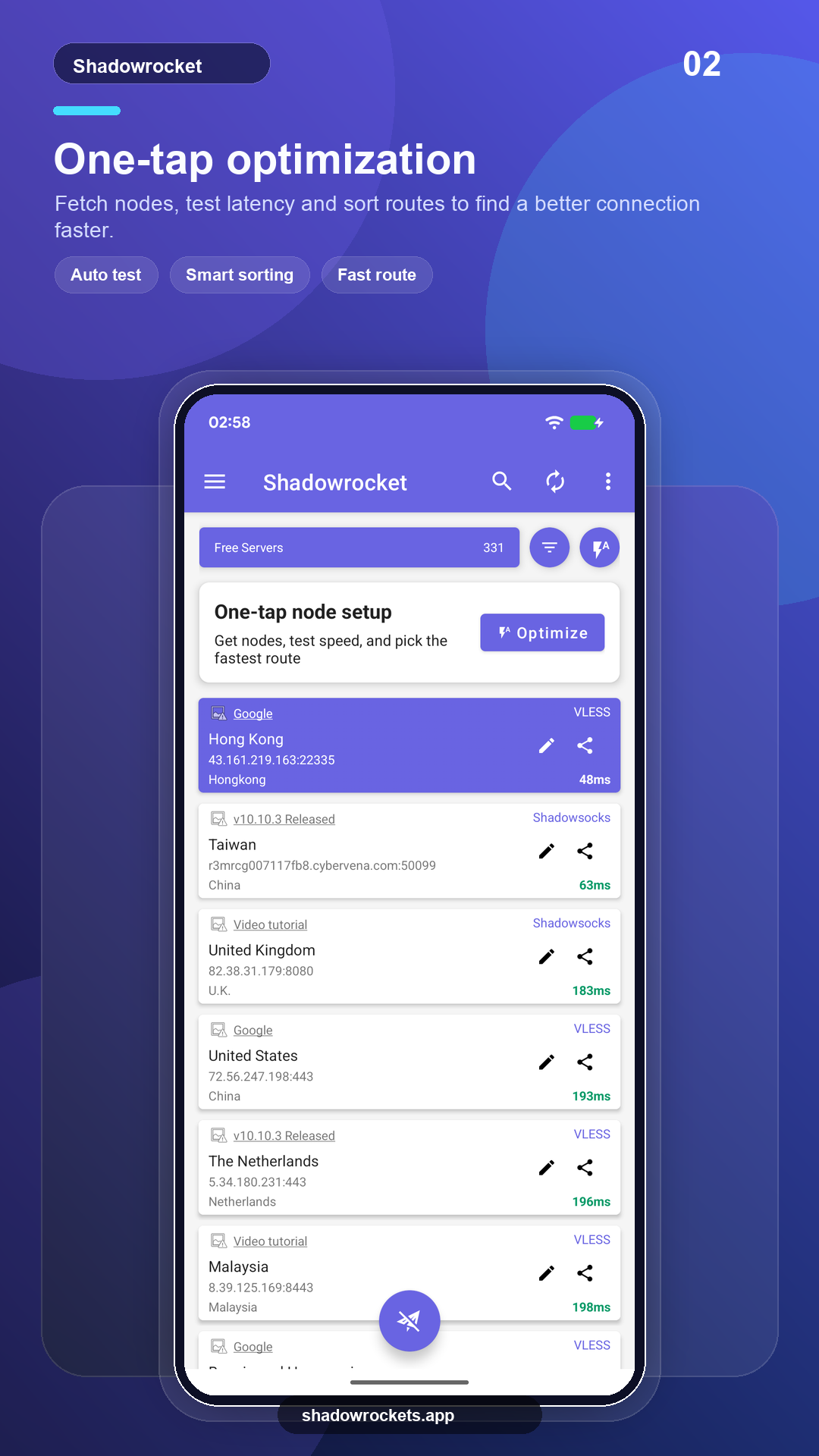
Walang bayad ang mga libreng node at hindi kailangan ng account. Ads lang ang kita na nagpapatakbo sa libreng serbisyo; inaalis ng Premium ang lahat ng ito.
Hindi. Binibili ang Premium sa pamamagitan ng Google Play gamit ang Google account na nasa telepono mo na, at agad itong nag-a-activate. Ipinapakita sa app ang presyo sa iyong lokal na currency.
Ang Premium ay subscription sa Google Play, kaya sumusunod ito sa iyong Google account: mag-sign in sa bagong telepono, buksan ang membership page at maibabalik ito.
Parehong mga feature. Kusang nag-a-update ang Play build at sinisingil sa pamamagitan ng Google; ang APK build ay para sa mga teleponong walang Google services at manu-manong ina-update.
Hindi ipinapakita ng Google Play ang listing na ito sa ilang bansa o rehiyon. Kung mangyari iyon, i-download na lang ang direktang APK mula sa site na ito: ito rin ang parehong app na may parehong libreng mga node, at kusa itong nagche-check ng mga update.
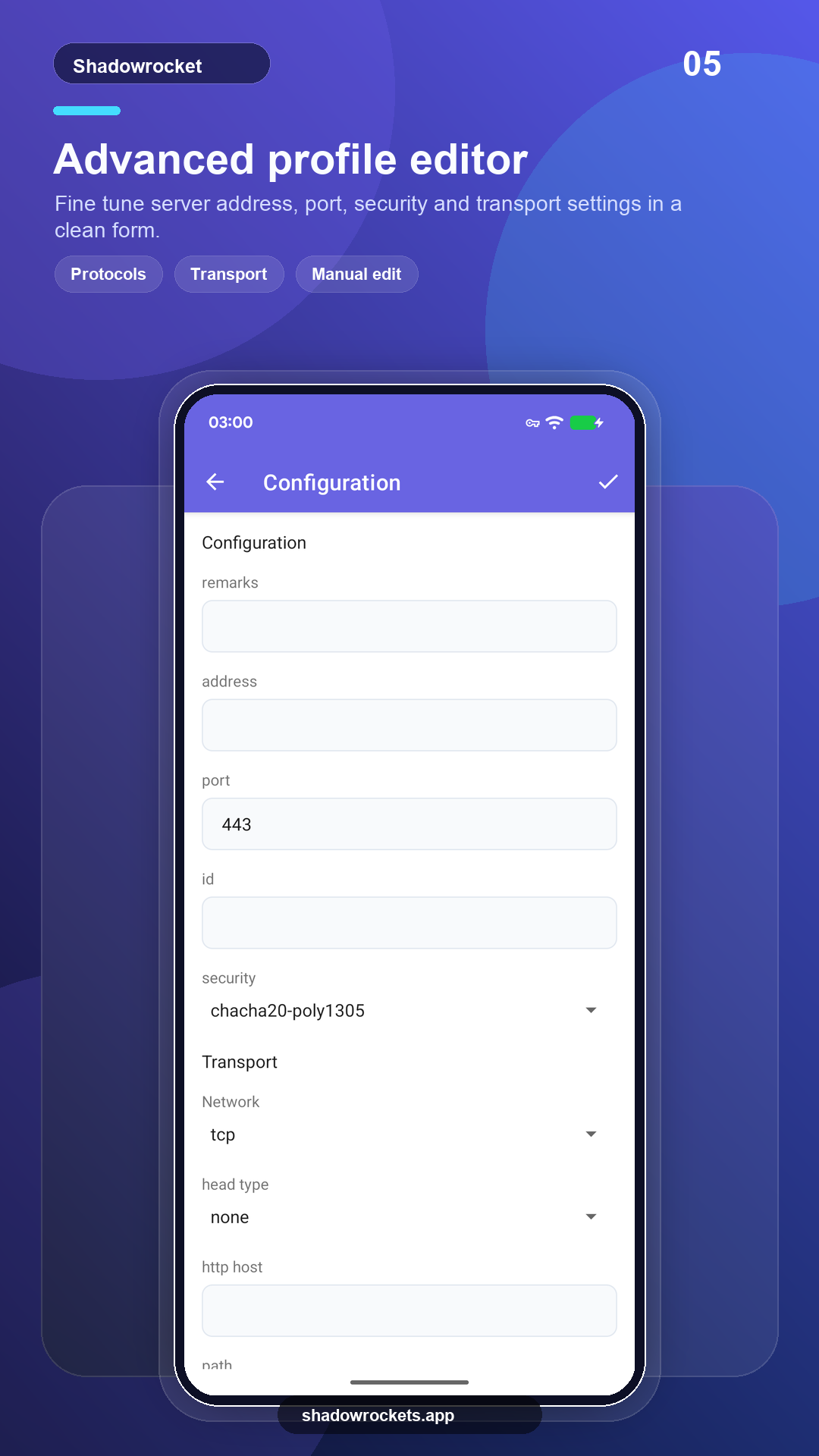
VLESS, VMess, Shadowsocks, Trojan, Hysteria2, WireGuard at iba pang karaniwang protocol, na-i-import mula sa mga subscription link, node link o QR code.
Hindi kailangan ng sign-up ang mga libreng node; mag-upgrade sa Premium kung nagustuhan mo.