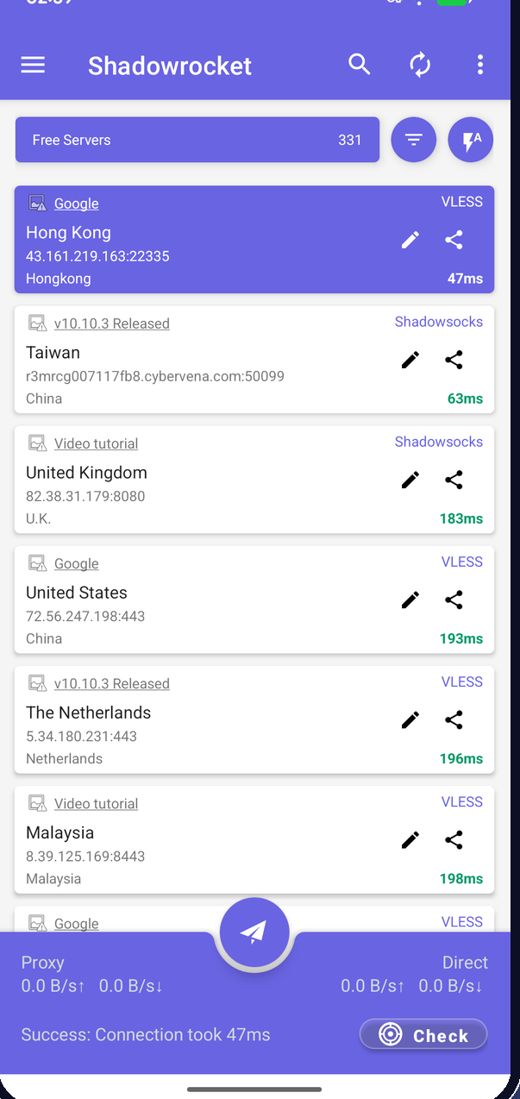
รายการโหนดฟรีในตัว
แอปดึงโหนดฟรีล่าสุดเมื่อเปิดใช้งาน คุณจึงไม่ต้องหาเซิร์ฟเวอร์เอง
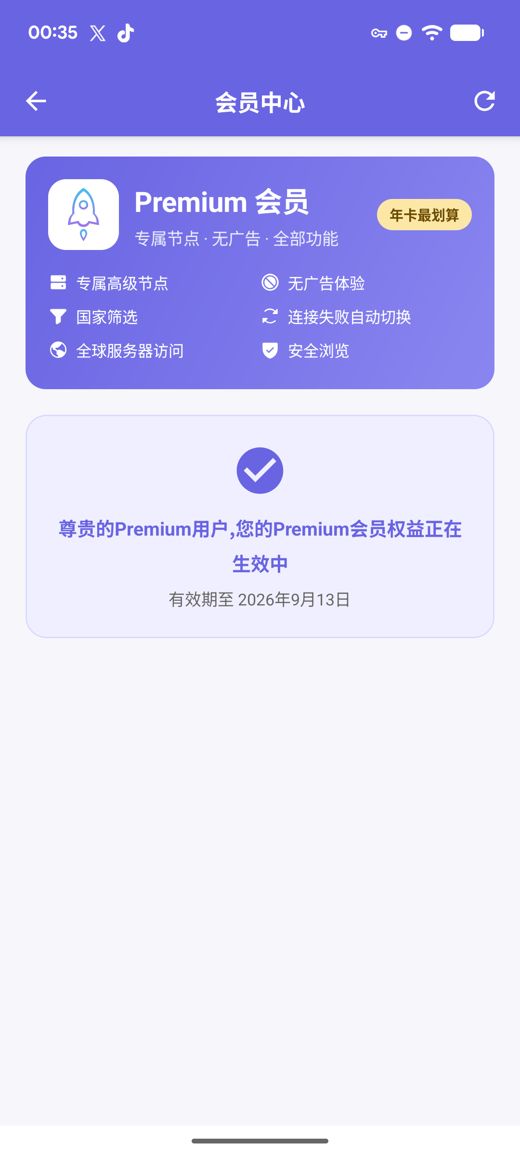
Premium เพิ่มเซิร์ฟเวอร์ส่วนตัวความเร็วสูง ไม่มีโฆษณา ตัวกรองประเทศ สลับอัตโนมัติเมื่อเชื่อมต่อไม่ได้ และการท่องเว็บอย่างปลอดภัย ทั้งหมดโดยไม่ต้องสร้างบัญชี
ไฟล์ APK สำหรับ arm64-v8a / armeabi-v7a / x86_64 / x86 พร้อมค่าตรวจสอบ SHA256 ที่เผยแพร่
เรารวบรวม ทดสอบ และเผยแพร่โหนดฟรีอย่างต่อเนื่อง โฆษณาเป็นสิ่งเดียวที่สนับสนุนบริการฟรี คุณยังนำเข้าการสมัครสมาชิกและลิงก์โหนดของคุณเองได้ด้วย
แอปดึงโหนดฟรีล่าสุดเมื่อเปิดใช้งาน คุณจึงไม่ต้องหาเซิร์ฟเวอร์เอง
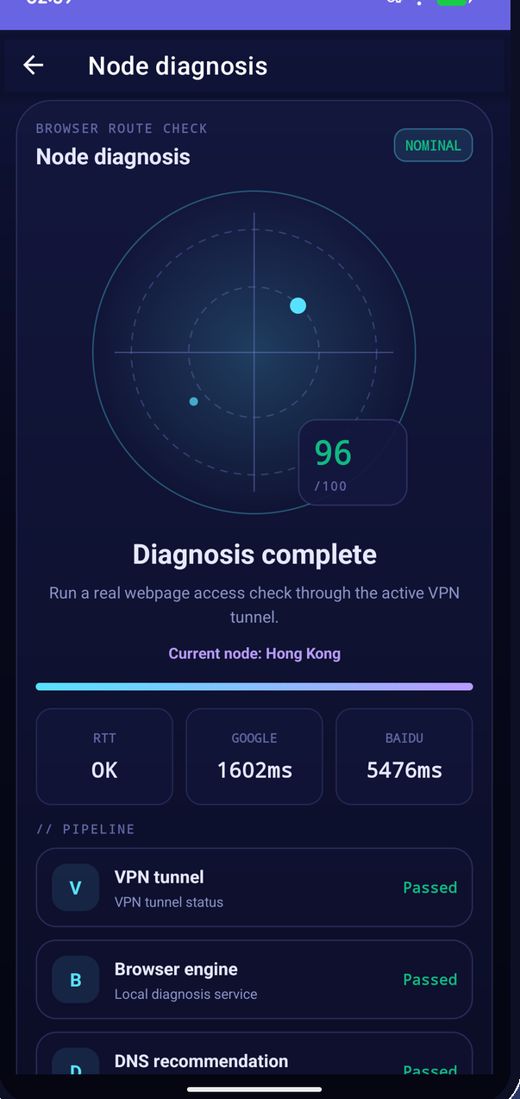
ทดสอบความหน่วงทีละหลายโหนด เรียงตามความเร็ว และเชื่อมต่อกับโหนดที่เร็วที่สุด
โหนดหมุนเวียนเป็นประจำ หากโหนดใดใช้ไม่ได้ ให้รีเฟรชรายการแล้วลองใหม่
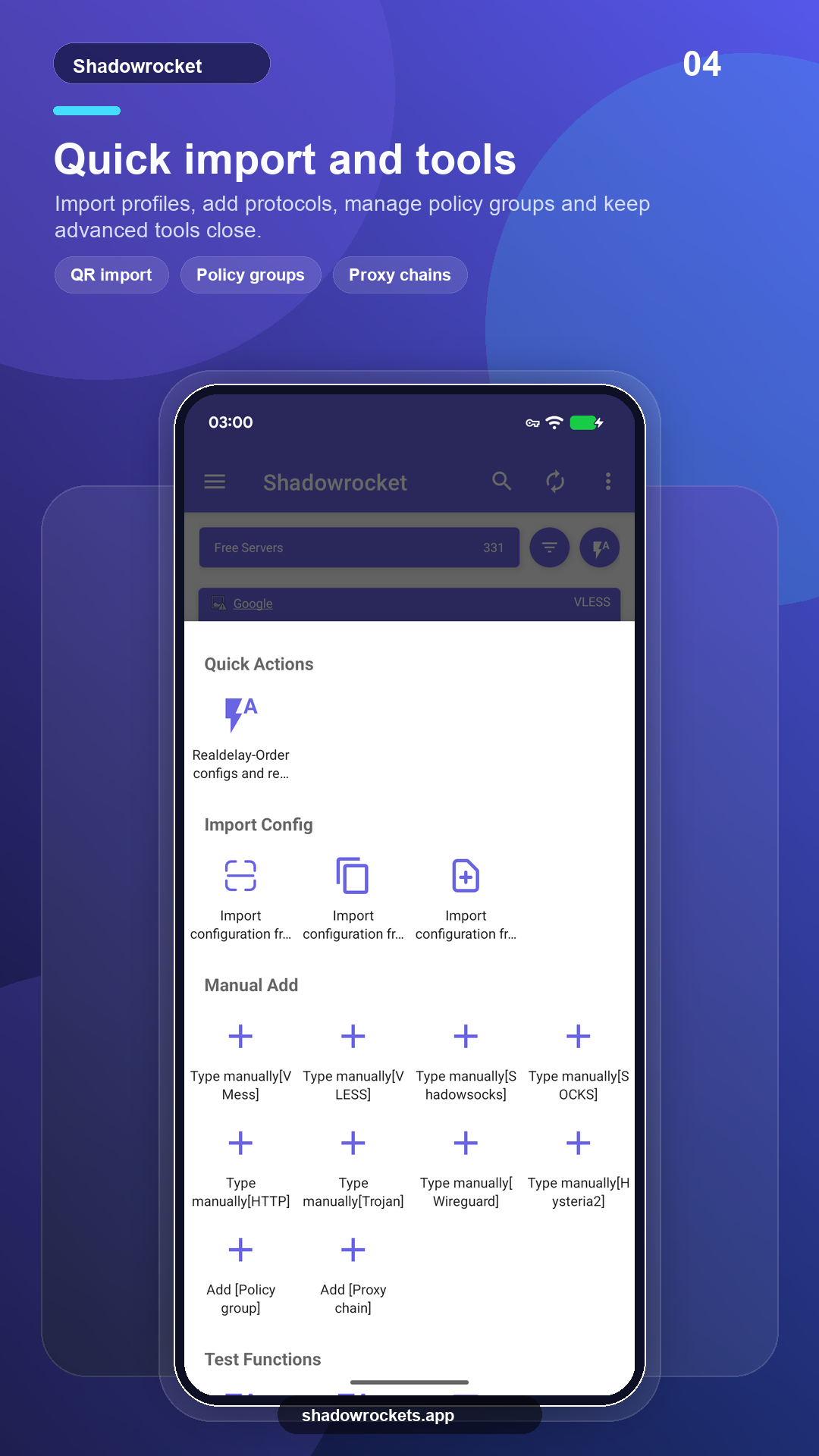
VLESS, VMess, Shadowsocks, Trojan, Hysteria2 และอื่น ๆ ผ่านลิงก์ การสมัครสมาชิก หรือคิวอาร์โค้ด
Premium เป็นการสมัครสมาชิกแบบเลือกได้ ชำระรายเดือน รายไตรมาส หรือรายปีผ่าน Google Play โดยรายปีคุ้มค่าที่สุด ราคาที่แน่นอนแสดงในแอปเป็นสกุลเงินท้องถิ่นของคุณ และการซื้อทุกรายการทำในแอปเท่านั้น ไม่ใช่บนเว็บไซต์นี้
ราคากำหนดตามประเทศโดย Google Play และแสดงบนหน้าสมาชิกภายในแอป
ในที่ที่ Google Play ใช้ได้ เวอร์ชันสโตร์จะอัปเดตเอง ส่วน APK โดยตรงมีไว้สำหรับโทรศัพท์ที่ไม่มีบริการของ Google หรือกรณีที่สโตร์ไม่แสดงแอปนี้
ติดตั้งจากสโตร์ อัปเดตอัตโนมัติ Premium กู้คืนด้วยบัญชี Google ของคุณ
เปิด Google Playเวอร์ชัน 10.10.56 · สถาปัตยกรรม CPU สี่แบบ · เผยแพร่ค่าตรวจสอบ SHA256
ดาวน์โหลด APK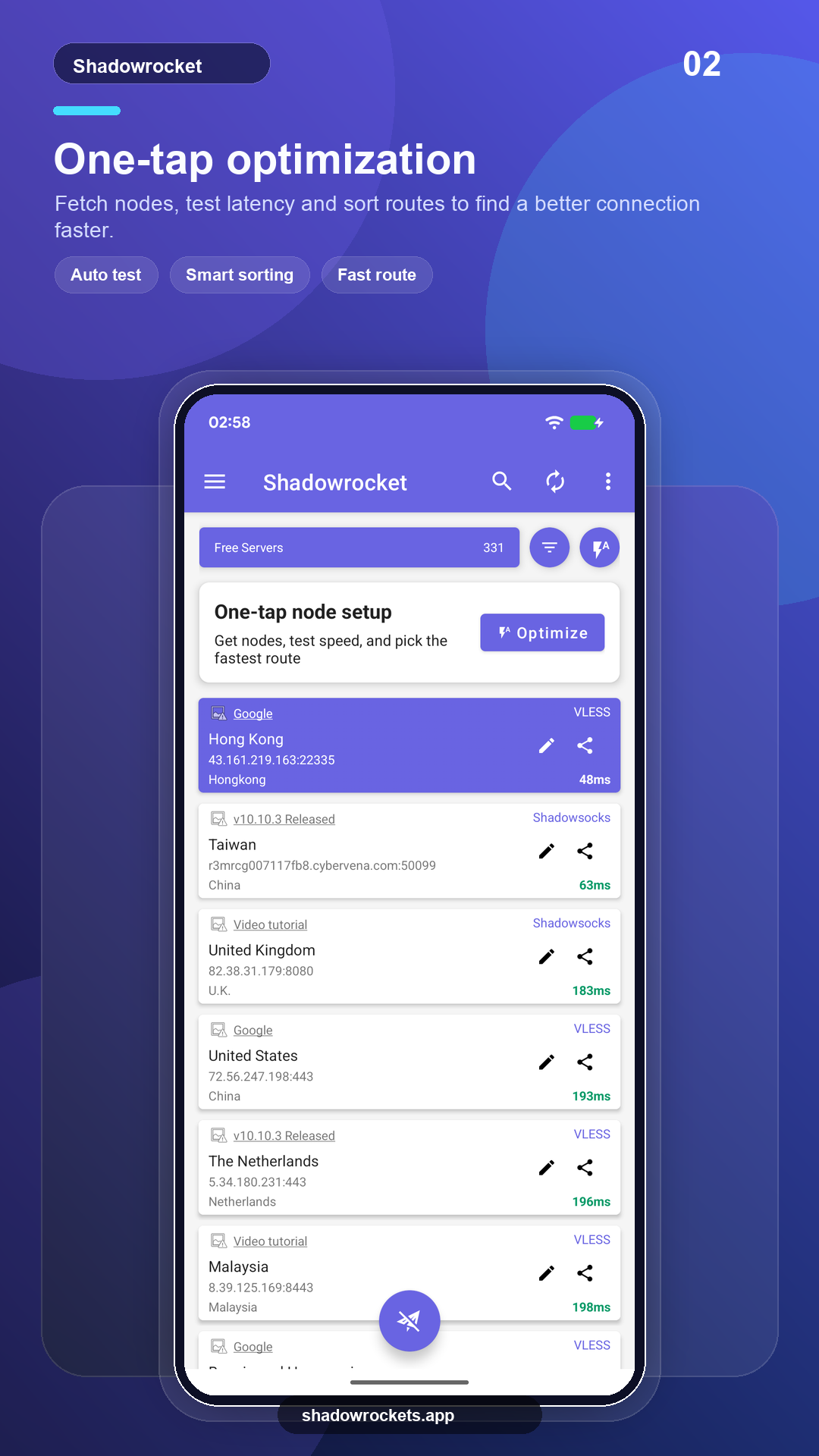
โหนดฟรีไม่มีค่าใช้จ่ายและไม่ต้องมีบัญชี โฆษณาเป็นรายได้เดียวที่ทำให้บริการฟรีดำเนินต่อไปได้ Premium จะเอาโฆษณาออกทั้งหมด
ไม่ต้อง Premium ซื้อผ่าน Google Play ด้วยบัญชี Google ที่มีอยู่ในโทรศัพท์ของคุณแล้ว และเปิดใช้งานทันที ราคาแสดงในแอปเป็นสกุลเงินท้องถิ่นของคุณ
Premium เป็นการสมัครสมาชิกผ่าน Google Play จึงติดตามบัญชี Google ของคุณ: ลงชื่อเข้าใช้บนโทรศัพท์เครื่องใหม่ เปิดหน้าสมาชิก แล้วจะกู้คืนให้เอง
ฟีเจอร์เหมือนกัน เวอร์ชัน Play อัปเดตเองและชำระผ่าน Google ส่วนเวอร์ชัน APK มีไว้สำหรับโทรศัพท์ที่ไม่มีบริการของ Google และต้องอัปเดตด้วยตนเอง
Google Play ไม่แสดงรายการนี้ในบางประเทศหรือภูมิภาค หากเกิดกรณีนี้ ให้ดาวน์โหลด APK โดยตรงจากเว็บไซต์นี้แทน เป็นแอปตัวเดียวกันกับโหนดฟรีชุดเดียวกัน และจะตรวจสอบอัปเดตให้เองโดยอัตโนมัติ
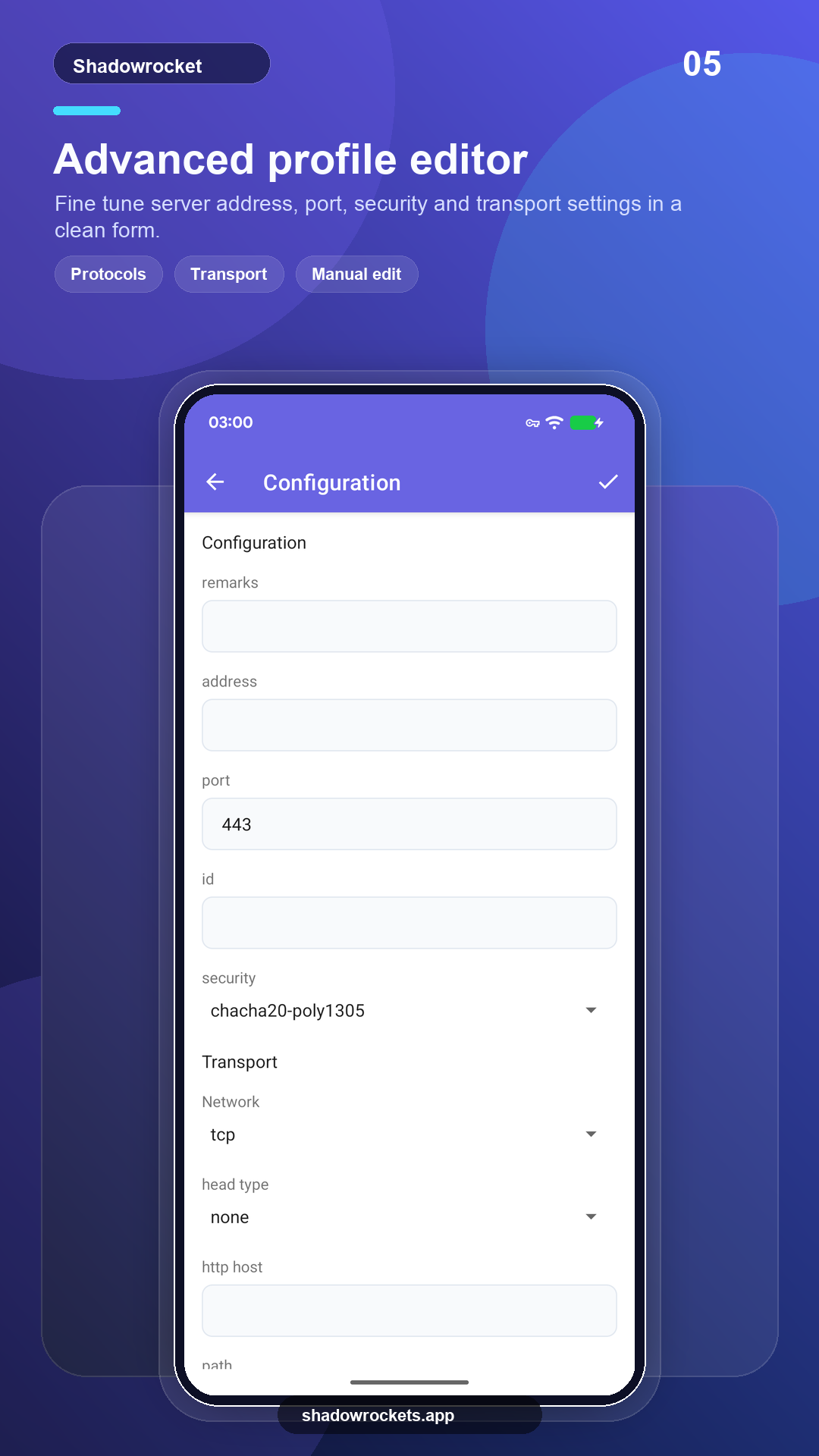
VLESS, VMess, Shadowsocks, Trojan, Hysteria2, WireGuard และโปรโตคอลหลักอื่น ๆ นำเข้าจากลิงก์การสมัครสมาชิก ลิงก์โหนด หรือคิวอาร์โค้ด
โหนดฟรีไม่ต้องสมัคร หากชอบค่อยอัปเกรดเป็น Premium